by Foster D. Coburn III | Mar 28, 2026
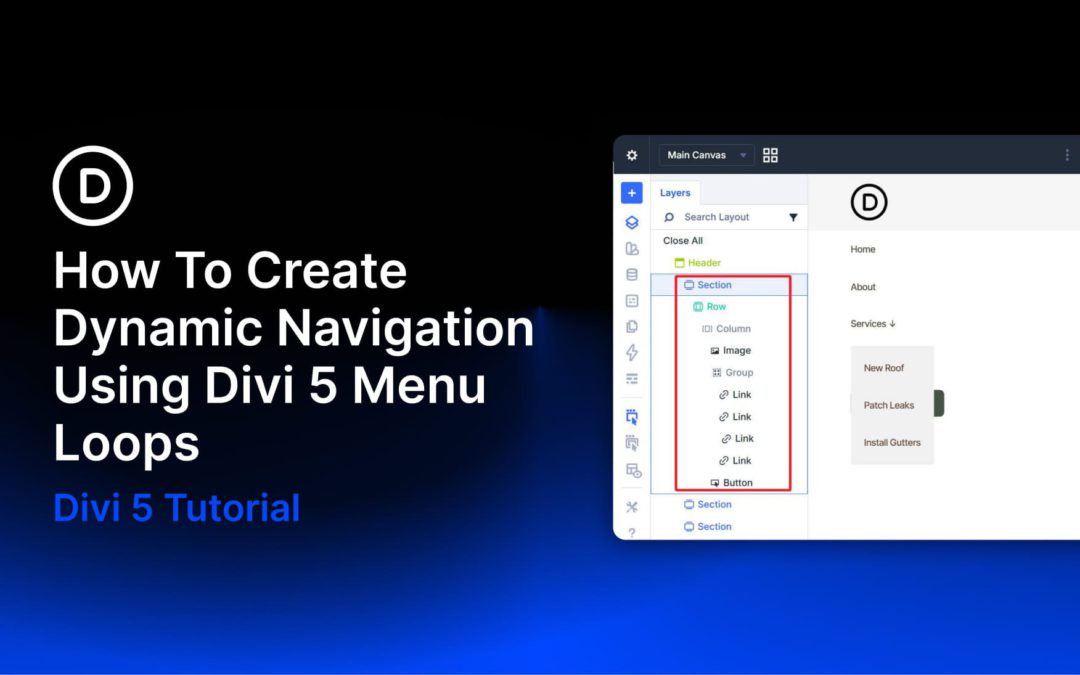
Divi has always connected to WordPress menus through the Menu module. What the new Link module, Dropdown module, and Menu query type in the Loop Builder add is compositional control. Instead of relying on a pre-packaged menu component with a fixed structure and styling constraints, you can now build navigation from individually styleable modules using the same building blocks you use elsewhere in Divi 5.
The Menu query type in the Loop Builder is the other key ingredient. A Link module can be looped against a WordPress menu so it repeats once per menu item and dynamically pulls in each item’s text and URL. Add, remove, or reorder items in Appearance > Menus, and the navigation updates without requiring changes in the Visual Builder.
There is one current limitation to keep in mind: Divi 5’s new menu looping does not yet provide a complete one-loop solution for top-level items and nested sub-menu items together. These new modules and the Menu query type still provide a strong foundation, but for now, building dropdown navigation works best with a hybrid approach. Because of that, this tutorial covers two practical patterns: one for flat navigation driven entirely by a single menu loop, and one for navigation with dropdowns where the top level is built manually and each dropdown’s links are looped from a dedicated WordPress menu.
by Foster D. Coburn III | Mar 26, 2026
In an era where WCAG compliance, semantic HTML, and AI-assisted search experiences matter, modern website builders are evolving to make accessibility and meaningful structure standard rather than an afterthought. Divi 5 is part of that shift, making it easier for Divi users to build sites with clearer structure and stronger accessibility.
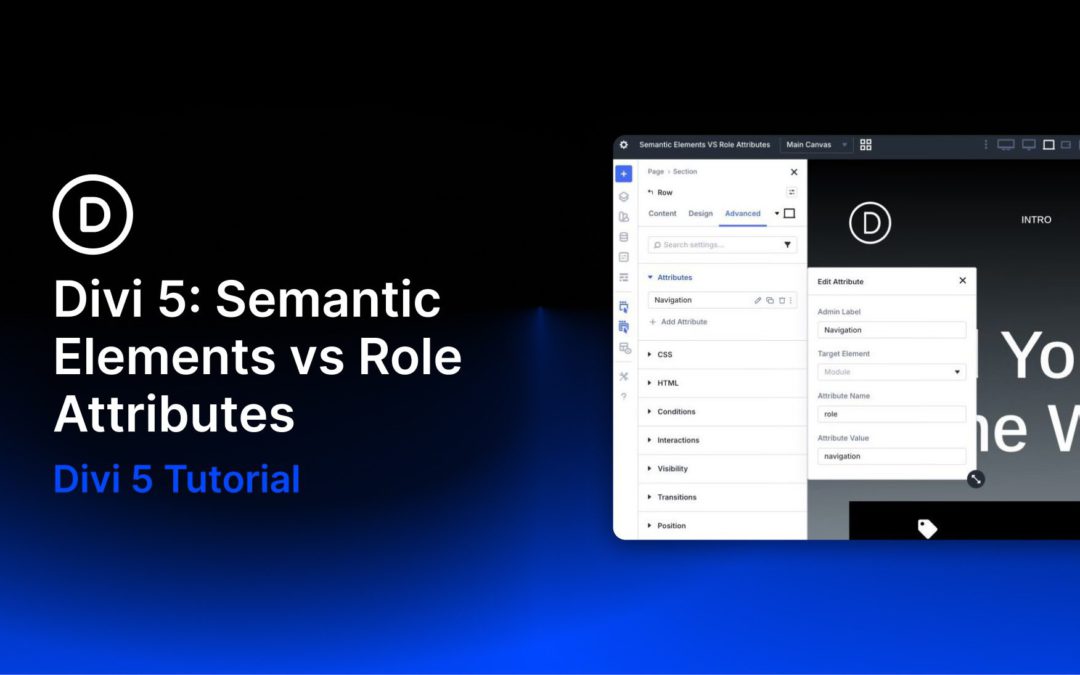
Divi 5 includes Semantic Elements, which let users change a module’s underlying HTML tag to native semantic tags such as nav, header, article, or button. Another recent feature, Custom Attributes, lets users add HTML attributes, including ARIA roles and states, in the Advanced tab. While Semantic Elements provide built-in meaning through proper HTML tags, Custom Attributes provide additive semantics and finer control when a native tag alone is not enough.
In this post, I’ll compare the two approaches head-to-head, explain when to prioritize one over the other, and show how they work together in Divi 5 to improve accessibility, clarity, and long-term maintainability.
by Foster D. Coburn III | Mar 25, 2026
When you’re building complex sites, a few deliberate adjustments to your environment can save hours each week by reducing friction and keeping you focused on the work that matters.
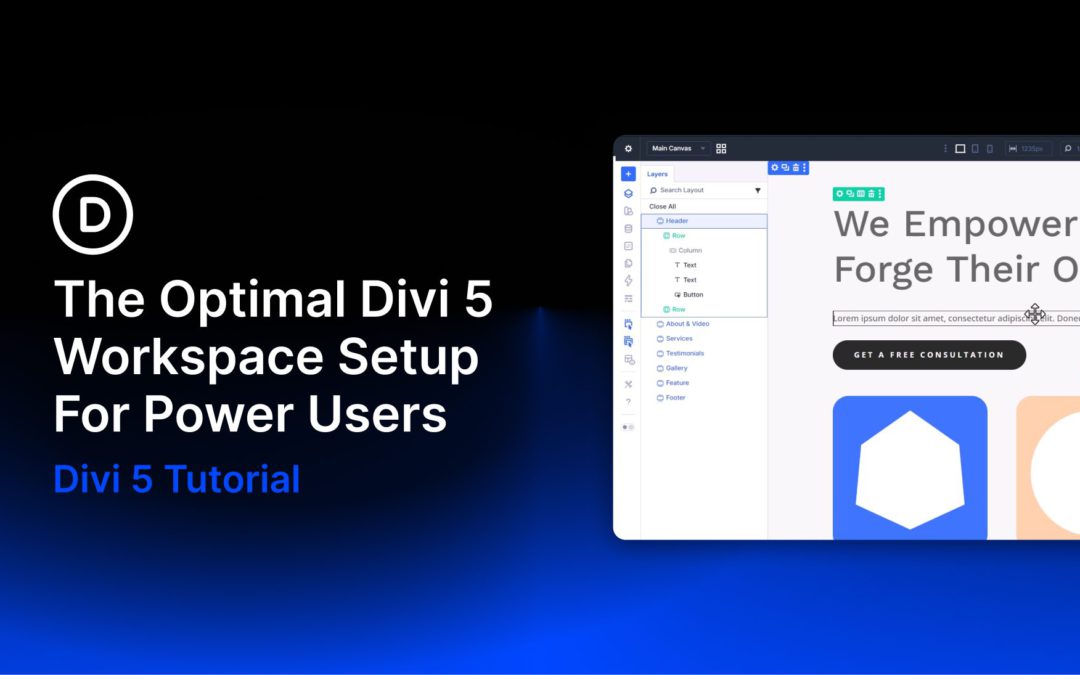
Divi 5 makes this easier with workspace tools that adapt to how you work instead of slowing you down. In this guide, we’ll walk through the settings and workflow choices that make the biggest difference, with concrete examples, so efficiency in the Visual Builder becomes second nature.
by Foster D. Coburn III | Mar 24, 2026
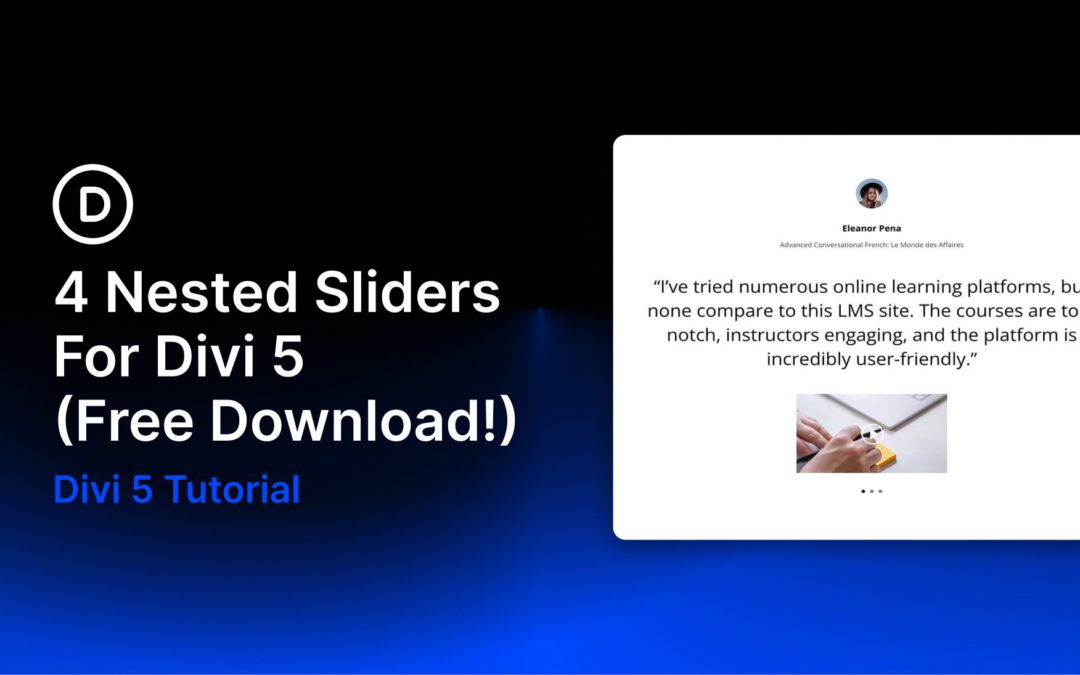
Divi 5 makes it easy to build interactive layouts that feel polished without adding unnecessary complexity. In this free pack, you will find 4 Nested Sliders, designed for testimonials, featured content, portfolio highlights, product spotlights, and other content that benefits from layered navigation. Drop one onto any page, swap the content, and you are ready to go. No extra setup required.
by Foster D. Coburn III | Mar 23, 2026
As a designer, every moment spent waiting for builder actions to load can break your creative flow. Speed is not just about your site’s visitors. It also matters inside your workflow, especially when you are entering the builder, exiting it, or switching between pages throughout a build session.
For Divi users, the Visual Builder has always been a powerful and intuitive workspace, but navigation still comes with overhead. On fast hosting, those delays may feel minor. On slower hosting, they can become a constant drag on productivity. When that wait repeats over and over during the day, even a few saved seconds per action can make the builder feel dramatically more responsive.
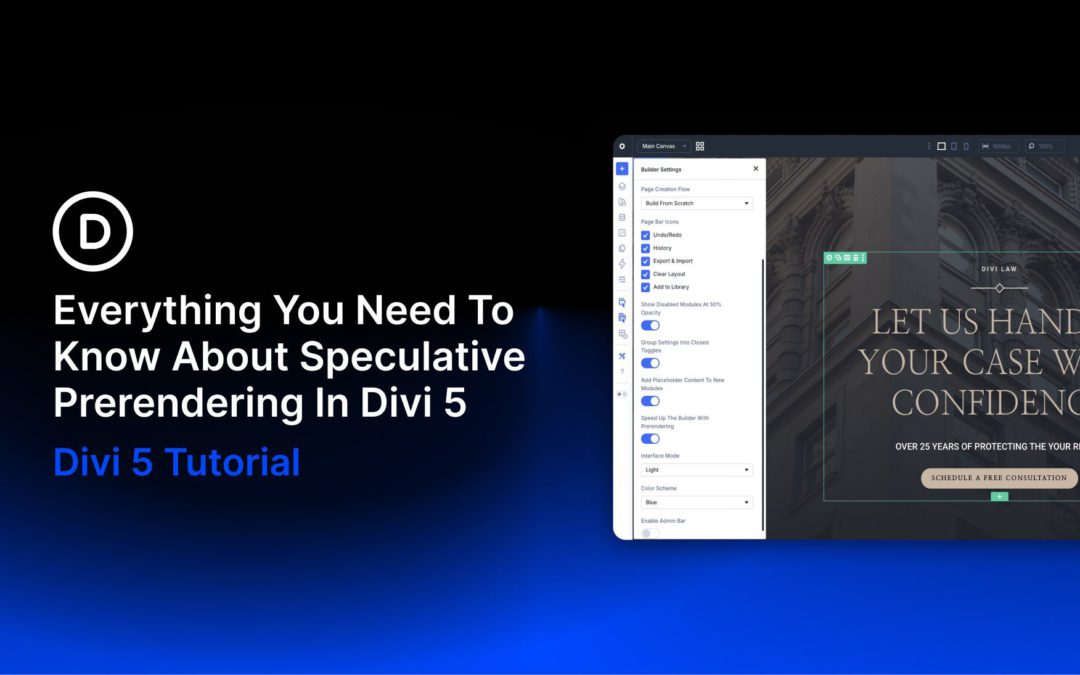
That is exactly what Speculative Prerendering in Divi 5 is designed to improve. Divi 5 predicts where you are navigating next based on your mouse movements and prerenders the destination before you click. By the time you click, the page may already be loaded in the background, making navigation feel instant in supported browsers.
In this post, we will break down what the feature is, how it works, where it helps most, and how to enable or disable it when needed.
What Is Speculative Prerendering?
Think of Speculative Prerendering as a head start for your browser. In Divi 5, it watches for high-intent navigation signals and begins prerendering a likely destination before you click. That means the browser can start preparing the next page in the background so the transition feels much faster when you commit to the action.
Unlike simpler loading optimizations that only fetch files ahead of time, prerendering prepares the destination page itself. In practice, that can make entering the builder, exiting it, and switching pages feel dramatically faster.
Divi 5 uses this as a workflow enhancement, not just a technical trick. It is aimed directly at the repetitive navigation actions that Divi users make all day long while building websites.
