
In an era where WCAG compliance, semantic HTML, and AI-assisted search experiences matter, modern website builders are evolving to make accessibility and meaningful structure standard rather than an afterthought. Divi 5 is part of that shift, making it easier for Divi users to build sites with clearer structure and stronger accessibility.
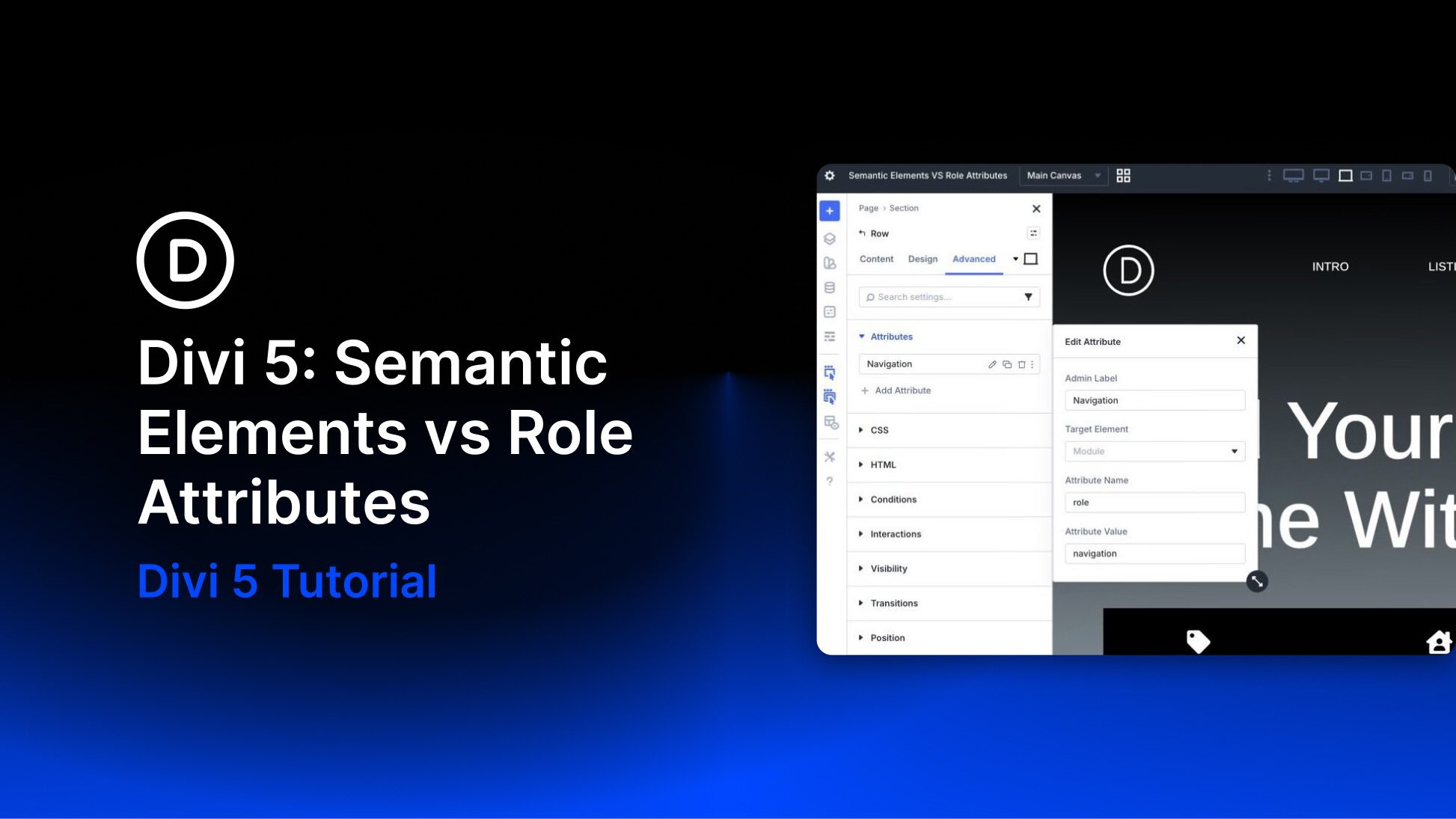
Divi 5 includes Semantic Elements, which let users change a module’s underlying HTML tag to native semantic tags such as nav, header, article, or button. Another recent feature, Custom Attributes, lets users add HTML attributes, including ARIA roles and states, in the Advanced tab. While Semantic Elements provide built-in meaning through proper HTML tags, Custom Attributes provide additive semantics and finer control when a native tag alone is not enough.
In this post, I’ll compare the two approaches head-to-head, explain when to prioritize one over the other, and show how they work together in Divi 5 to improve accessibility, clarity, and long-term maintainability.


