
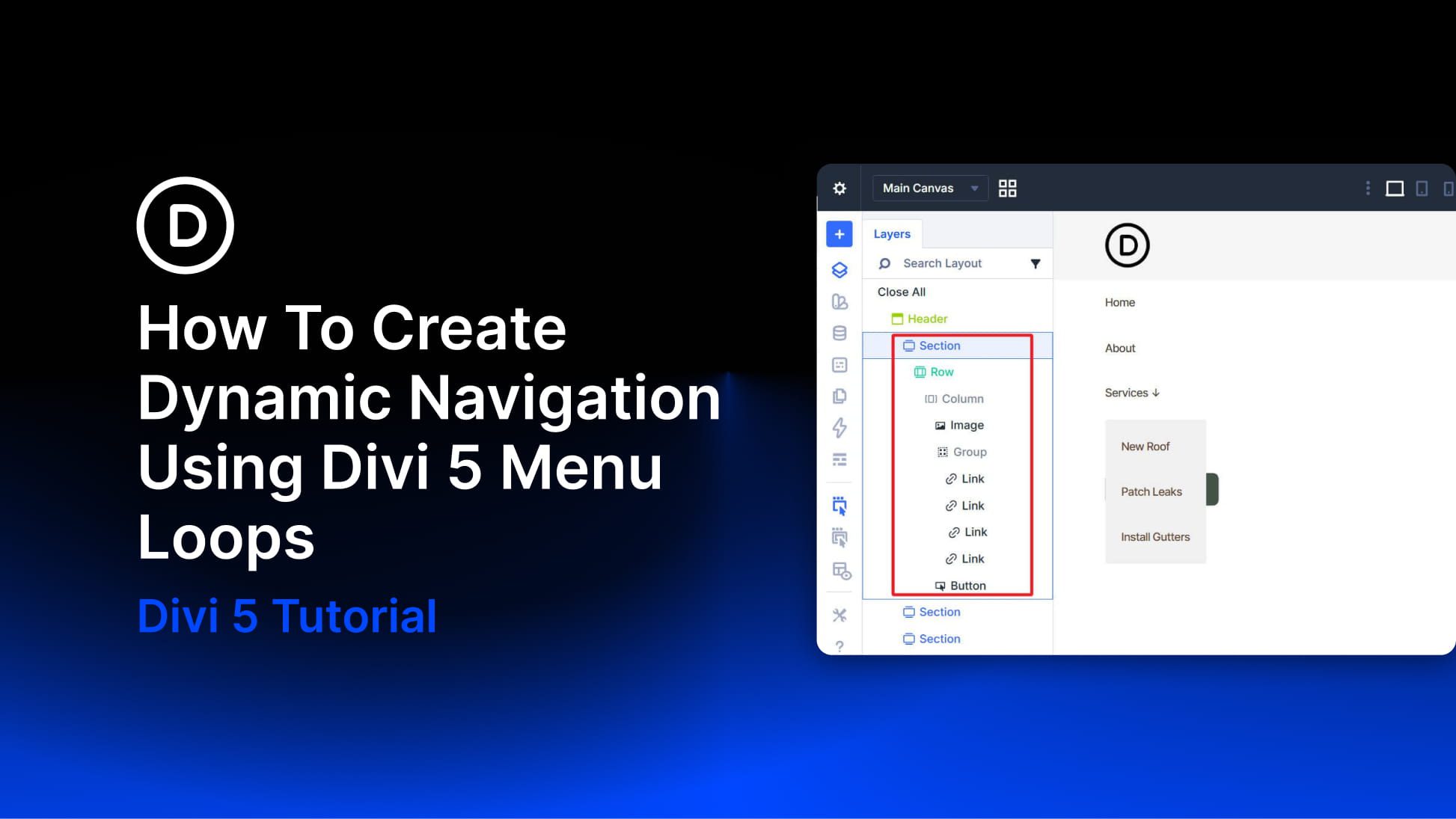
Divi has always connected to WordPress menus through the Menu module. What the new Link module, Dropdown module, and Menu query type in the Loop Builder add is compositional control. Instead of relying on a pre-packaged menu component with a fixed structure and styling constraints, you can now build navigation from individually styleable modules using the same building blocks you use elsewhere in Divi 5.
The Menu query type in the Loop Builder is the other key ingredient. A Link module can be looped against a WordPress menu so it repeats once per menu item and dynamically pulls in each item’s text and URL. Add, remove, or reorder items in Appearance > Menus, and the navigation updates without requiring changes in the Visual Builder.
There is one current limitation to keep in mind: Divi 5’s new menu looping does not yet provide a complete one-loop solution for top-level items and nested sub-menu items together. These new modules and the Menu query type still provide a strong foundation, but for now, building dropdown navigation works best with a hybrid approach. Because of that, this tutorial covers two practical patterns: one for flat navigation driven entirely by a single menu loop, and one for navigation with dropdowns where the top level is built manually and each dropdown’s links are looped from a dedicated WordPress menu.


