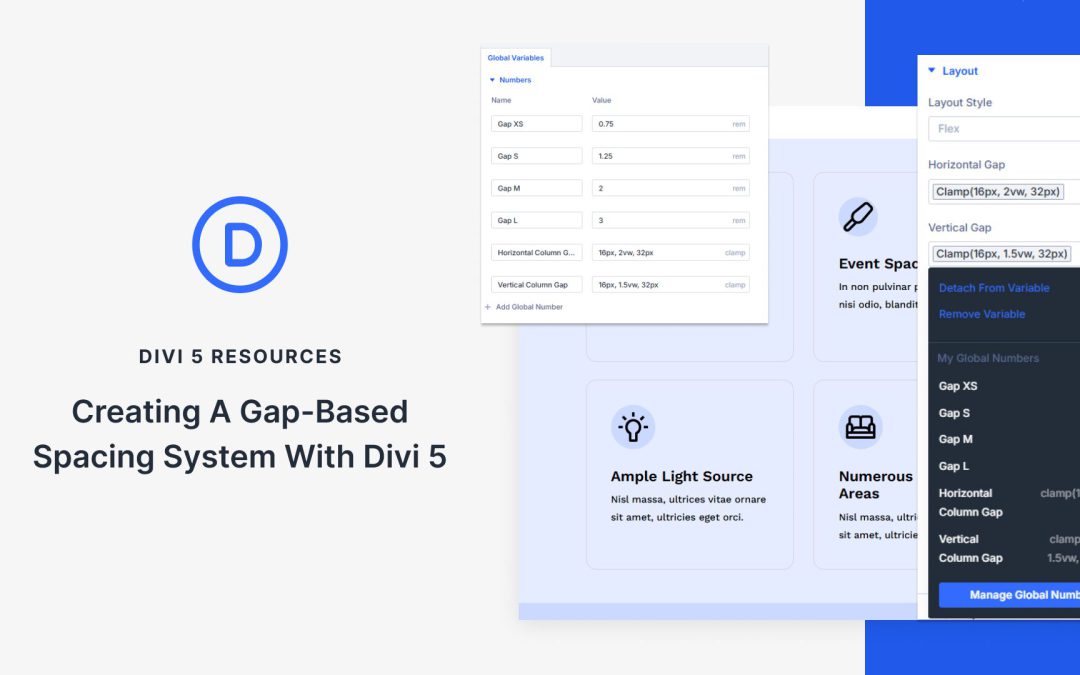
Consistent spacing is the foundation of a polished, professional website. Instead of managing margins on individual elements one by one, you can rely on a single system that keeps layouts clean and balanced across your site.
With Divi 5’s new Design Variables and Flexbox features, you can now build a gap-based spacing system directly in the Visual Builder, no custom coding required. Let’s take a look!
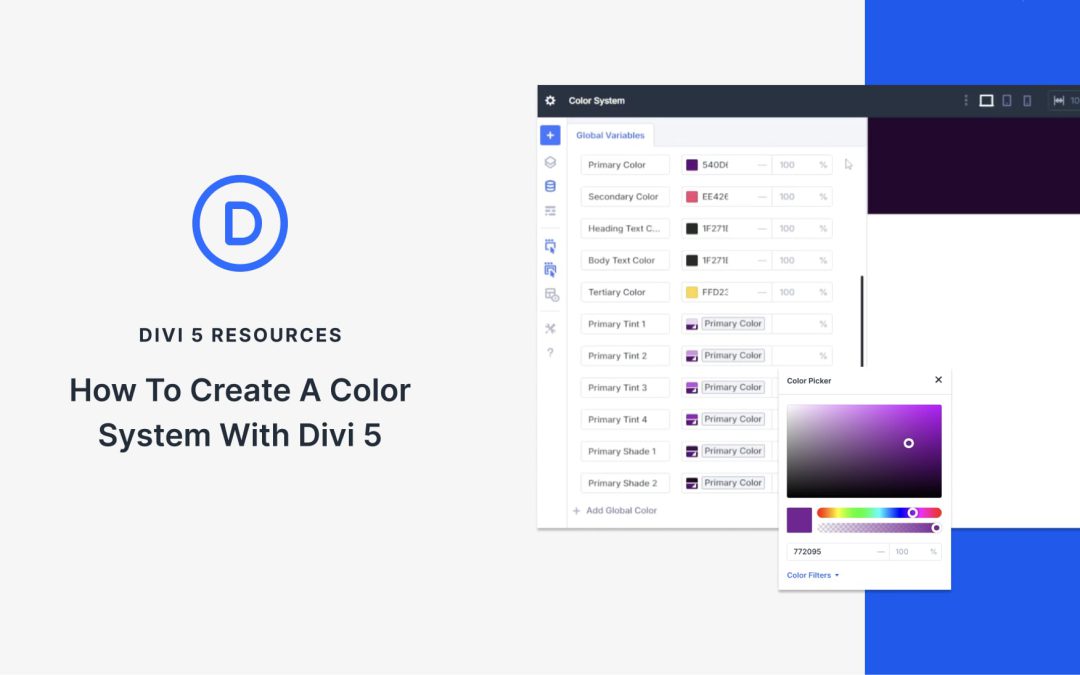
Random color choices rarely lead to a cohesive design. If you’re building websites professionally, you need an intentional system. You can build a real color system inside Divi 5 using Color Management and Design Variables. These are colors you set directly in the Visual Editor, can access in any color field, and come with plenty of other conveniences (which we’ll show you below).
This post will show you how to set up a flexible, scalable color system in Divi 5.
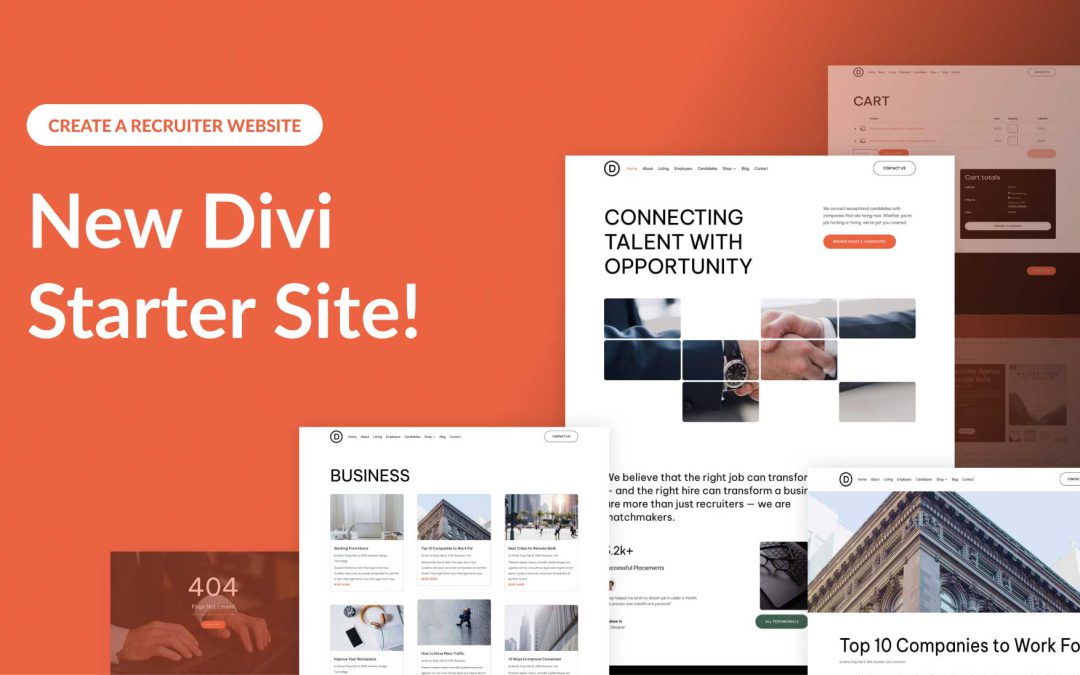
Divi empowers you to build the best websites possible, and now, Divi Quick Sites takes website creation to a whole new level. This revolutionary tool lets anyone, regardless of skill level, generate a complete website in under two minutes! Divi Quick Sites provides everything you need to launch your dream website instantly. You can choose a pre-made Starter Site that’s been professionally designed or Divi AI to generate an entirely new design.
Each Starter Site comes pre-loaded with all essential web pages, stunning Theme Builder templates, customizable global styles and presets, and a ready-made navigation menu. But that’s not all! Divi Quick Sites are completely customizable with Divi’s drag-and-drop page builder.
Let’s dive deeper into the Divi Recruiter Starter Site and discover what’s included!
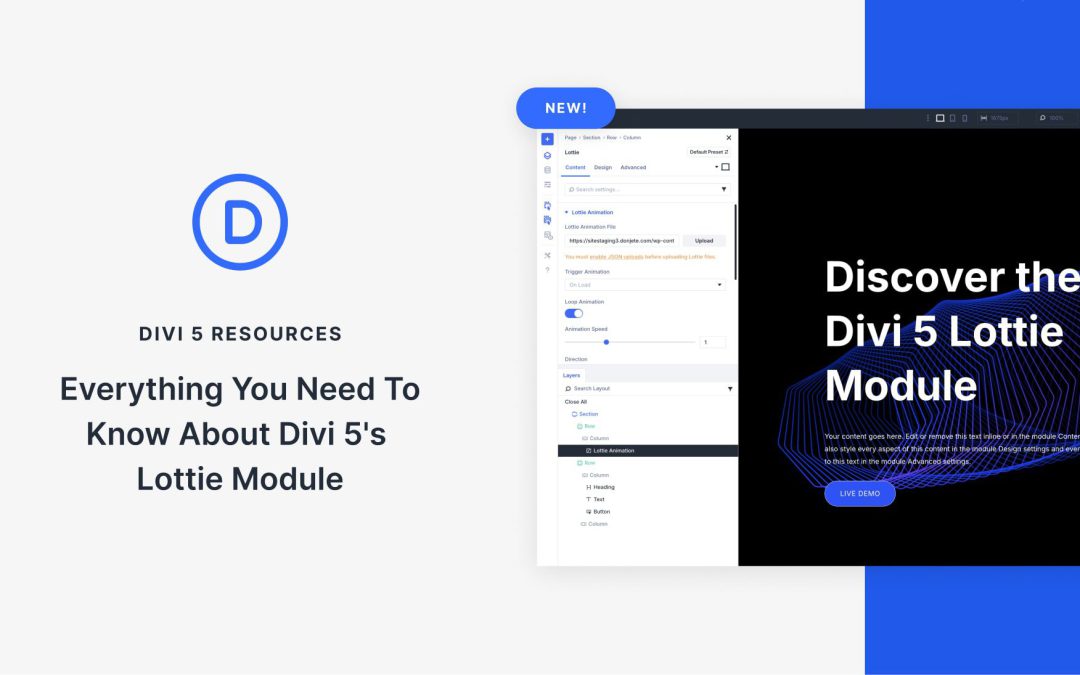
Divi 5’s Lottie Module brings dynamic, lightweight animations to your pages, making your pages more engaging and interactive. The right visuals are key to grabbing attention and keeping visitors engaged. With the Lottie Module, Divi 5 allows you to add professional-looking animations that are also performance-friendly.
In this post, we’ll explain everything you need to know about the Lottie Module, including its features, setup process, customization options, and ways to use it. Let’s jump in!
What Are Lottie Files?
Lottie animations are lightweight, JSON-based graphics that render as scalable vectors. They deliver scalable visuals without the hefty file sizes of videos or GIFs. Thanks to its ability to combine performance with flexibility, Lottie has gained in popularity, making it popular for modern web design. Unlike traditional animations, Lottie files use vector-based JSON data, ensuring crisp visuals and smooth playback across all devices and screen sizes.
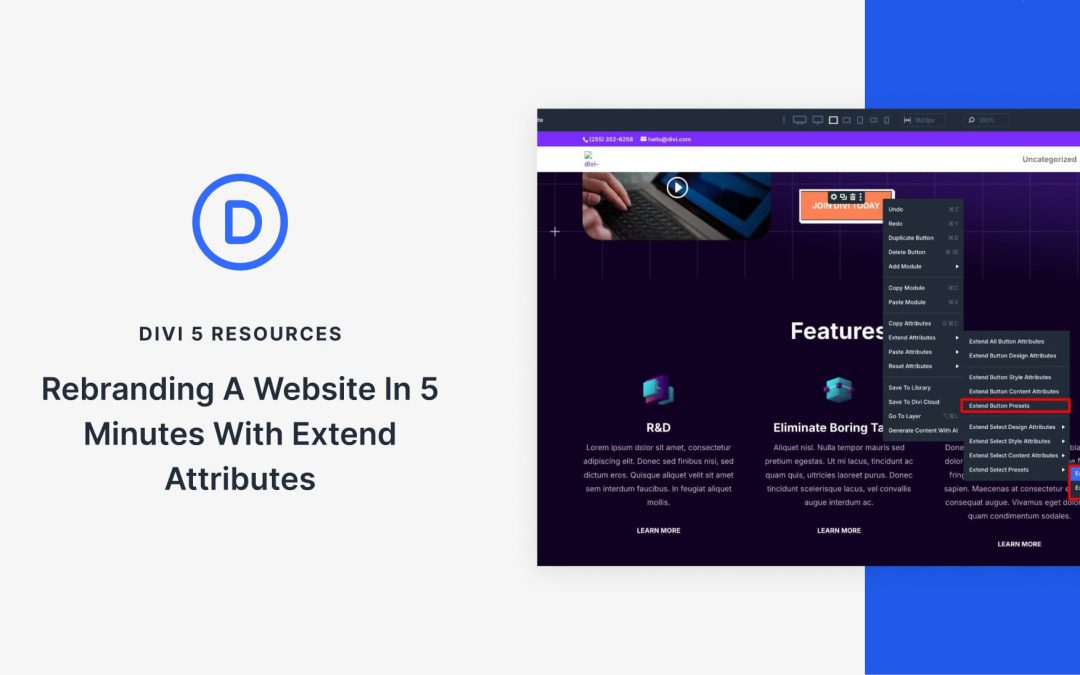
Rebranding your website doesn’t require a full rebuild, though it often feels that way. Fonts are stuck in separate parts, colors are spread across sections, and spacing is hidden in individual settings. And after updating the homepage, you find other pages needing the same changes. It’s the usual routine, but there’s a faster way.
With Extend Attributes in Divi 5, you can style a single element and instantly apply that look to every similar module across rows, sections, and even the entire page. Let’s walk through how to use it to rebrand a full website in minutes, not hours.
Receive the latest WordPress, Divi, SEO and design news in your inbox for FREE from Web Design Solutions Unleashed.
We use cookies to ensure that we give you the best experience on our Web site. If you continue to use this site we will assume that you are happy with it.