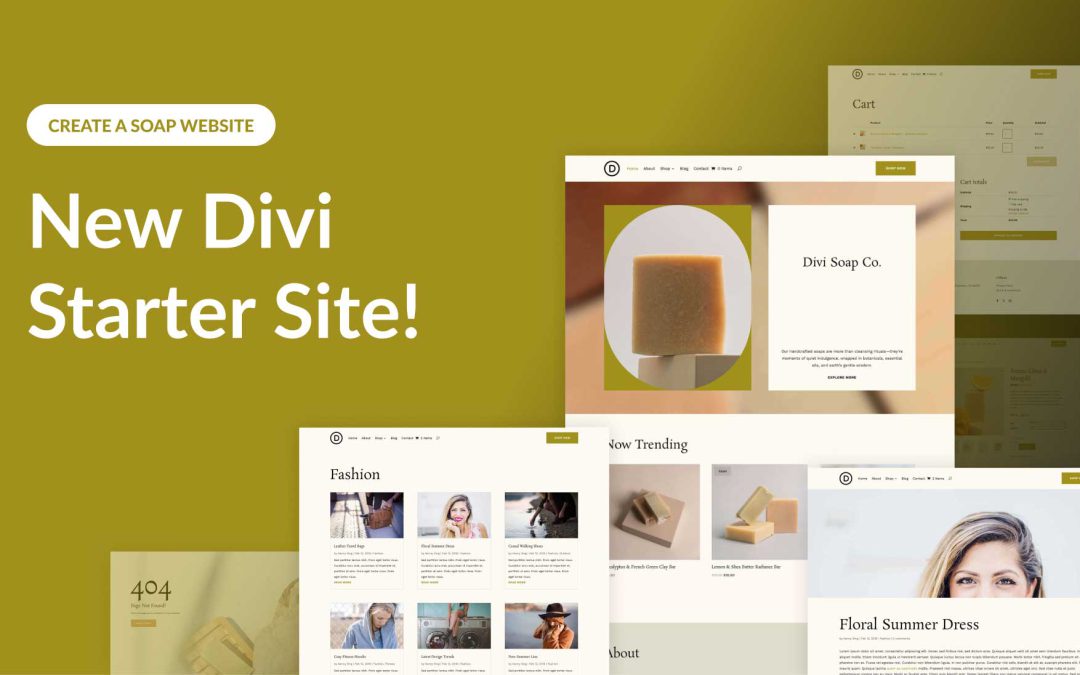
Divi empowers you to build the best websites possible, and now, Divi Quick Sites takes website creation to a whole new level. This revolutionary tool lets anyone, regardless of skill level, generate a complete website in under two minutes! Divi Quick Sites provides everything you need to launch your dream website instantly. You can choose a pre-made Starter Site that’s been professionally designed or Divi AI to generate an entirely new design.
Each Starter Site comes pre-loaded with all essential web pages, stunning Theme Builder templates, customizable global styles and presets, and a ready-made navigation menu. But that’s not all! Divi Quick Sites are completely customizable with Divi’s drag-and-drop page builder.
Let’s dive deeper into the Divi Soap Starter Site and discover what’s included!
The beauty of WordPress is that it is a content management system (CMS), not just a site builder. That means you can use its flexible content storage to set up a blog, create custom post types (like projects or real estate listings), and much more. Divi’s Loop Builder is the easiest way to take that content and display it across your website in 100% customizable designs.
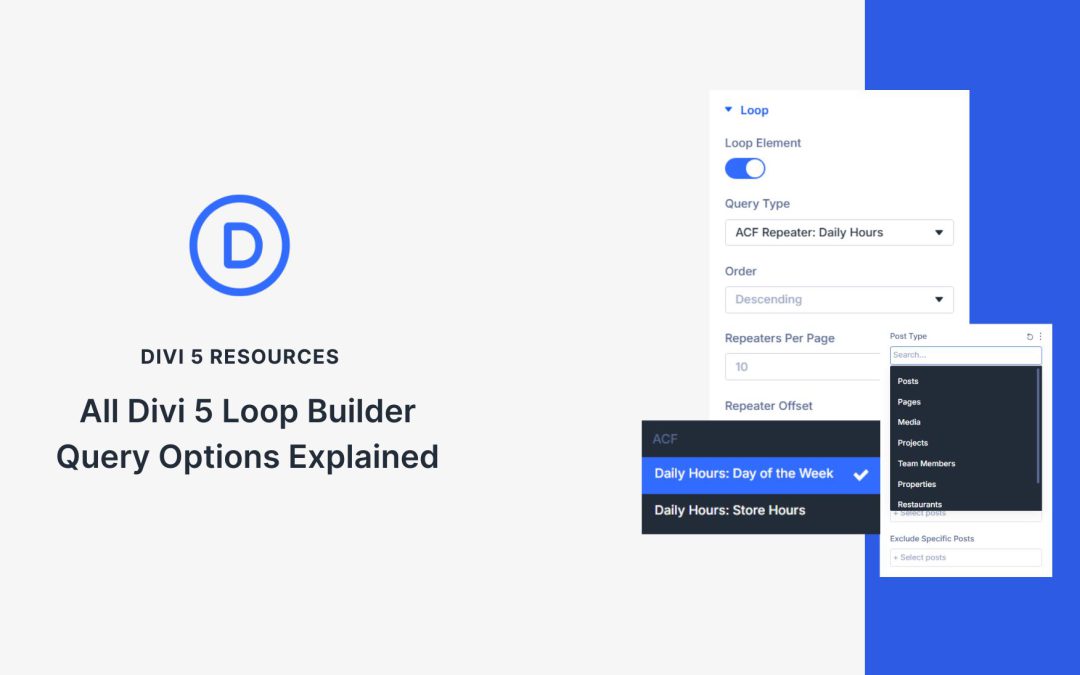
This makes Loop Builder Queries essential. Divi 5 introduced the Loop Builder, with lots of standard Query Options. These define exactly what content appears inside a looped container. This post walks through every query setting, explains what it does, and points out when you might need plugins like ACF.
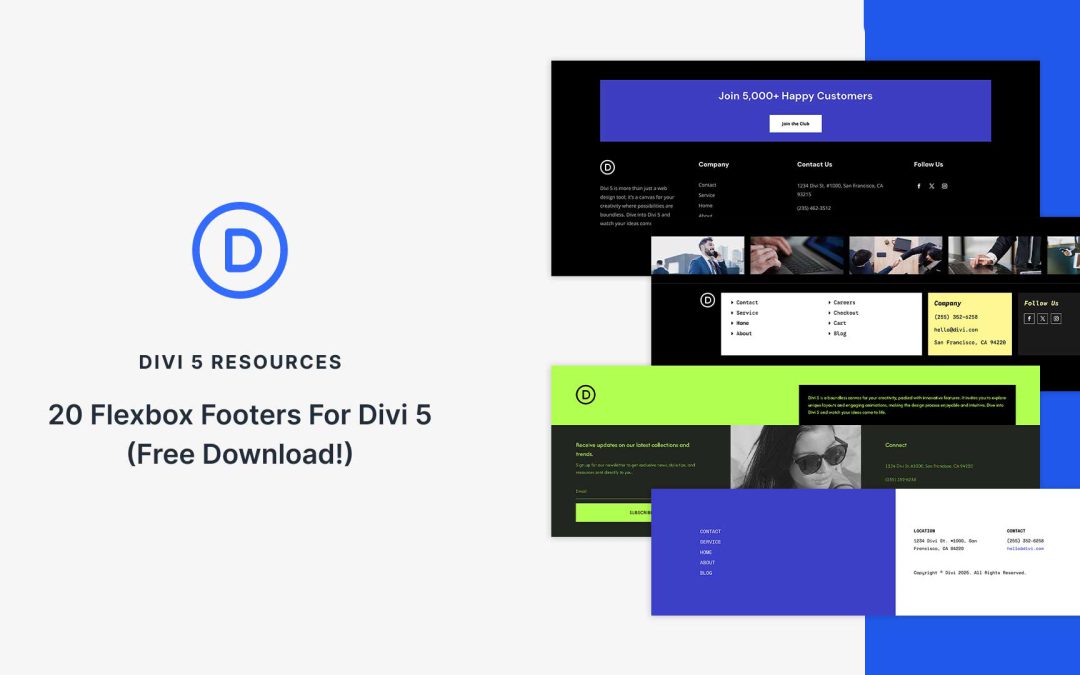
Flexbox makes it easier than ever to create footers that look clean, adapt beautifully to different screen sizes, and are simple to customize in Divi 5. In this free pack, you’ll find 20 unique Flexbox footer designs, each built with Divi 5’s Flex layout system for precise alignment and responsive control. Whether you want to use your site’s existing global styles or start with a ready-made design, you’ll find both options here.
Preview
Let’s take a look at all 20 Flexbox Footers in this pack. This pack is free for you to download further down the post.
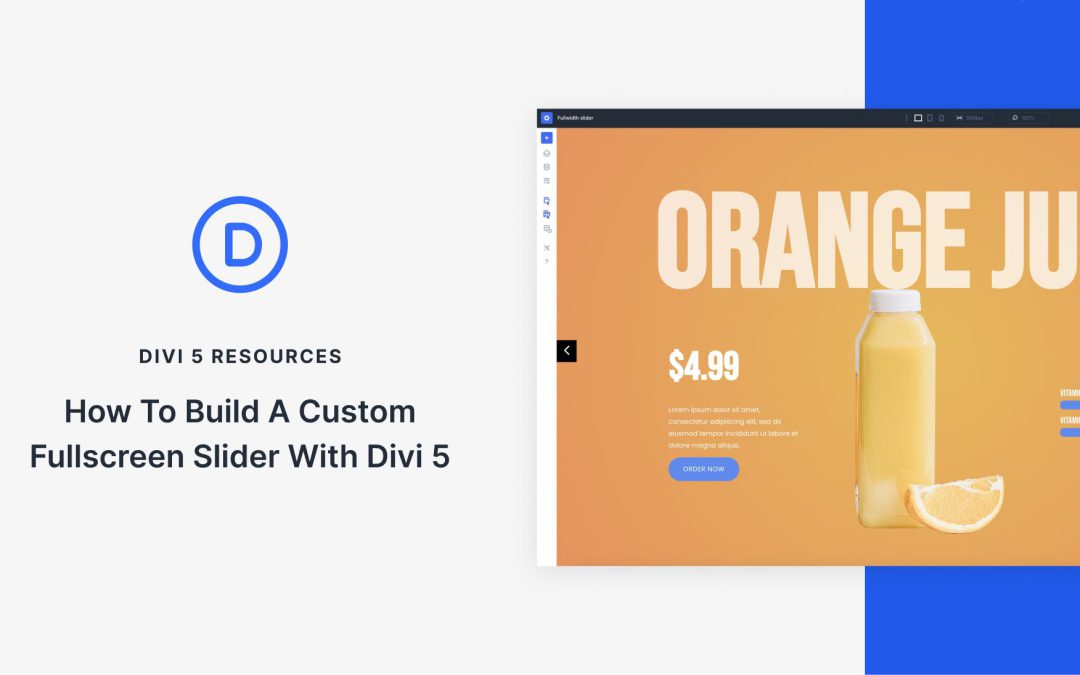
One of Divi 5‘s latest releases introduces the Group Carousel Module, a feature for creating custom, engaging sliders and carousels for your WordPress site. You can easily showcase your portfolio, products, an immersive hero, or a fullscreen slider, and take your site’s design to new heights.
In this post, we’ll provide a step-by-step guide to creating a fullscreen slider using the Group Carousel module. Let’s dive in!
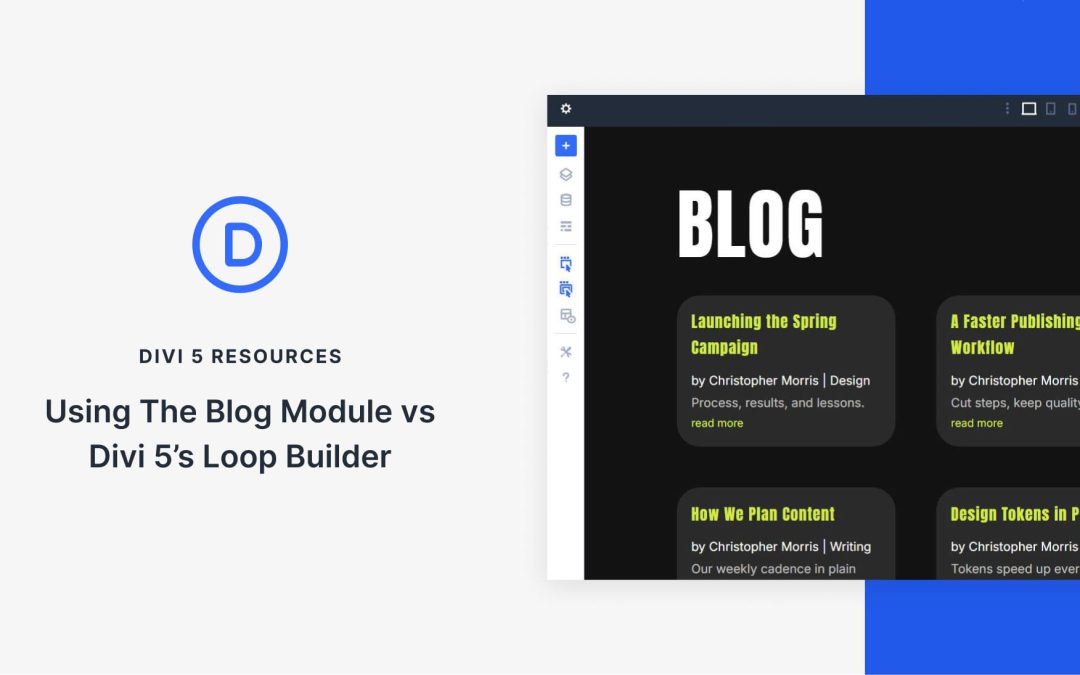
The Blog Module is Divi’s built-in feed generator that works out of the box. It gives you a fast way to list posts with toggles for titles, images, excerpts, and metadata.
Divi 5’s new Loop Builder takes a different approach. You design the item with any modules, then feed dynamic content into it. Both tools display looped content, yet each shines in different scenarios. Knowing when to use which saves time and prevents frustration. Let’s compare the two.
Mini Glossary
This is a short set of terms for beginners who are new to the concept of a Loop Builder:
Custom Post Type (CPT): A custom content type like Products or Courses. It behaves like Posts but can have its own unique fields.
Custom Field: A field you add to a post, page, or CPT. Examples for a food menu might include price, rating, gluten/allergy declarations, and spiciness levels.
Repeater Field: A field that stores a list of items inside individual posts. Think about sub-lists that might be valid for a custom piece of content.
Field Plugins:ACF is the common pick, but Pods, Meta Box, ACPT, and Toolset also work.
If you get lost in some of the details, refer back to this glossary. But we’ll make things simple for you along the way.
Receive the latest WordPress, Divi, SEO and design news in your inbox for FREE from Web Design Solutions Unleashed.
We use cookies to ensure that we give you the best experience on our Web site. If you continue to use this site we will assume that you are happy with it.