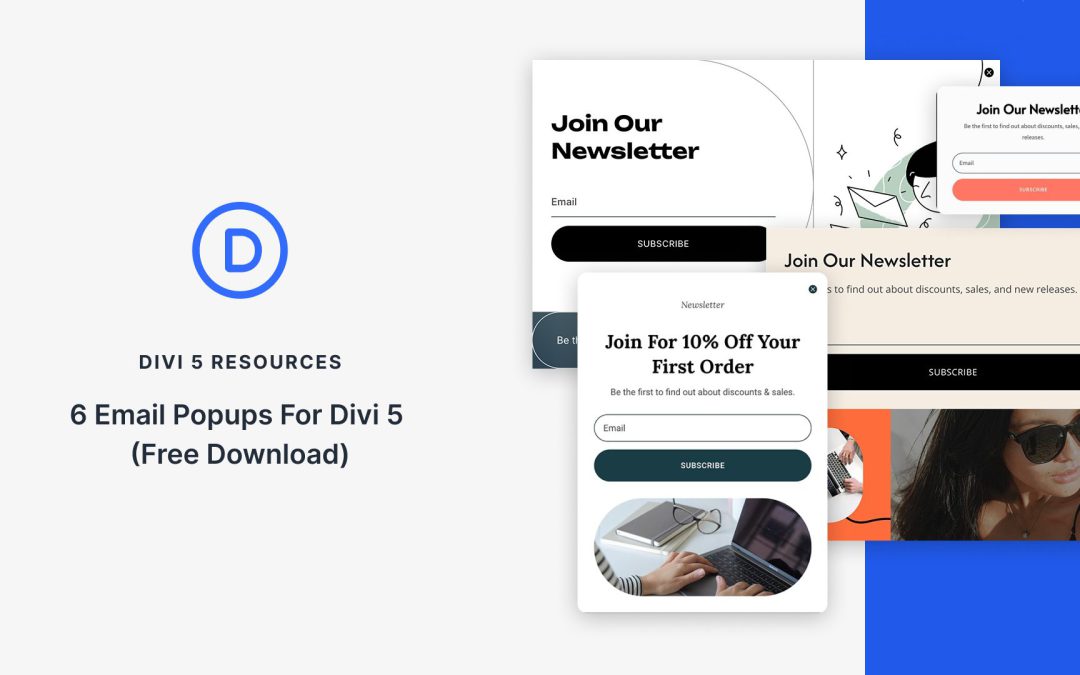
Divi 5 Interactions makes it easy to build popups directly in the Visual Builder. This free pack includes 6 prestyled email popup Section layouts designed to look great out of the box and wire up quickly. Each layout pairs clean design with a ready-to-connect Email Optin Module, plus Interaction hooks for opening and closing the popup on click, scroll, or page load.
Preview
Let’s take a look at all 6 Email Popups included in this pack. The download is further down the post.
Animations can make your sites feel alive, but most designers avoid them because they slow down loading speeds. The choice seems simple: either you get a website that crawls or a fast-loading one that feels flat and lifeless.
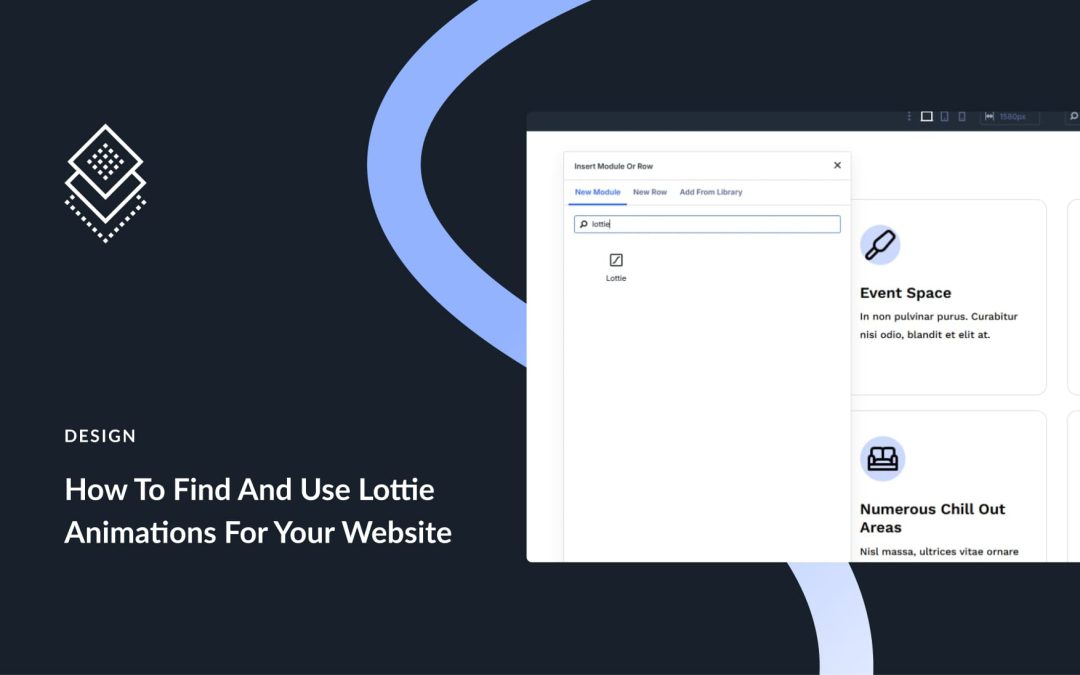
Well, that used to be the case until Lottie arrived. This post covers what Lottie brings to the table, how it differs from old methods, and how Divi 5 lets you add these animations to your sites without touching code. Let’s dive in!
What Are Lottie Animations?
Lottie animations are lightweight, JSON-based vector animations. They’re often much smaller than GIFs but keep the same or better quality (5-10x smaller).
Lottie originated from Bodymovin, an After Effects plugin that exports animations as JSON. Engineers at Airbnb later built libraries to run these animations on different platforms.
Lottie files are vector-based, instead of pixels. You can stretch them big or small without getting blurry pixels. You can also edit colors, speed, and timing by changing the code directly. They work on phones, computers, and any device with a web browser.
Creating dynamic, engaging carousels is easy, thanks to a new module in Divi 5. The Group Carousel Module lets you build interactive sliders packed with any Divi module without relying on third-party plugins or custom code. Whether you want to display your portfolio, client testimonials, or products, the Group Carousel Module is the perfect solution for captivating your audience.
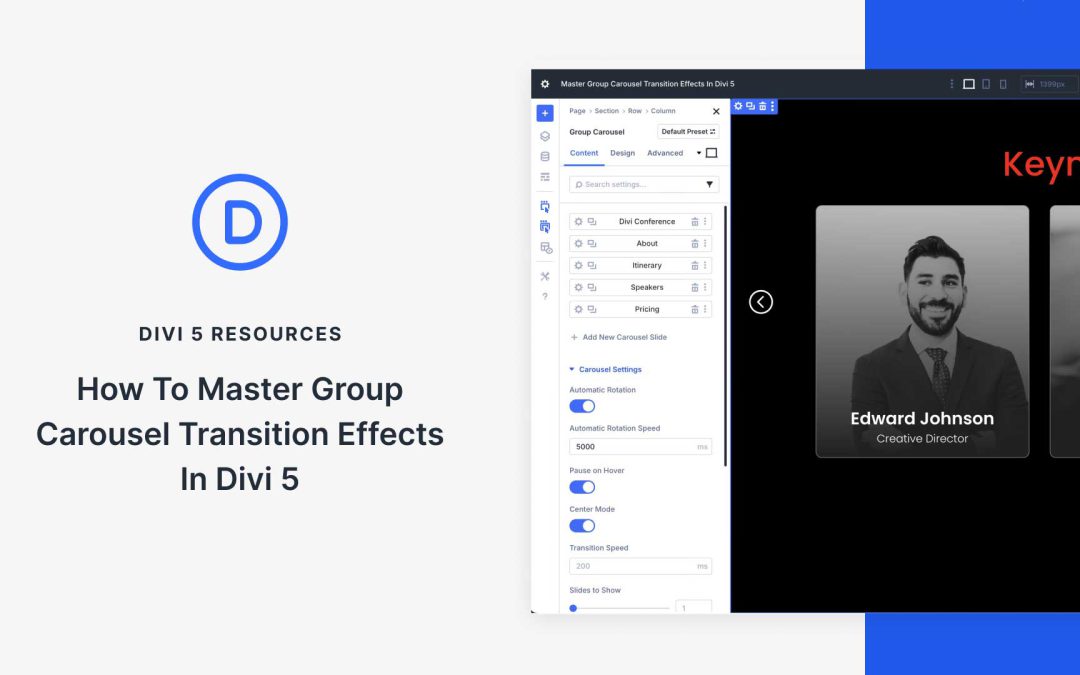
The Group Carousel Module has several features that help make your sliders more engaging. In this post, we’ll walk you through the steps to create transition effects, set their timing, and optimize your Carousel for responsiveness. By the end, you’ll be equipped to easily create user-friendly Carousels.
What Is The Group Carousel Module?
The Group Carousel Module is a powerful tool for creating dynamic, visually engaging carousels (sliders) directly within the Visual Builder. The module allows you to combine multiple Divi elements, such as text, images, buttons, or even complex layouts (like Nested Rows), into a sliding, scrollable format.
Testimonials are an essential form of social proof for businesses. Even without trying, businesses get reviews on their Google Business Profile, Facebook page, and directories like Yelp. As nice as it is to have testimonials and reviews scattered across the web, it is also very nice to be able to display them on your website. A carousel is the perfect way to do that.
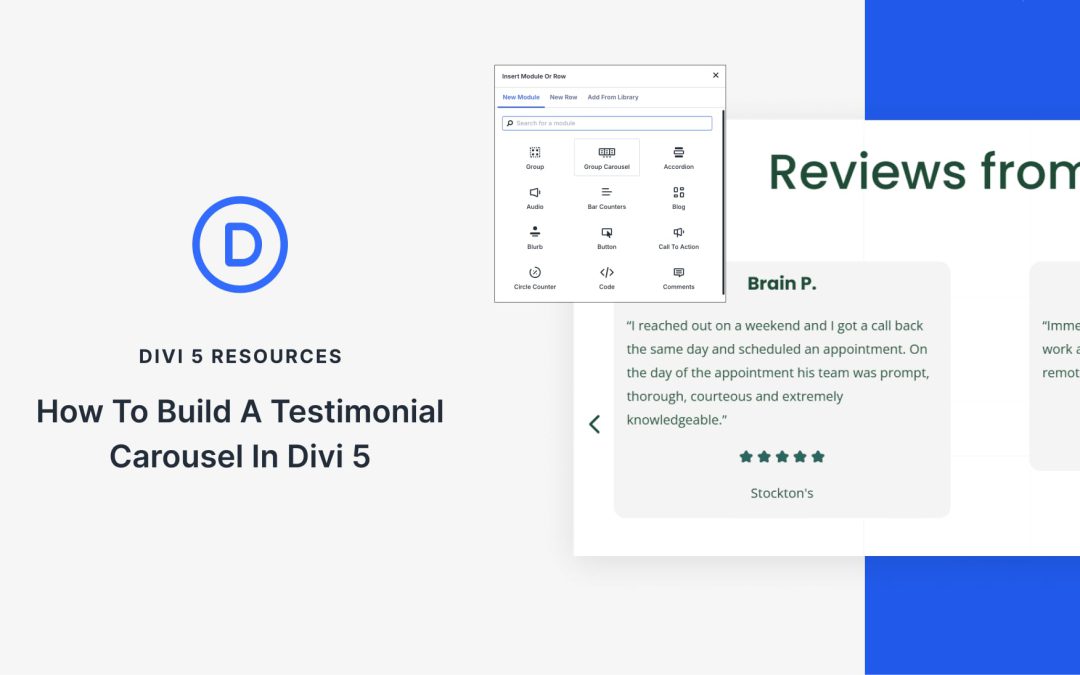
Divi 5 introduced the Group Carousel Module. It’s one of our most flexible modules and is perfect for creating a testimonial carousel. Below, we’ll walk you through each step needed to use this module. Not only that, but I’ll give you a rundown of the different ways that you can store your testimonial content on your WordPress site.
How To Build A Testimonial Carousel In Divi 5
It all starts with Divi 5 and its new Group Carousel Module.
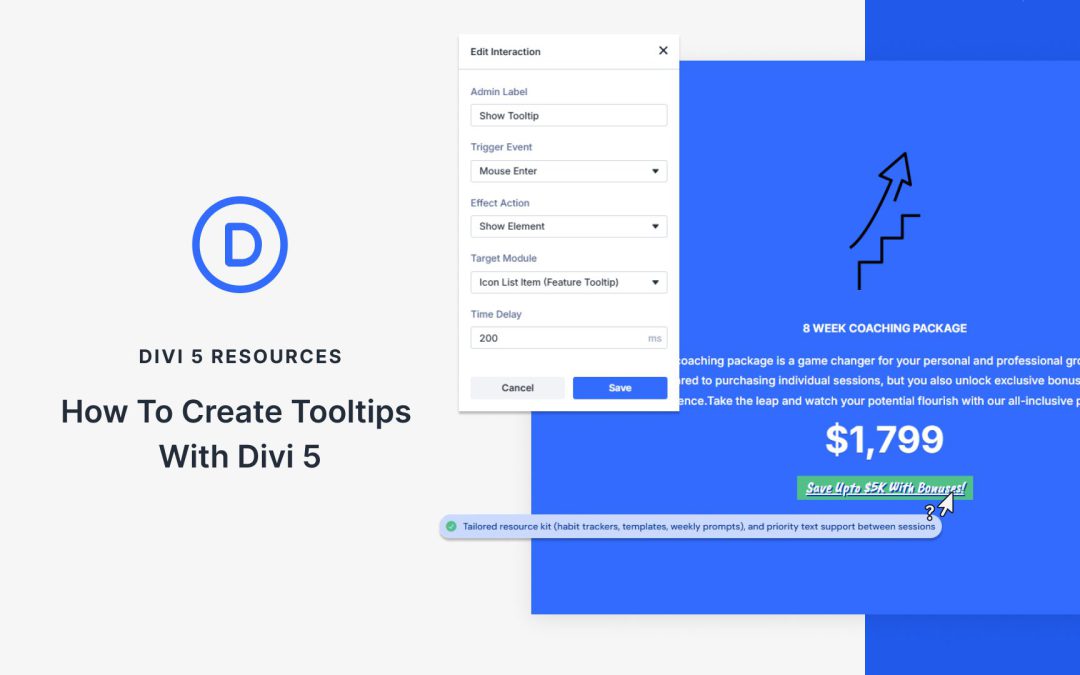
Sometimes a label or icon needs one extra line of context, but you don’t want to crowd the page. Tooltips are perfect for form hints, feature explanations, and subtle onboarding.
In this post, we’ll show you how to create responsive hover/tap tooltips in Divi 5 with Interactions. Let’s get to it!
What Are Tooltips (And Why Use Them)?
Tooltips are small messages that appear when you hover over or click a webpage. Move your cursor over a button; a small box might say what it does. Click an icon, and you might see a quick note.
Websites use tooltips to save space. Instead of filling the page with explanations, they only reveal details when needed. Some sites also use them to highlight new features you might overlook. The best ones keep the text brief, usually under 180 characters.
When designed well, tooltips help without getting in the way. They answer quick questions so people can easily keep moving through a site.
Tooltips And More, Made Easy With Divi 5’s Interactions
Divi 5 includes a brand new feature called Interactions that fundamentally changes how websites respond to visitors. Interactions let you create dynamic behaviors where elements on your page react to user actions, all without writing any code.
Receive the latest WordPress, Divi, SEO and design news in your inbox for FREE from Web Design Solutions Unleashed.
We use cookies to ensure that we give you the best experience on our Web site. If you continue to use this site we will assume that you are happy with it.