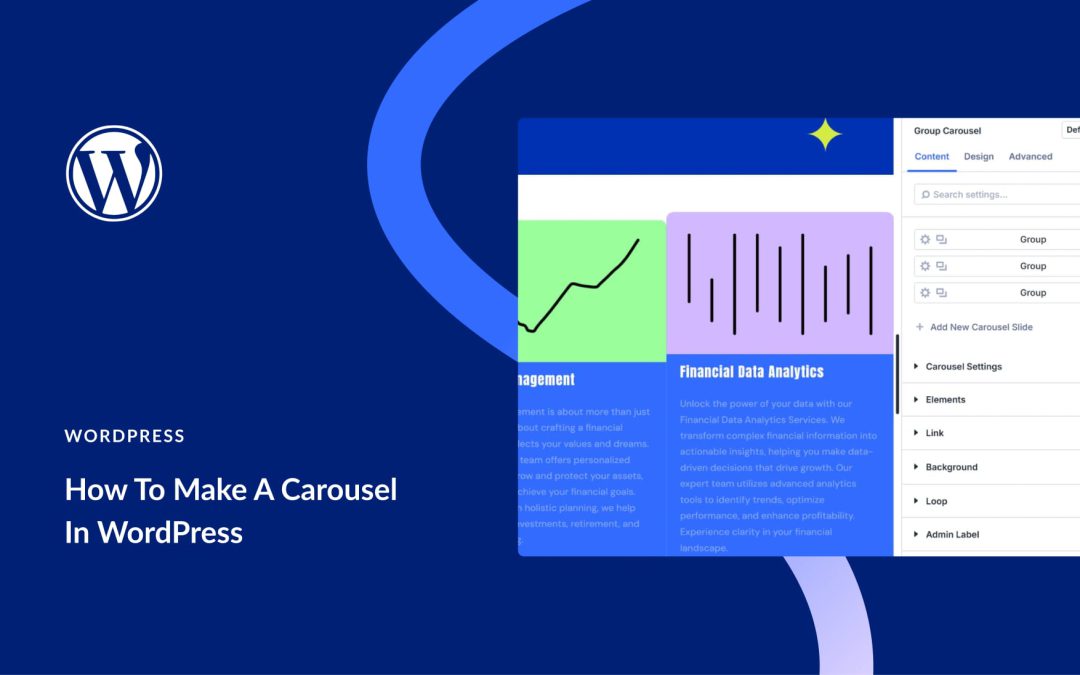
Websites packed with content can quickly feel overwhelming. Carousels solve this by allowing you to display multiple pieces without cramming everything onto a single screen. People can browse at their own pace while you keep pages looking clean.
We’ll show you how they work for websites, cover your main options for adding them, and show you how the Divi 5 built-in Group Carousel Module can help you create fully customized carousels without any need for coding.
What Carousels Do For Your Website
A carousel, or slider, allows you to display multiple pieces of content in a single, compact area. Think of it as a rotating display for your most important information. You can feature new products, recent articles, or customer testimonials without cluttering your page. This approach keeps your website design clean and directs your visitors’ attention right where you want it.
It creates a simple, interactive experience for the person browsing your site. They can click or swipe through items at their own speed.
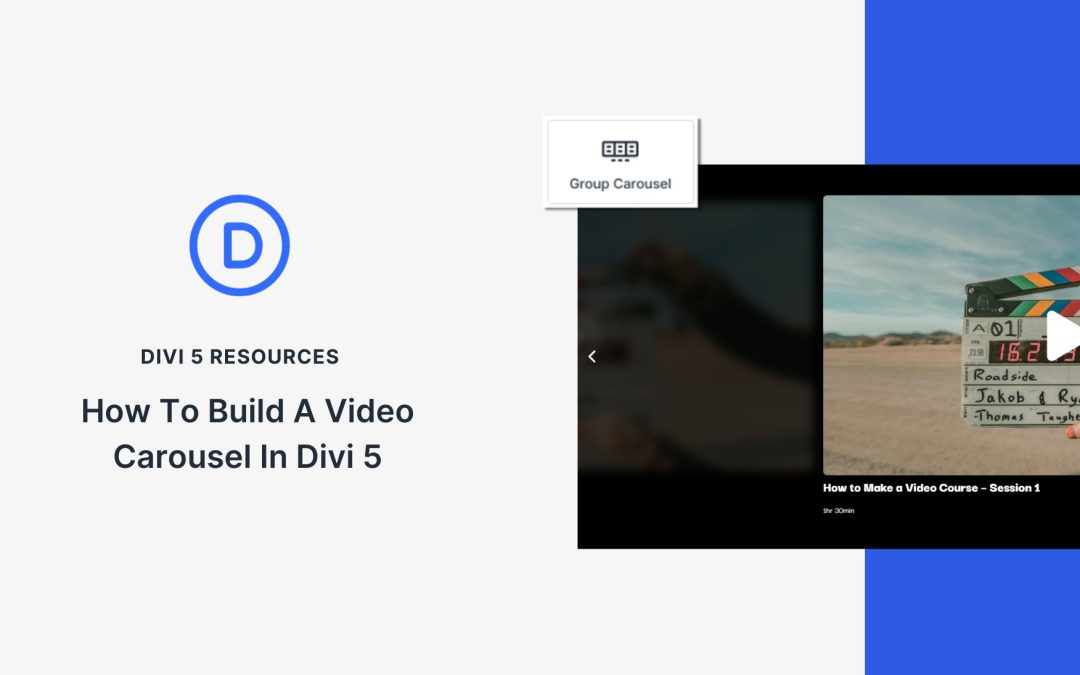
Divi is adding even more features to your tool belt. The native Group Carousel Module has recently been released and comes standard with every Divi 5 website. It allows you to make a completely customized carousel for testimonials, products, feature cards, videos, and more.
In a previous tutorial, we showed you how to create a testimonial carousel, and this post we’ll focus on making a media-rich Video Carousel. Follow along to learn how. The video carousel JSON file is also available for download at the end of the post. Let’s get to it!
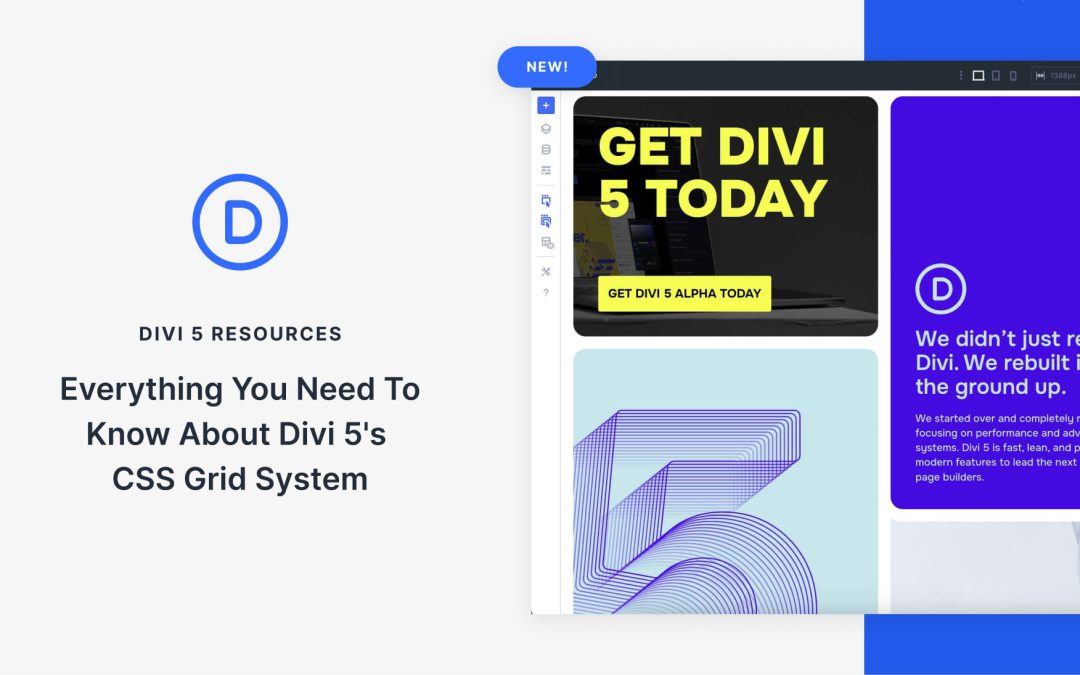
Divi 5 recently integrated a CSS Grid system that adds a full range of grid capabilities inside the Visual Builder. This new feature in Divi 5 allows anyone to build complex, responsive layouts without writing code. The CSS Grid system stands out for its flexibility and control in creating designs that adapt seamlessly across all devices.
In this post, we’ll dive into what CSS Grid is, how Divi 5 integrates it into the Visual Builder, and how you can start using it to build stunning websites.
What Is CSS Grid?
CSS Grid is a native, two-dimensional layout system that changes web design by enabling users to create two-dimensional layouts, organizing content in rows and columns with precision and flexibility. Unlike older float-based layouts or single-axis Flexbox, Grid is two-dimensional and built into all modern browsers, making it a reliable, future-proof tool for crafting responsive and complex designs.
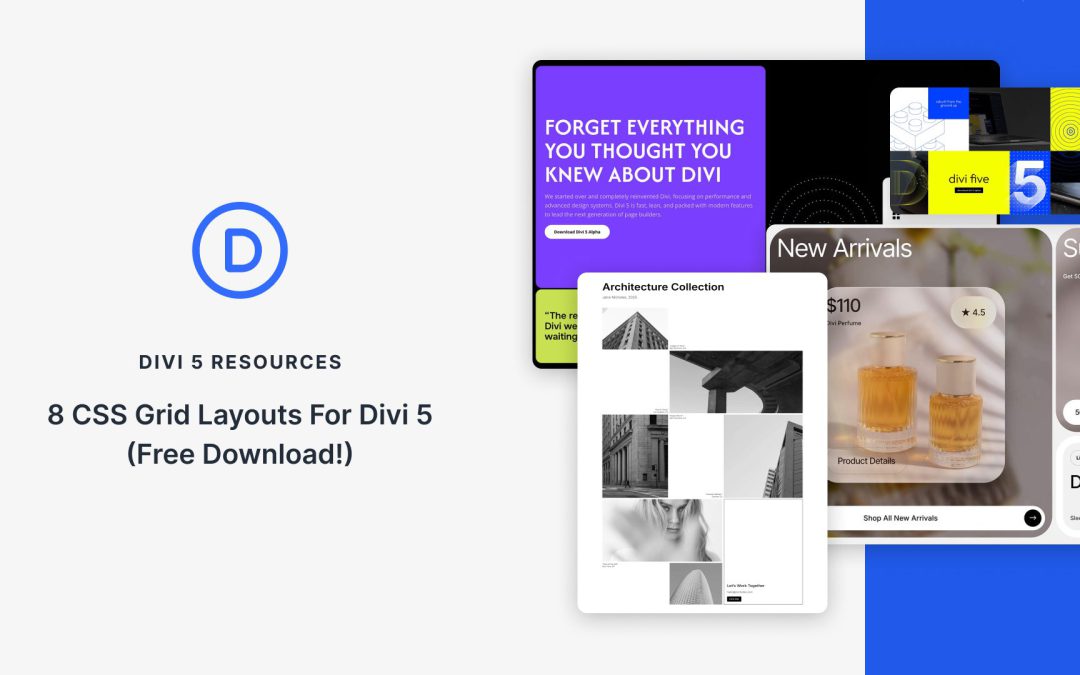
Divi 5‘s new Grid layout system makes it easy to build responsive, editorial-style sections that stay perfectly aligned at every breakpoint. In this free pack, you’ll find 8 prestyled CSS Grid section designs, each crafted for clean structure, strong hierarchy, and quick edits. Drop them into any page and swap the content.
Preview
Let’s take a look at all 8 Grid Sections in this pack. The download is further down the post.
Website animations meant slow load times and choppy playback, forcing you to choose between compressed GIFs that looked terrible or massive video files that sent visitors running.
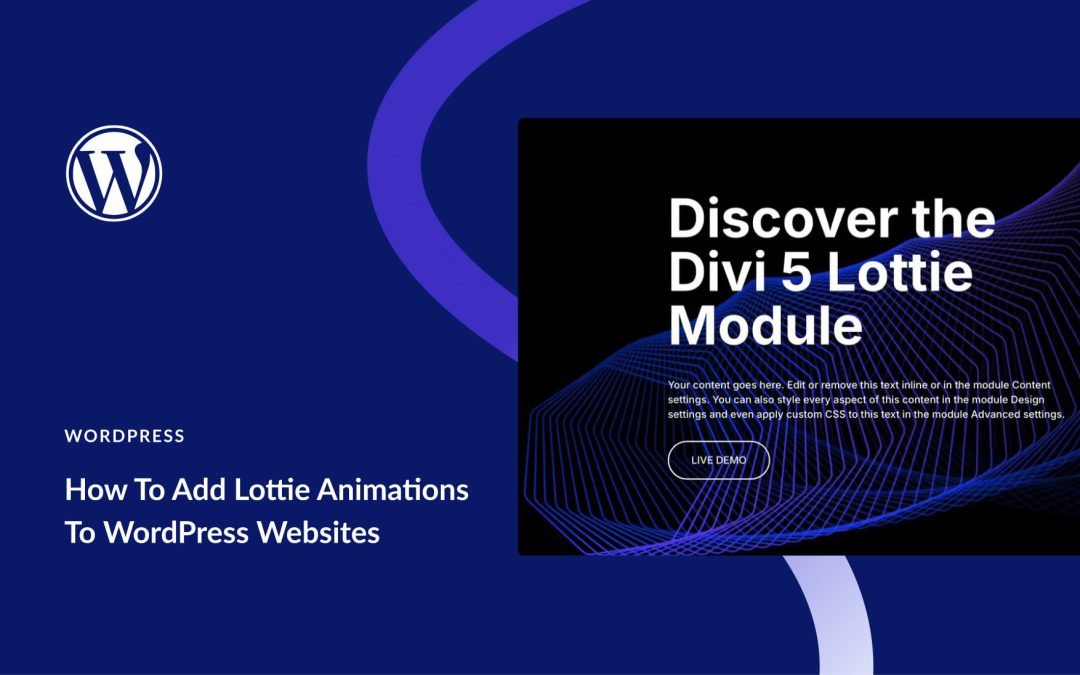
Lottie changed that dynamic. These tiny JSON-based motion graphics scale to any screen size without losing quality and play smoother than GIFs ever could. The only problem is WordPress hasn’t quite caught up yet, so adding them takes a few extra steps.
We’ll show you exactly how to get Lottie files working on your WordPress site and explain the shortcut that Divi 5 offers.
What Are Lottie Files?
Lottie files are JSON-based animations that store motion graphics as code instead of pixels. Introduced by Airbnb engineers in 2017, they solved web animation’s biggest problem: file size. A complex animation that would be 5MB as a video becomes just 50KB as a Lottie.
You can create these in After Effects and export using the Bodymovin or the LottieFiles plugin. The plugin converts your layers and keyframes into text-based instructions. When browsers load this JSON file, they read the math and draw the animation in real time.
Since it’s vector math rather than pixels, the same file scales perfectly from phone screens to 4K displays without quality loss.
How Lottie Files Work
Lottie files are JSON documents that describe layers, shapes, and keyframes. A Lottie JSON file is like a recipe for animations. At the top, you find the basics: frame rate, duration, width, and height. Under that is an array of layers. Each layer has position, rotation, scale, and opacity, with keyframes that tell when and how to change.
A Lottie file describes motion mathematically, not as images. The player calculates intermediate frames on the fly, so motion stays smooth at any device frame rate. Shape layers can contain groups of paths, fills, strokes, and transforms. Attributes like color (RGBA arrays), stroke width, and opacity are stored as numeric values.
Receive the latest WordPress, Divi, SEO and design news in your inbox for FREE from Web Design Solutions Unleashed.
We use cookies to ensure that we give you the best experience on our Web site. If you continue to use this site we will assume that you are happy with it.