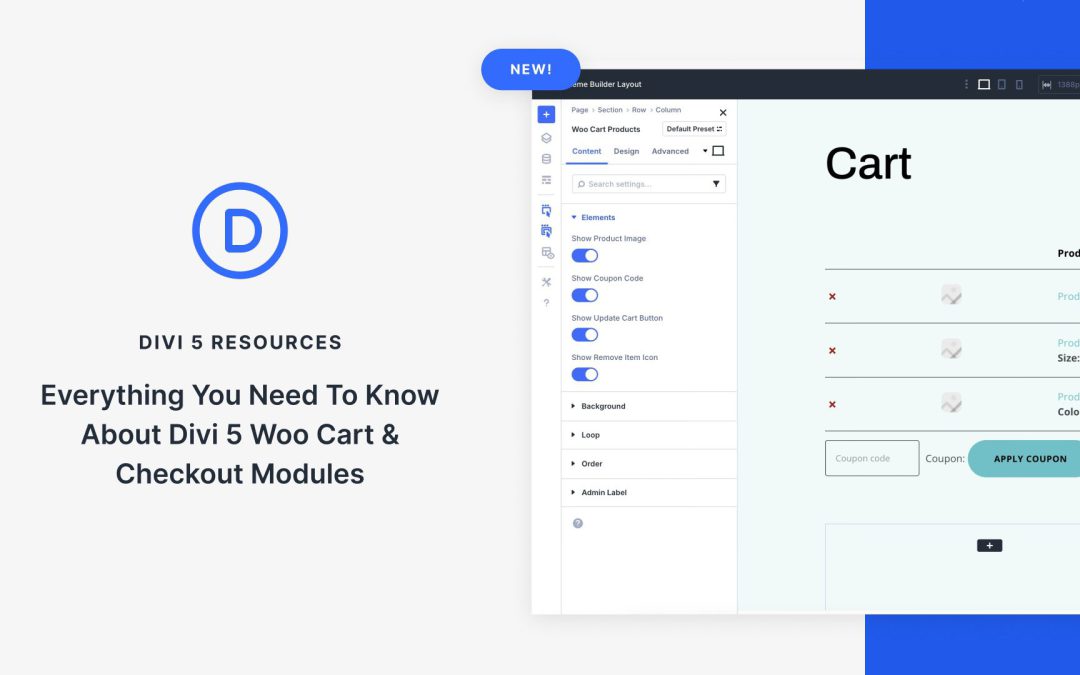
In one of Divi 5’s latest updates, we’ve released the native Cart and Checkout Woo Modules that allow you to build custom checkout pages for your Divi site.
In this post, we’ll explore the features, benefits, and setup process for these modules, providing a better understanding of how they work. Let’s get started!
What Are The Woo Cart & Checkout Modules?
The Woo Cart and Checkout modules are native components of Divi 5, which is an upgrade from the legacy Divi 4 modules in previous versions of the Divi 5 Public Alpha phase. These modules allow Divi users to transform WooCommerce’s default cart and checkout templates into fully customizable, visually rich experiences within the Visual Builder or Theme Builder.
Blog Loops make it easier than ever to design article listings that look clean, adapt beautifully to different screen sizes, and are simple to customize in Divi 5. In this free pack, you’ll find 16 unique Blog Loop designs, each built with Divi 5’s Loop Builder for precise control over layout, metadata, and responsive behavior. Whether you want to use your site’s existing global styles or start with a ready-made design, you’ll find both options here.
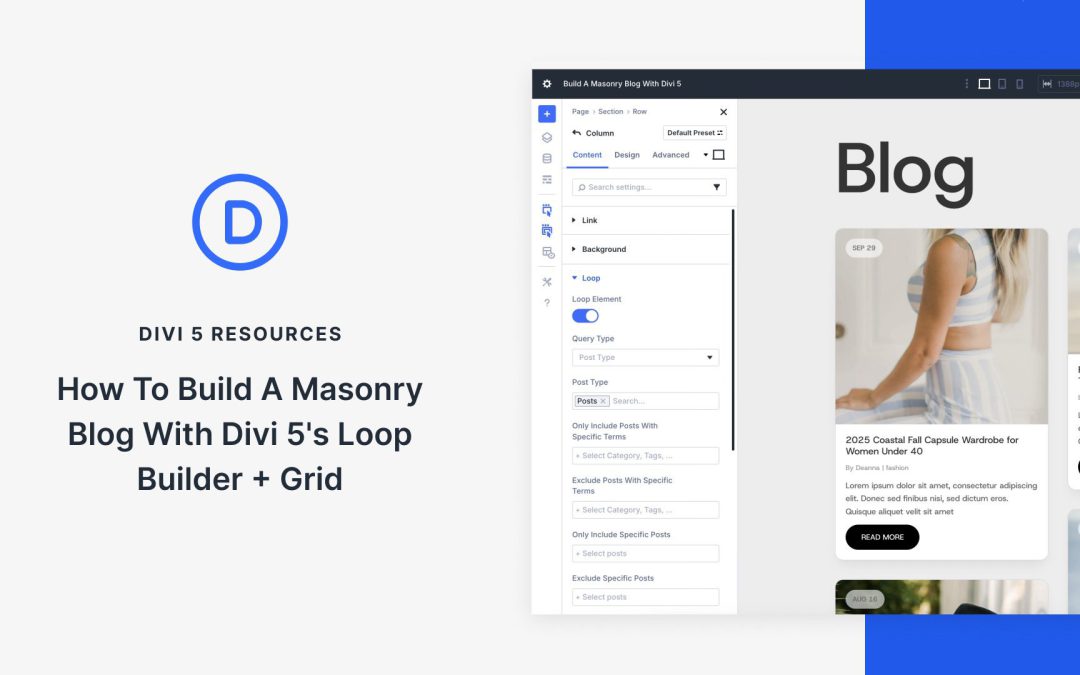
Thanks to new features in Divi 5, you can build modern, space-efficient blog layouts that go beyond rigid rows. Pair Loop Builder to pull in dynamic posts with CSS Grid to arrange them in flexible, masonry-style layouts that stay responsive across breakpoints.
In this post, we’ll walk through the setup step by step so you can recreate it in minutes!
What Is CSS Grid In Divi 5?
CSS Grid in Divi 5 is a robust layout system that transforms how you design blog pages, enabling advanced grid-based arrangements, such as masonry layouts. Unlike traditional layouts, CSS Grid enables items to automatically adapt to the Grid without requiring explicit positioning, resulting in a seamless and dynamic display.
Key Features Of CSS Grid
Pre-Built Grid Templates: You can apply grid templates at the container level, either using one of Divi 5’s new CSS Grid row templates, or create your own using the Grid Layout Style.
Customizable Options: Fine-tune column and row templates, set dimensions, adjust grid directions, alignment, justification, and even control individual item width, height, or position.
Offset Editor: Create asymmetrical, repeating patterns, like making every 4th post span two columns, for a varied, engaging look.
Benefits of CSS Grid
CSS Grid enables you to create masonry grids that enhance the user experience. It integrates perfectly with dynamic content, ensuring your blog posts display beautifully and responsively across all devices. Paired with Divi 5’s Loop Builder, CSS Grid automatically arranges your posts into a stunning masonry layout, giving your blog a modern, professional look.
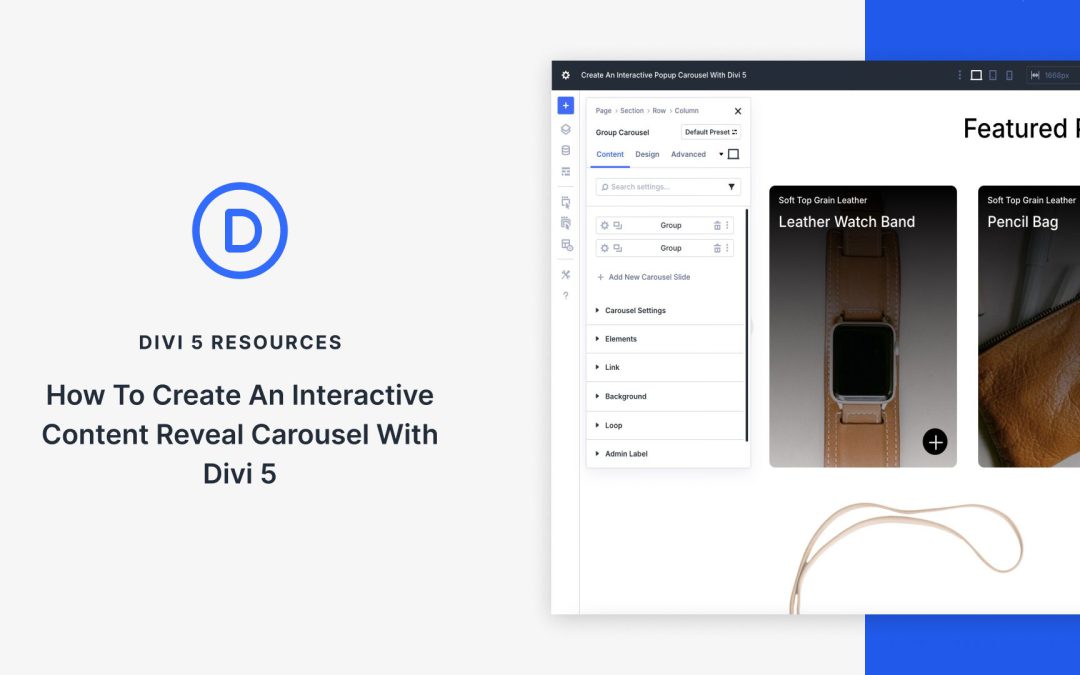
Two of Divi 5‘s latest features, Interactions and the Group Carousel module, offer a way to create interactive, sliding carousels to help you showcase products, team members, testimonials, or anything you can imagine.
In this post, we’ll show you how to create an interactive content reveal carousel that combines these two features to boost engagement, keep visitors on your site longer, and elevate their browsing experience. Let’s dive in!
What Is The Group Carousel Module?
The Group Carousel module allows you to build dynamic, responsive carousels or sliders for any content type, from static images to dynamic posts pulled in by the Loop Builder. With built-in navigation options like arrows and dots, customizable layouts, and mobile-friendly responsive tools, the module provides an excellent way to create engaging carousels and sliders.
Its integration with Divi’s design settings and extensive styling capabilities allow you to create advanced effects, such as animated transitions or hover-based triggers, making it a powerful tool for creating engaging, interactive designs.
What It Is: A flexible module for creating carousels and sliders of groups — either static or dynamic with the Loop Builder — supporting navigational controls, transition speed, and number of slides to display.
Key Settings: Multiple layout options, including full-width, multi-column, and integration with features like Nested Rows.
Customization Options: Style slides, including colors, spacing, background options, hover effects, and transitions, and add custom content per slide. It also fully integrates with Design Variables.
Pair With Interactions: Easily create content reveals via a trigger.
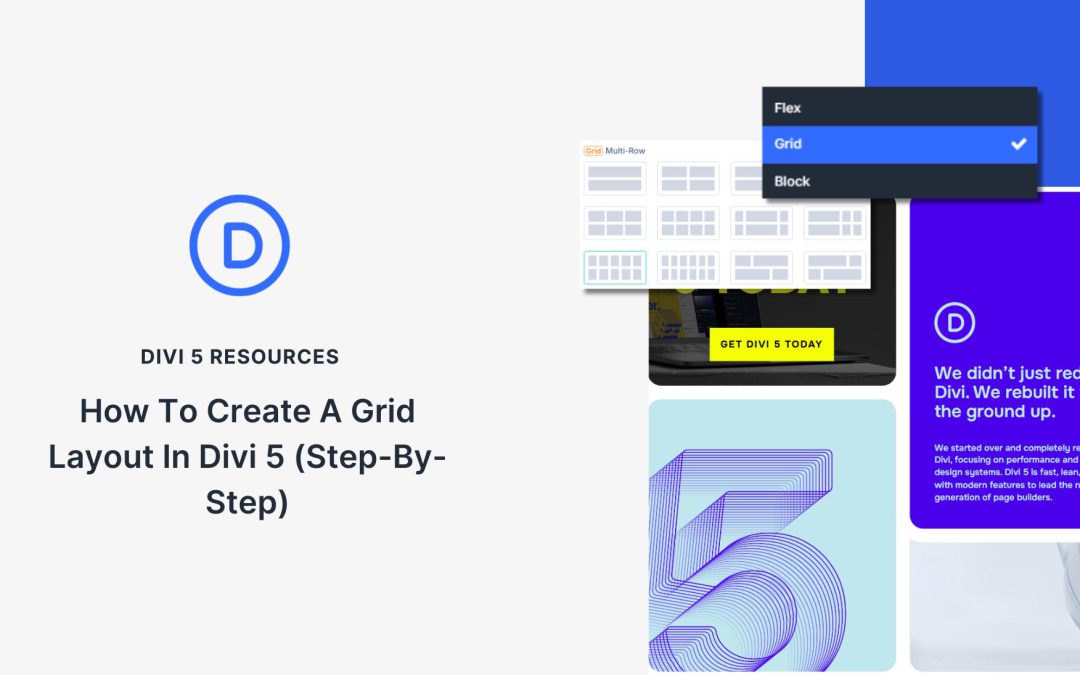
Divi’s new Grid Layout System opens up endless possibilities for creating intelligent layouts. For many, though, this is new territory, and wrapping one’s mind around some of these new input options could get confusing. That’s why we will walk through how to build a Grid Layout using the new controls in Divi 5.
Not too long ago, we released a pack of eight premade Grid Layouts. Using Grid #4 from that pack as our design inspiration, we will rebuild it, step by step.
If this is your first foray into CSS Grid, this tutorial is a great place to start because we won’t use any Offset rules to make this happen.
Receive the latest WordPress, Divi, SEO and design news in your inbox for FREE from Web Design Solutions Unleashed.
We use cookies to ensure that we give you the best experience on our Web site. If you continue to use this site we will assume that you are happy with it.