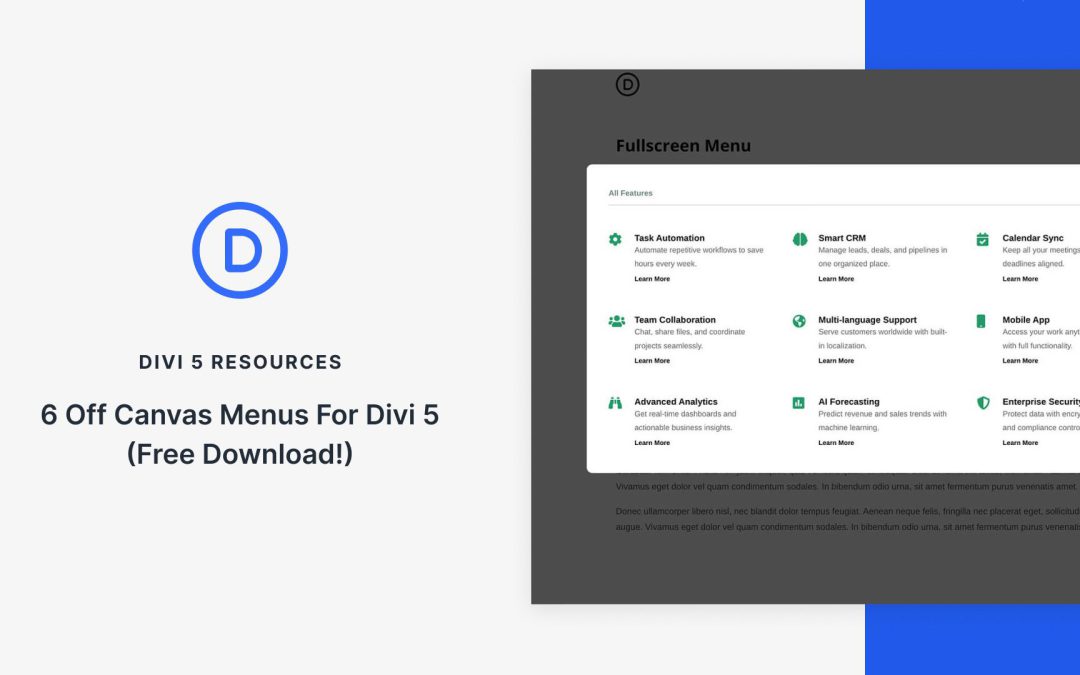
Time for another Divi 5 freebie! This time around, we’re providing you with 6 Off Canvas Menus, each available in two versions. Default (inherits your global styles) and Prestyled (ready-made look). Import them to your Divi 5 Library, assign them in the Theme Builder, and customize them to your needs.
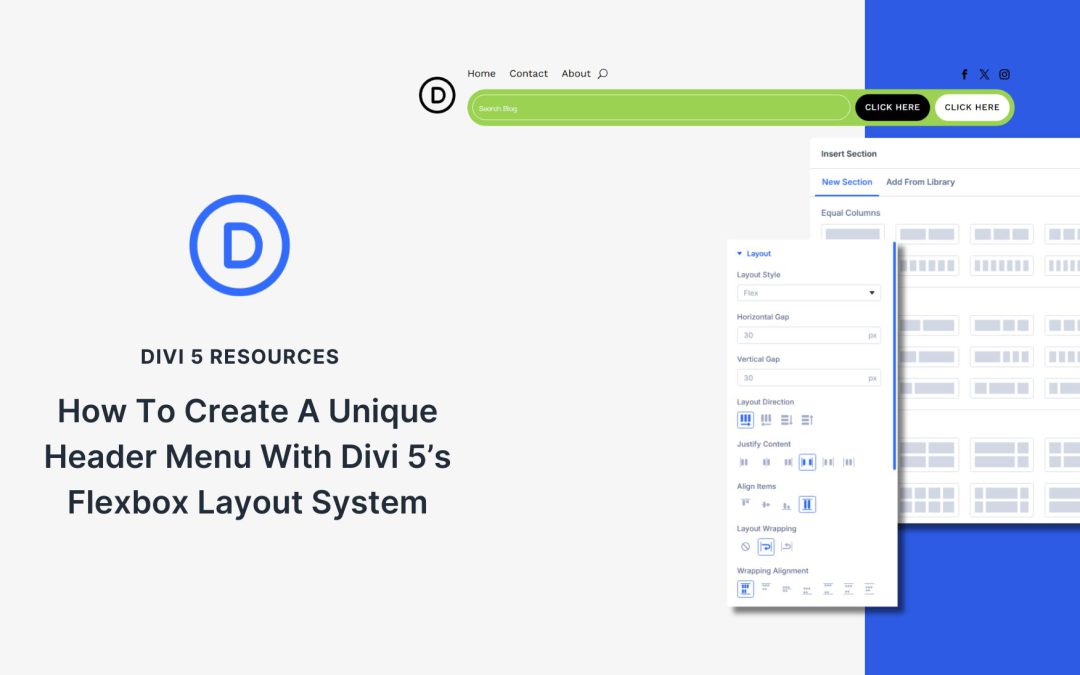
Custom headers set your site apart, especially when millions of other websites are built with the same WordPress theme or template. This tutorial demonstrates how to create a custom header in Divi 5. You can download this header and 19 others if you’d like to study or use them on your own builds.
Otherwise, this post provides a step-by-step guide on how to use Divi’s Flexbox layout system to build this layout.
Flexbox dropped in Divi 5 a few weeks ago, and Grid followed soon after. Both tools control how your content is arranged on the page, providing you with two solid options to build layouts.
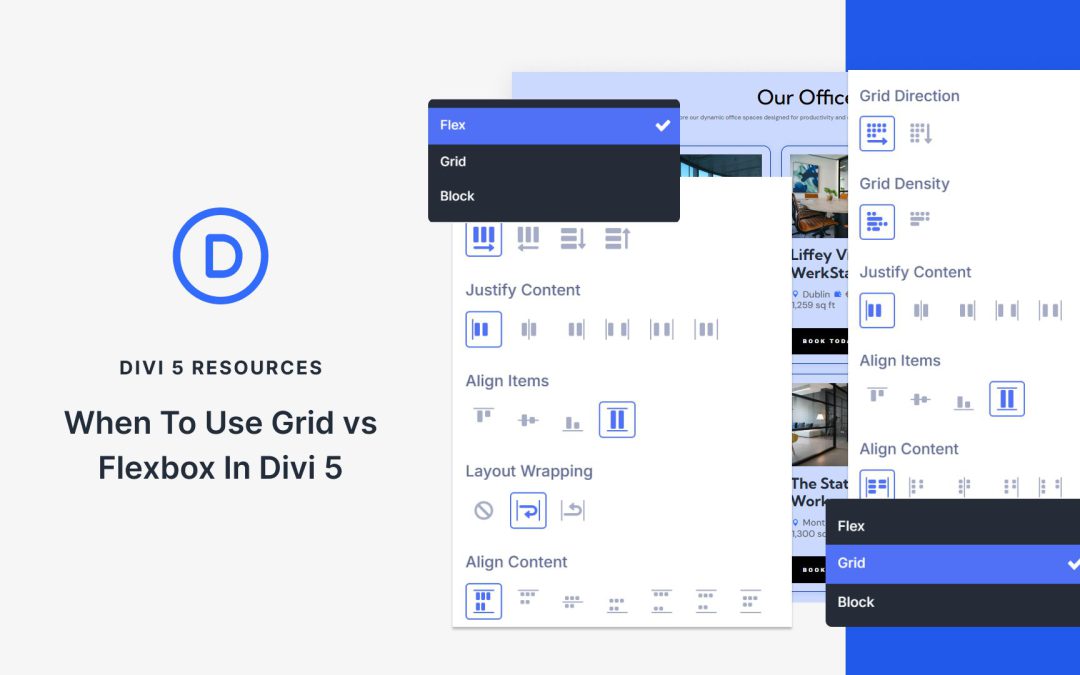
But how are they different? They appear quite similar at first glance. This post breaks down the differences between Flexbox and Grid in Divi 5, showing you when to use each one. Have a look!
What Flexbox Does In Divi 5
Flexbox is a CSS layout model that Divi 5 uses as its foundation. It works in one direction, meaning you can arrange things horizontally or vertically, not both at once.
Carousels are a design element that almost every site needs, whether it’s for products, testimonials, or client logos. In the past, Divi users often relied on third-party plugins or custom code to achieve their desired results.
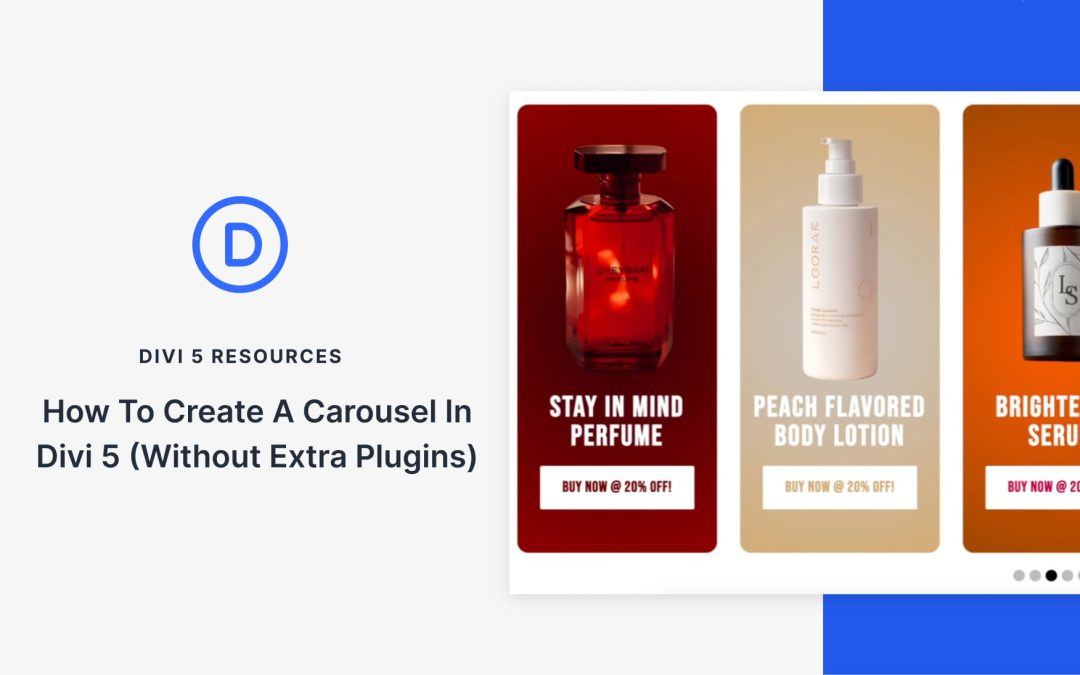
With Divi 5, that’s no longer the case. The new Group Carousel module enables you to build fully customizable carousels directly within the builder, eliminating the need for extra plugins.
Why Build Carousels Without Plugins
Slider plugins can be powerful, but every extra one you install brings more code to load and increases the chances of something breaking. With the carousel now built into Divi, you get four big wins right away:
Faster To Load: No extra plugin scripts weighing things down. Your pages stay lighter and snappier, which matters most on mobile where seconds count.
Updates Stay Simple: You don’t have to worry about updates every time WordPress updates. Since the carousel resides within Divi, everything updates simultaneously, making it less likely to break.
Design That Fits: Outside plugins often fight your theme’s design system. With Divi’s native module, you’re using the same tools you already use for fonts, colors, and spacing, so the carousel feels like part of your site, not an add-on.
Future Proof: Plugins can disappear overnight. Because this module is part of Divi itself, you know it will stay supported and keep evolving along with the builder.
Designing a layout involves placing boxes on a page and ensuring they remain aligned when the screen size changes. For years, that meant working around limitations — floats, manual spacing, or building everything in one direction.
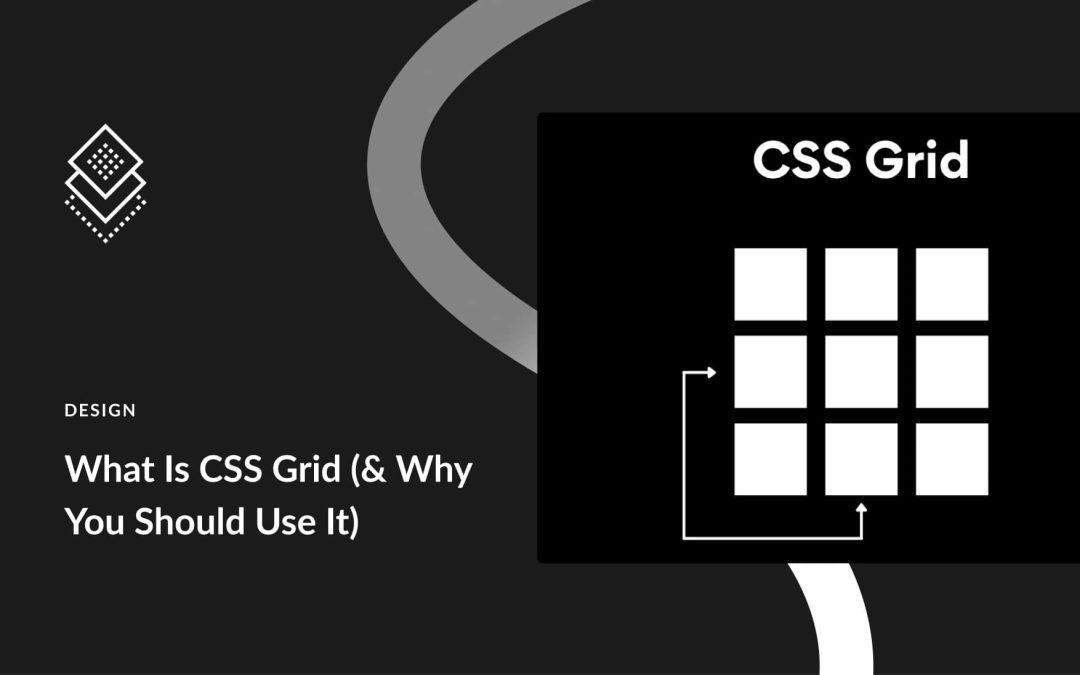
CSS Grid changes the game. Rows and columns function as a single system, allowing galleries, product grids, and team sections to come together with less effort and hold up better over time. In this post, we’ll walk you through the basics of Grid and show you how Divi 5‘s Grid makes it visually appealing.
Receive the latest WordPress, Divi, SEO and design news in your inbox for FREE from Web Design Solutions Unleashed.
We use cookies to ensure that we give you the best experience on our Web site. If you continue to use this site we will assume that you are happy with it.