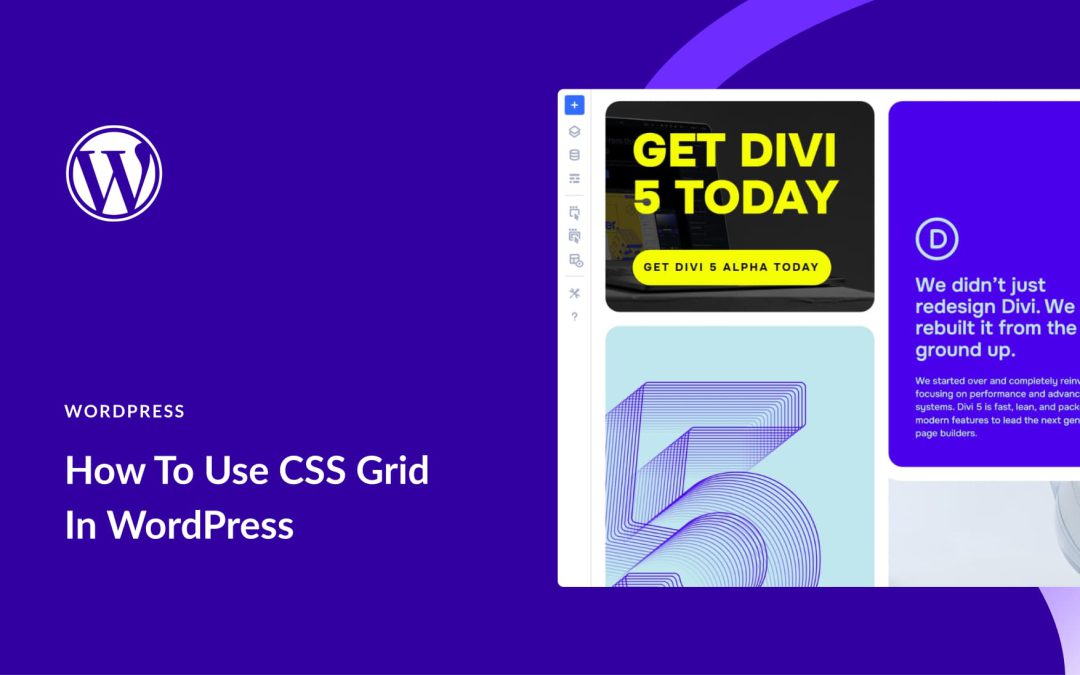
CSS Grid gives you two-dimensional control so you can place items exactly where they belong, instead of fighting stacks and columns. It’s like giving your page a simple map where you can drop elements into clear spots and let the grid handle the layout.
In this post, you’ll learn how to use grids in WordPress and why Divi 5 makes the process visual, fast, and flexible. Ready to build layouts that feel designed, not just stacked? Let’s dive in.
What Is CSS Grid Exactly
CSS Grid is a layout system for arranging content on web pages using rows and columns simultaneously. You could always build these layouts by nesting containers and using floats or other workarounds, but Grid makes the process cleaner and more straightforward.
You apply Grid to a container, and it divides the space into rows and columns. The container becomes a grid, and its direct children become grid items that sit in the cells.
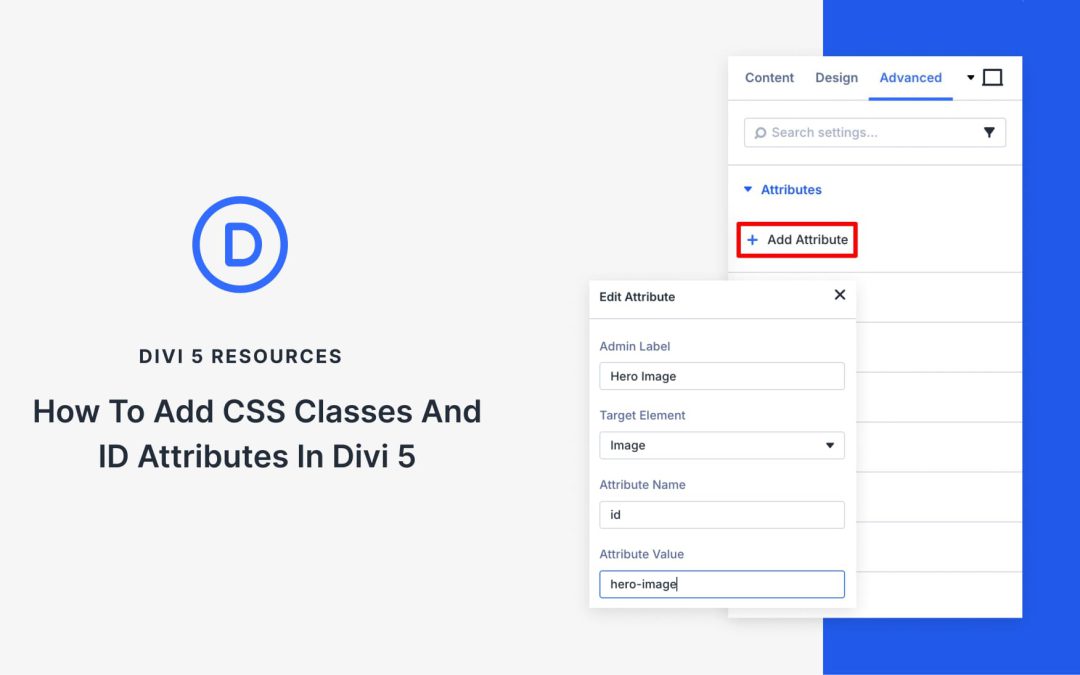
In older versions of Divi, you’d find separate fields in the Advanced tab to add CSS IDs and Classes. In Divi 5, those fields are no longer there.
But nothing’s actually missing. Everything moved into Attributes under the same Advanced tab. You can still add IDs and Classes exactly like before, plus any other custom attributes you need. The difference is how it’s organized: one unified space instead of scattered fields.
In this post, we’ll walk you through adding CSS classes and ID attributes using Custom Attributes.
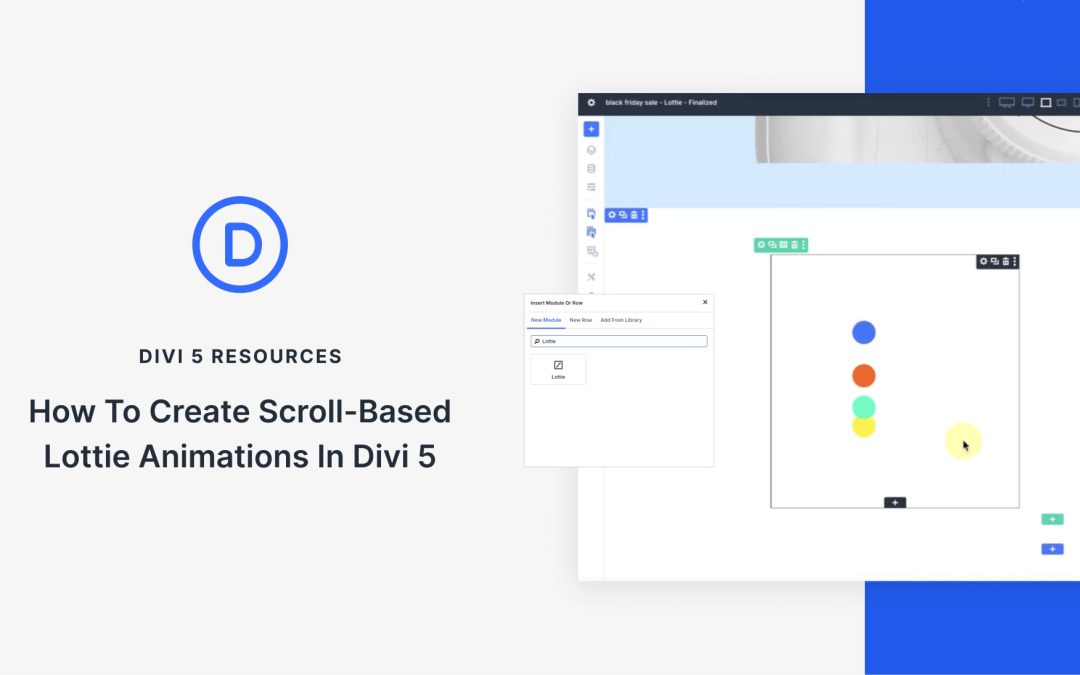
With Divi 5’s Lottie Module, you can tie motion to the scroll, letting visitors control how the animation plays as they move down the page. This makes sections feel interactive and works well for timelines, hero banners, or sales campaigns where you want to highlight a message with movement.
In this tutorial, we’ll walk through how to set up a scroll-based Lottie animation in Divi 5 and share a few examples you can adapt to your own designs.
What Is The Lottie Module In Divi 5?
Lottie is an open-source animation format developed by Airbnb that renders vector animations in real time using JSON. Rather than exporting animations as heavy videos or pixelated GIFs, you can use JSON files that stay crisp at any size, load quickly, and scale smoothly across devices.
The Lottie Module in Divi 5 enables you to integrate these animations directly into your layouts.
Divi 5 is here. Not in some distant future, not in a limited capacity. It’s here now, it’s being used on many production sites, and it’s waiting for you to start using it.
Now, the question isn’t whether to migrate to Divi 5. It’s when. And that is in your hands until the official release.
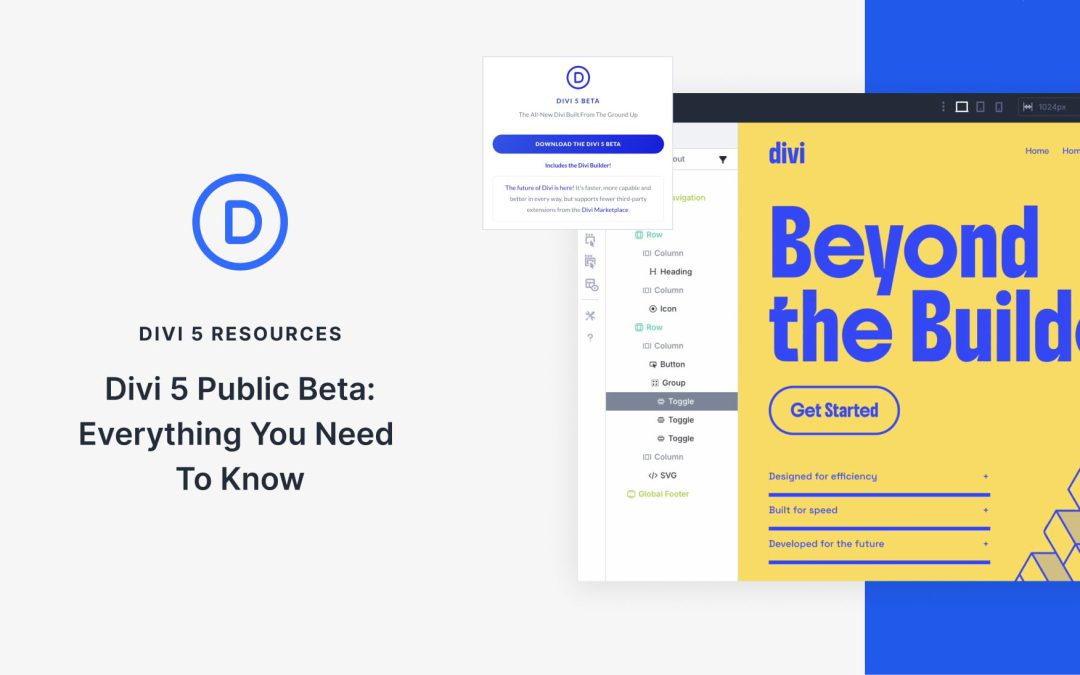
The Public Beta phase means we’ve reached a level of stability and feature completeness that we’re genuinely confident in. This isn’t beta in the traditional sense where you’re signing up to find bugs. This is a mature, tested product that we’re making available to everyone, on your timeline, with backward compatibility that is fully in place.
Find out everything you need to know about the Public Beta below.
What The Public Beta Means For You
Public Beta is finally here. After months of rigorous testing through the Public Alpha phase, we’ve reached the milestone we’ve been working toward: Divi 5 is ready for widespread adoption!
One of Divi 5‘s newest features, the Inspector, allows you to inspect and edit element attributes, such as colors, fonts, and presets, in a single, intuitive panel. Regardless of your skill level, this feature is a must-have for creating stunning, consistent websites with ease.
What Is The Divi 5 Inspector?
The Divi 5 Inspector is a powerful, Figma-inspired tool integrated into the Visual Builder, designed to make working with Divi easier and more productive. It allows Divi users to inspect and manage element attributes (colors, text, media, presets, and more) with a single, centralized panel.
Receive the latest WordPress, Divi, SEO and design news in your inbox for FREE from Web Design Solutions Unleashed.
We use cookies to ensure that we give you the best experience on our Web site. If you continue to use this site we will assume that you are happy with it.