Popups get a bad reputation, but that’s only because most websites misuse them. When you build them with purpose and timing in mind, they turn casual browsers into subscribers and window shoppers into buyers.
We’ll show you five ways to use popups people want to see. As a bonus, we’ll also show you how Divi 5 can build all the popup types we’re about to cover without installing a plugin or writing code in WordPress. Take a look!
What Are Popups?
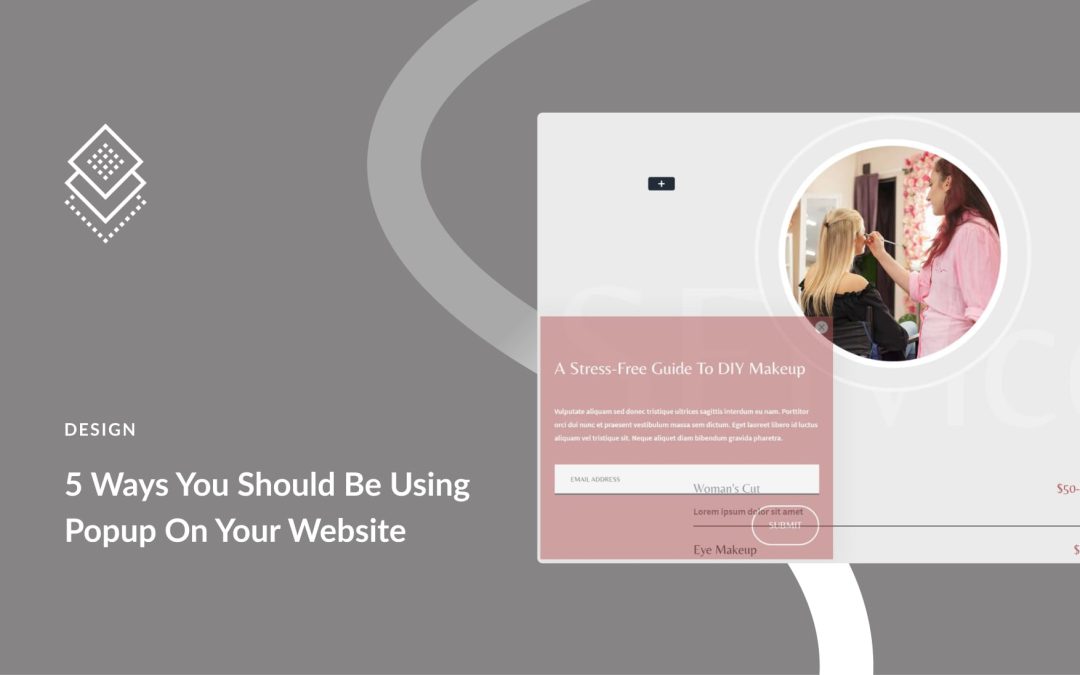
Popups are overlay windows that appear on top of your website content. They create a separate layer between your visitor and the page underneath, usually with a darkened or blurred background that keeps focus on the popup itself.
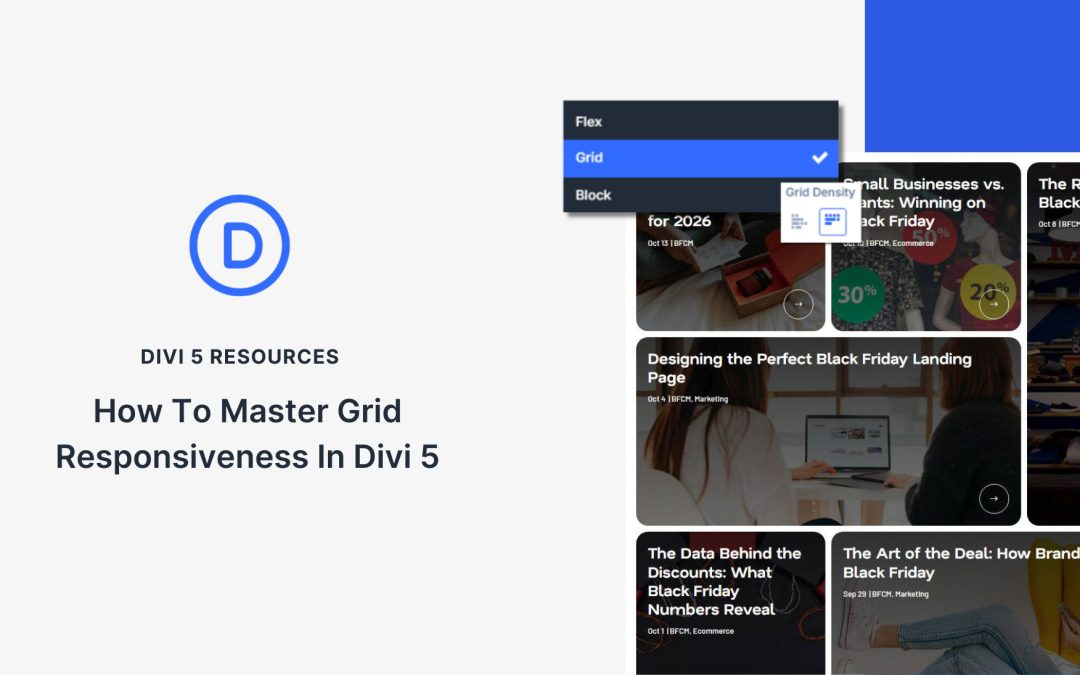
Responsive grids shouldn’t require dozens of media queries and custom CSS overrides. But until recently, that’s exactly what most page builders demanded. Divi 5’s CSS Grid framework changes that, providing you with layouts that adapt fluidly across screen sizes without requiring a single line of code. Whether you’re building a simple card grid or a complex bento layout, you can create responsive designs that work beautifully on every device, all from the visual editor.
Grid is one of several layout systems that make Divi 5 the most powerful way to build WordPress sites. Let’s see exactly what you can do with it.
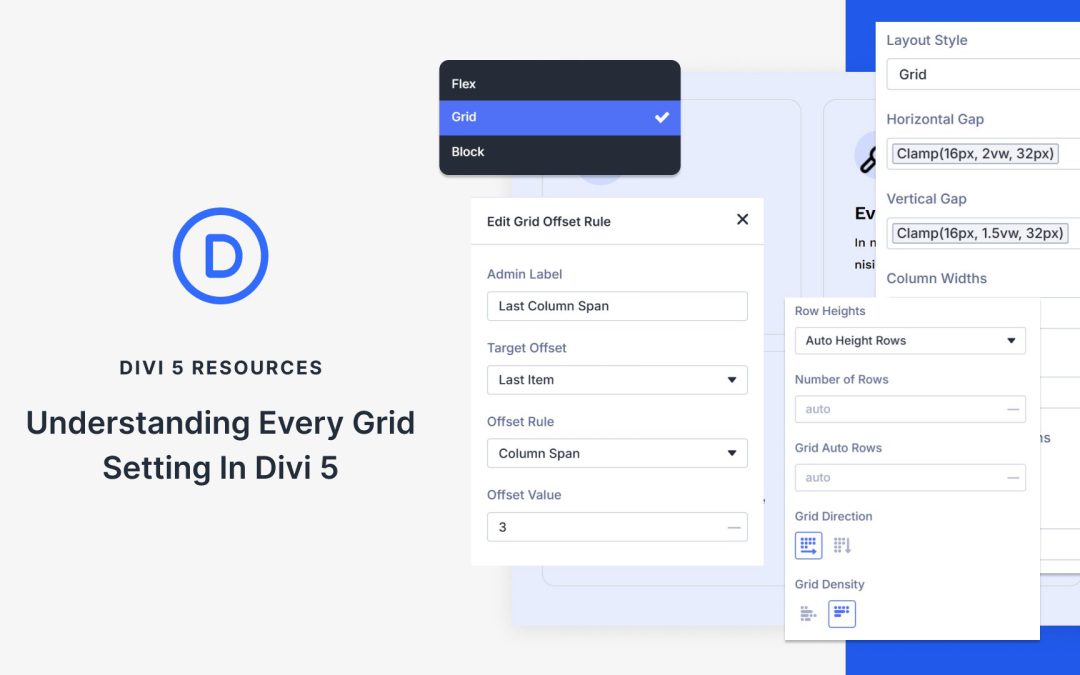
That flexibility comes with a trade-off: there are way more settings to understand. The Visual Builder now includes about 15 Grid options, which all work together to control how your content is positioned on the page.
This post breaks down each setting so you know exactly what it does and when to use it.
What Is Grid In Divi 5?
Divi 5’s new Grid system handles rows and columns together. It works with Sections, Rows, Columns, and Module Groups through the Layout Style dropdown in the Design tab.
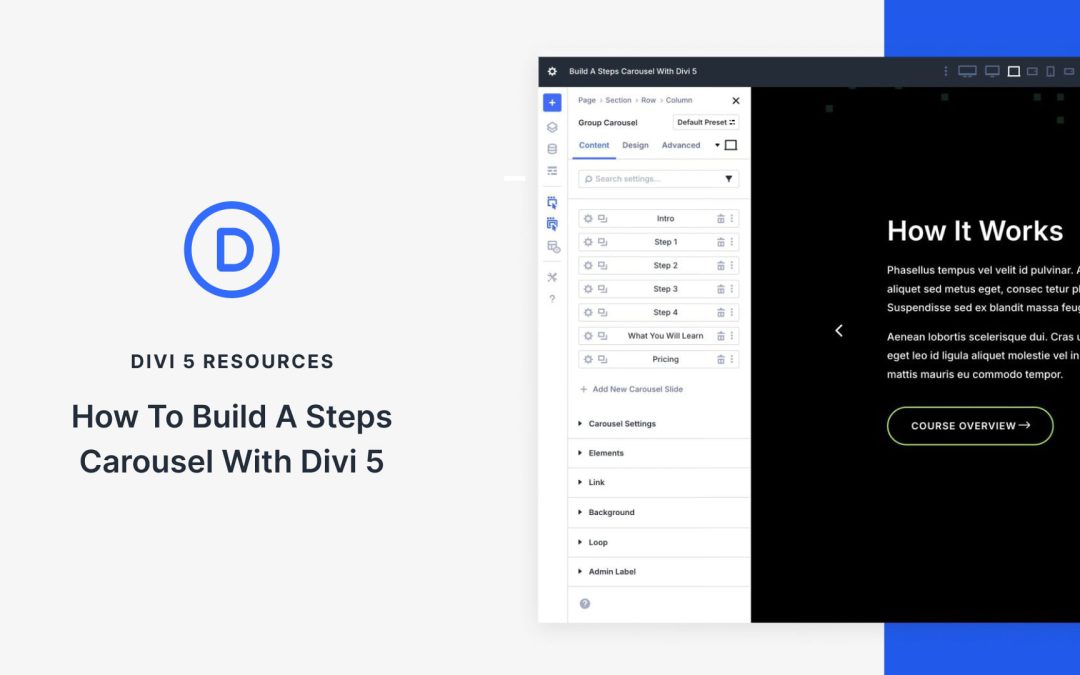
A steps carousel provides an effective way to display information in a structured, easy-to-follow format. With the new Group Carousel module in Divi 5, creating a steps carousel is easier than ever. This new module enables you to create custom carousels using any Divi module, supports dynamic looping for scalable content, and provides advanced styling options to match your site’s branding.
In this post, we’ll walk you through a step-by-step process for building a steps carousel so you’ll have the knowledge you need to create engaging content for your Divi website.
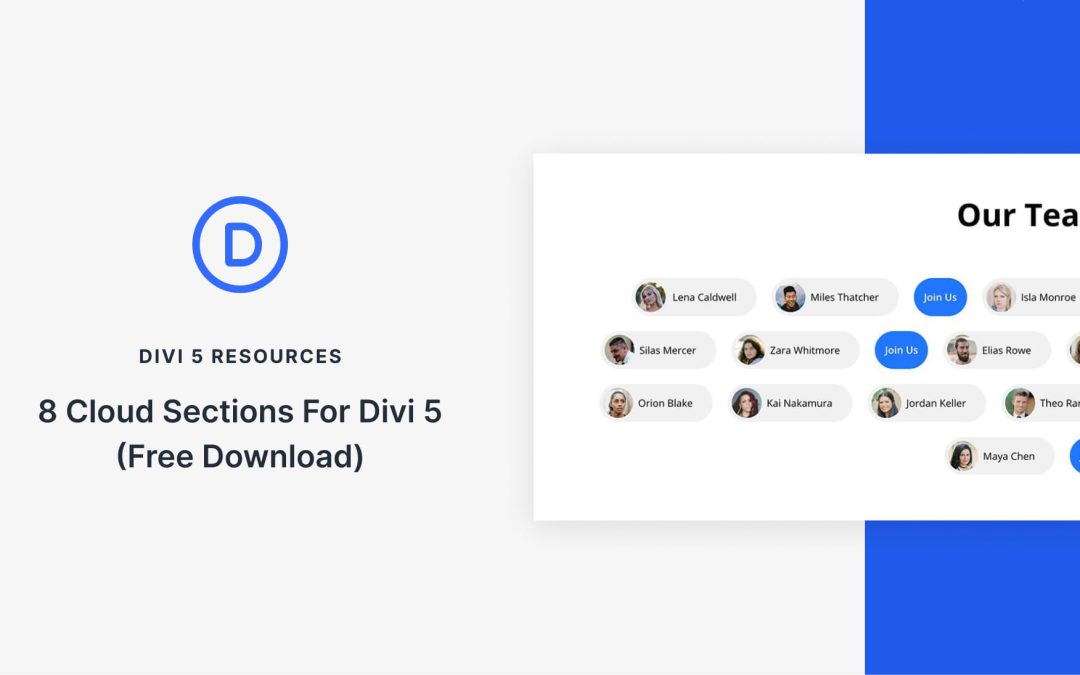
Divi 5‘s modern design tools make it easy to build playful, cloud-style sections. These are soft cards that feel light, flexible, and perfect for teams, features, tags, or CTAs. In this free pack, you’ll find 8 Cloud Sections, each crafted for smooth shapes, subtle depth, and quick edits. Drop them into any page and swap the content.
Preview
Let’s take a look at all 8 Cloud Sections in this pack. The download is further down the post.
Receive the latest WordPress, Divi, SEO and design news in your inbox for FREE from Web Design Solutions Unleashed.
We use cookies to ensure that we give you the best experience on our Web site. If you continue to use this site we will assume that you are happy with it.