Blind and low-vision users use screen readers to browse the web. These tools read your site out loud. Screen readers can only work with what your code tells them about the component. The site might work fine for sighted visitors who don’t use assistive technology, but it becomes a mess for anyone relying on assistive tools.
Adding the right attributes helps address many of these issues. Divi 5 makes it painless with Custom Attributes, letting you add what’s needed without digging through code or wrestling with workarounds. Let’s have a look!
Why Attributes Matter For Your Website
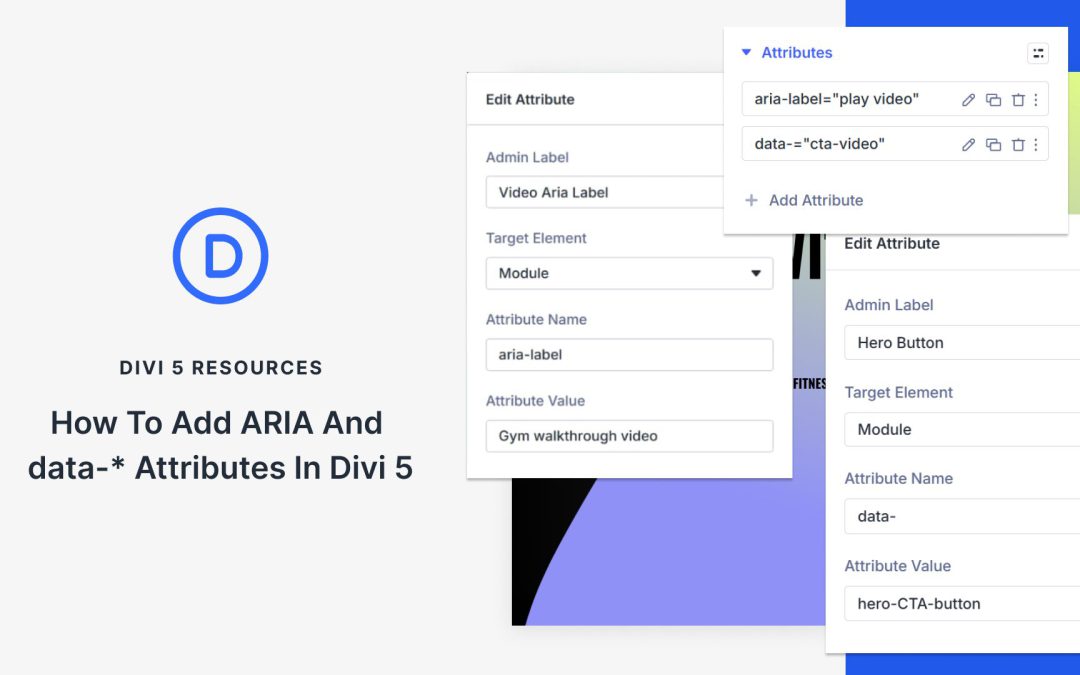
HTML attributes fall into several groups, each handling a specific task. Accessible Rich Internet Applications (ARIA) attributes inform screen readers about the functions of interactive elements, enabling users to navigate and interact with content more effectively.
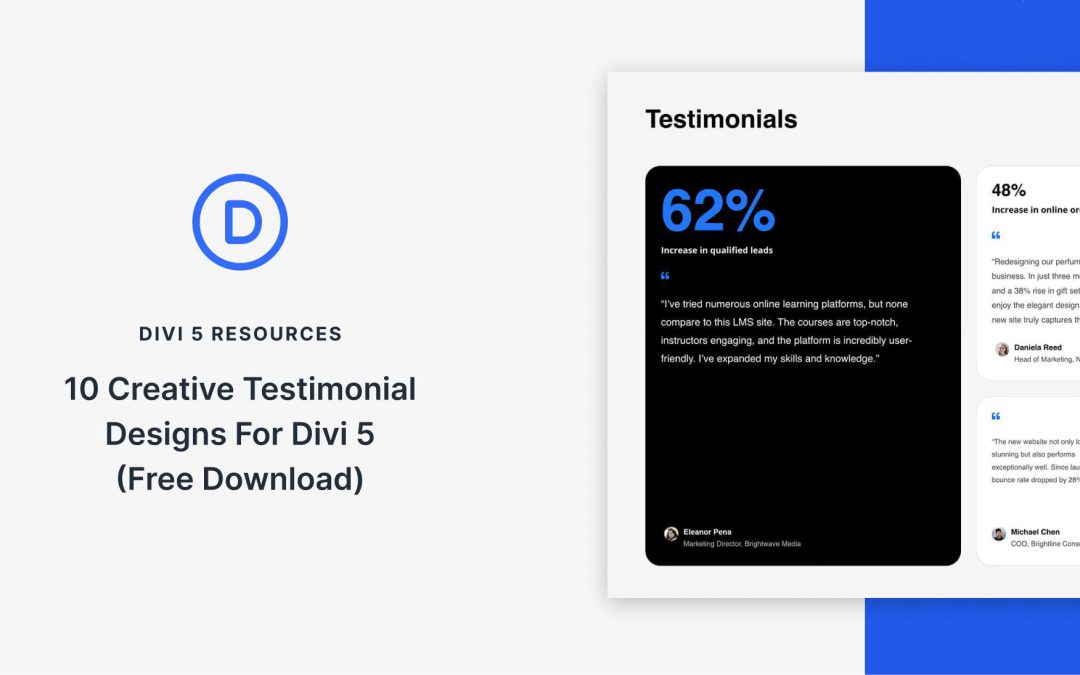
Divi 5 makes it simple to add social proof that actually looks good. In this free pack, you’ll get 10 Styled Testimonial Sections — each crafted for clean typography, balanced spacing, and strong contrast out of the box. Drop one onto any page and swap the content. No extra setup required.
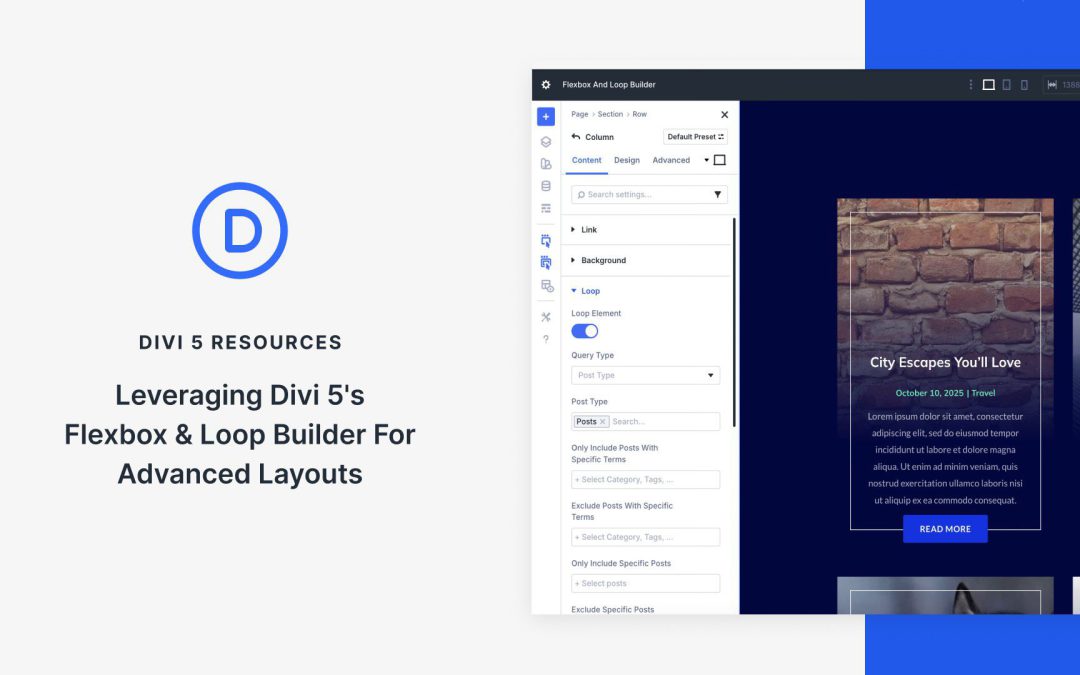
With the introduction of Divi 5‘s Flexbox Layout System and the Loop Builder, you can create modern, flexible designs with ease. Flexbox delivers intuitive, responsive layout control with effortless alignment and spacing. The Loop Builder integrates dynamic content from posts, products, or custom fields into your website.
Together, these features unlock a world of creative possibilities, allowing you to build advanced layouts, such as custom portfolios, sleek e-commerce grids, or responsive event calendars, without relying on third-party plugins.
In this post, we’ll dive into how Flexbox and Loop Builder work and explore practical examples like dynamic grids and carousels, and share pro tips to help you build stunning, scalable layouts with Divi 5’s Public Beta release.
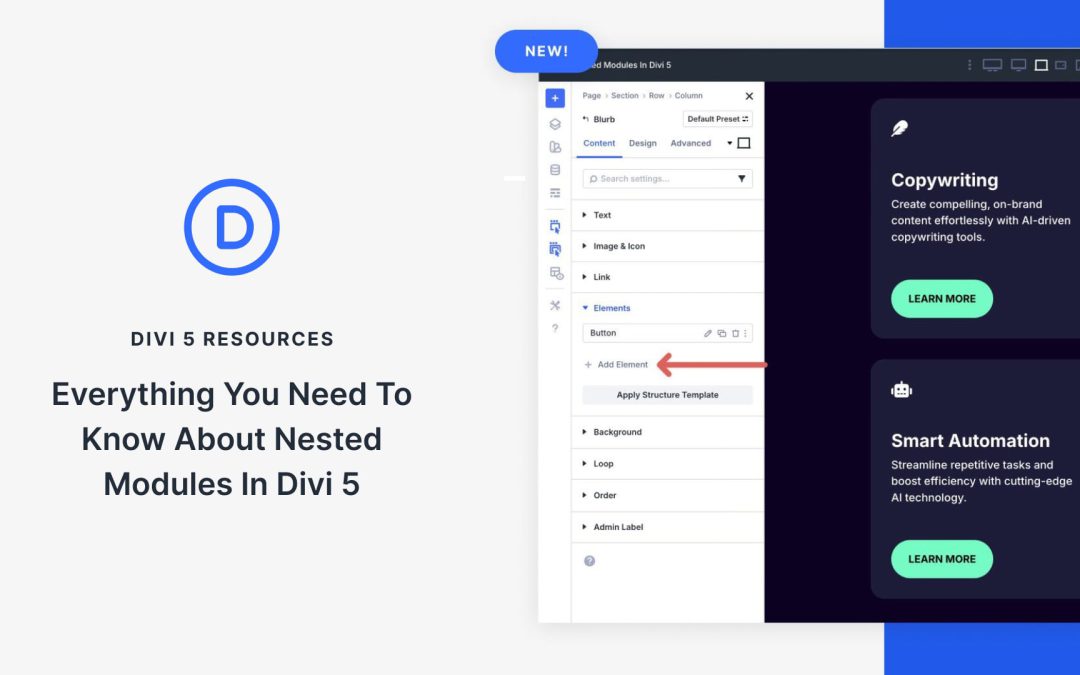
Nested Modules in Divi 5 allow every module to serve as a container, enabling you to place rows and other modules inside one another with infinite depth. You can place buttons inside a Blurb, a CTA inside a Blog module, or custom layouts inside an Accordion with ease.
In this post, we’ll dive into what Nested Modules are, their benefits, and showcase some examples of them in action. Let’s dive in!
What Are Nested Modules?
Nested Modules enable the placement of any module inside another module with infinite nestability. This means you’re no longer limited to pre-defined modules. You can now build layered, custom layouts by embedding rows or modules within one another, as many layers deep as you’d like.
At its core, a Nested Module turns every Divi element into a flex or grid container. Whether it’s a Blurb, Accordion, Tab, Slider, or any other Divi module, you can now treat it as a layout parent element. These child elements can be simple Text modules, complex row structures, or even other nested modules, creating reusable design patterns.
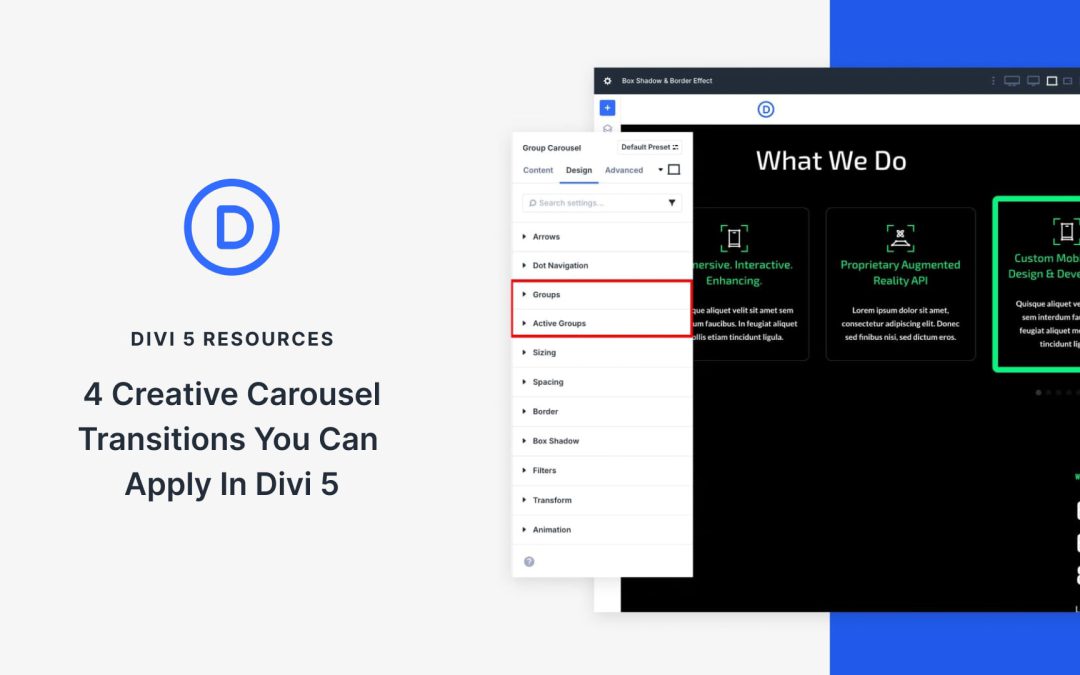
Great carousels do more than slide left and right, they guide attention and create rhythm. With Divi 5’s new Group Carousel module, you can shape transitions visually inside the builder without writing a line of code.
By styling the active slide differently from the surrounding ones, you create hierarchy, flow, and focus. Small shifts in saturation, scale, borders, and hover states alter the feel of a carousel, from quiet and editorial to bold and energetic, without overwhelming the design.
In this post, we’ll show you how to create transitions that change the experience, not just add movement. Here are four quick ideas you can apply in minutes. Let’s get to it!
Receive the latest WordPress, Divi, SEO and design news in your inbox for FREE from Web Design Solutions Unleashed.
We use cookies to ensure that we give you the best experience on our Web site. If you continue to use this site we will assume that you are happy with it.