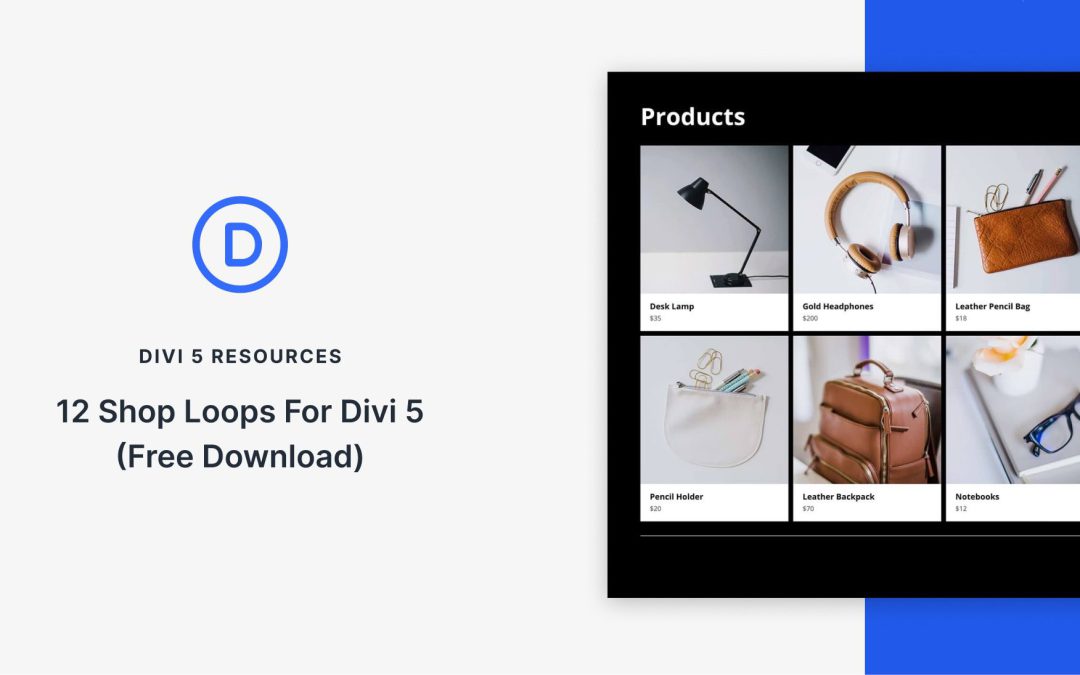
Divi 5 makes it easy to design custom product grids without code. In this free pack, you’ll receive 12 Shop Loops, all Unstyled, so they inherit your site’s global design variables for color, typography, and spacing. Use them inside the Theme Builder to power shop, category, and product archive templates, or drop them onto any page to feature products.
You’ve imported a layout that looks great, but it uses its own colors, fonts, and module styles. How do you make it match your site’s design system without rebuilding every section?
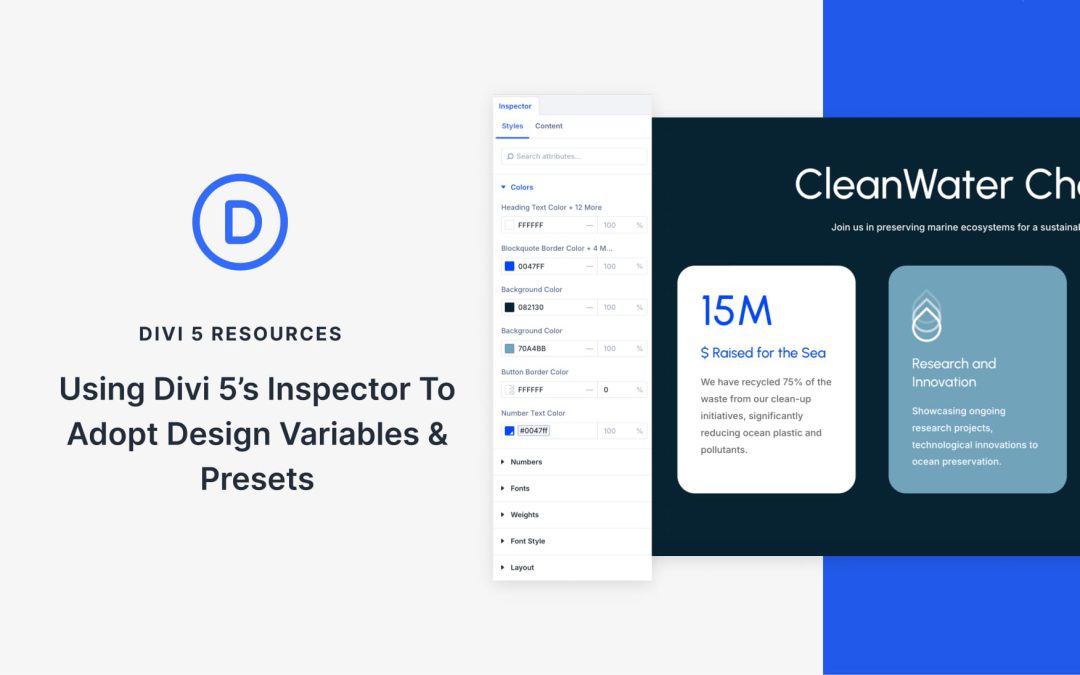
That’s where the Divi 5Inspector comes in. It allows you to open any module, view the active design settings, and replace them with your own Design Variables or Presets. In this tutorial, you’ll learn how to use the Inspector to adopt your existing styles into an imported layout quickly and cleanly.
What Is The Inspector In Divi 5?
Inspect panels allows designers to click any element and instantly view all its properties, including colors, typography, spacing, and effects. Instead of guessing or manually measuring, you get exact values in one organized view.
Divi 5’s Inspector applies this philosophy to WordPress, making it particularly useful when working with imported layouts or pages built before you established a design system. You can quickly identify custom values and replace them with your linked variables and presets.
Right-click any section, row, or module inside the Visual Builder and select Inspect. This opens a panel that reveals all design attributes currently applied to that element, including colors, fonts, backgrounds, media, and presets.
A great website doesn’t just display information, it also provides valuable insights. It responds to you. People who interact with your site expect instant feedback confirming their actions have been registered. Without these small responses, visitors get frustrated and leave.
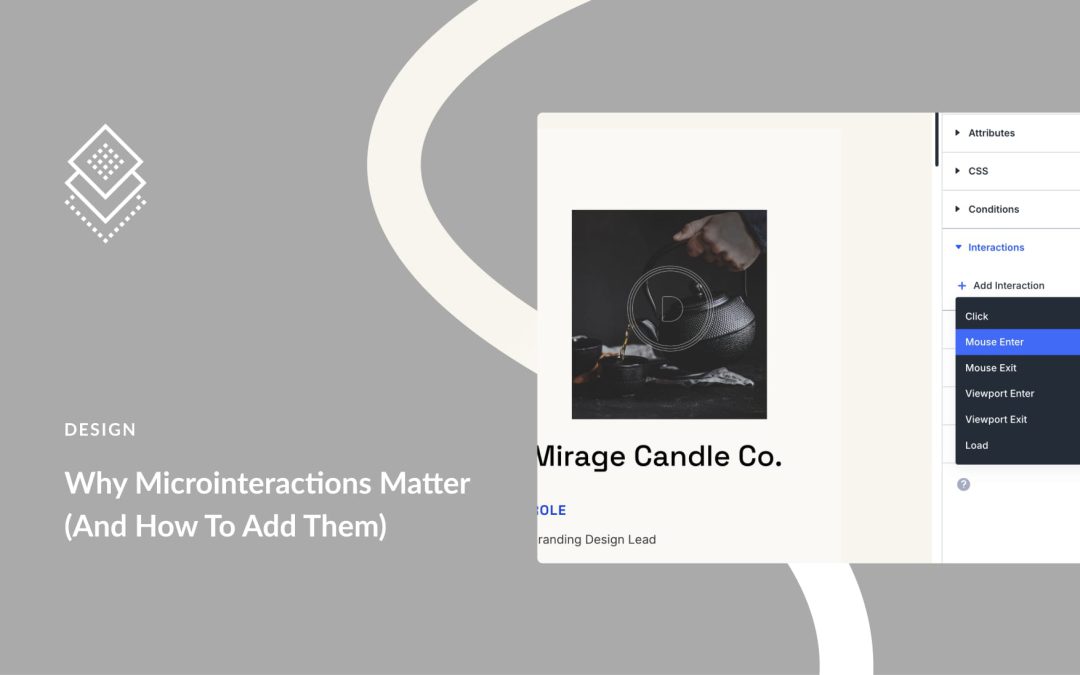
In this post, we will explain why these elements matter and show you exactly how to add them without coding. We will also show you how Divi 5 makes adding microinteractions to your WordPress website as easy as building complete websites. Let’s get to it!
What Are Microinteractions
Microinteractions are the small responses your site provides when someone clicks, hovers, or scrolls. For example, when you press a button, it shifts slightly or changes color, which is an example of a microinteraction at work.
Divi has undergone significant evolution up to the release of Divi 5 Beta. We have been on a journey to rebuild a new Divi that prioritizes performance, rapid feature development, and a new future for Divi users.
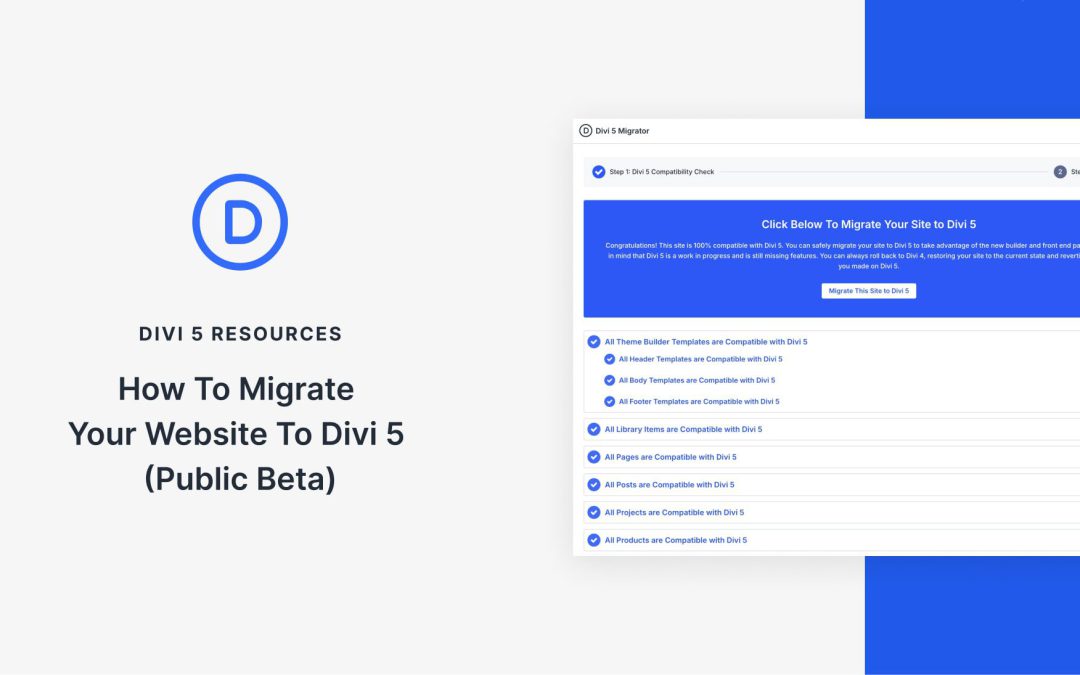
However, the prospect of migrating an established website can raise legitimate concerns about compatibility, site uptime, and a new way of doing things. This guide addresses those concerns by giving a walkthrough of the Divi 5 migration process, the backward compatibility system, and best practices for ensuring a smooth transition.
What The Migration Process Does
The migration and backward compatibility system has been a huge undertaking. Other page builders in recent memory have not tried to build something similar for their loyal customers. However, we invested a significant amount of development time to ensure your website can fully leverage the benefits of our best product yet. To that end, there are a lot of things happening with this process.
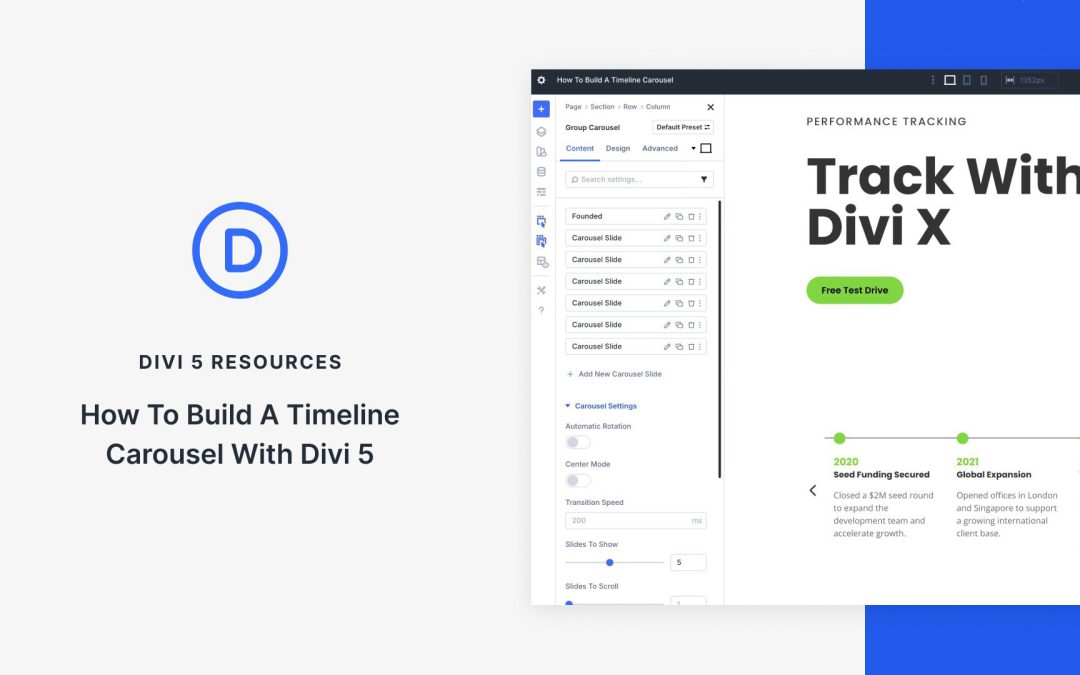
Displaying a timeline on your website enables you to showcase your brand’s milestones or project history, providing visual interest for your visitors. Divi 5‘s Group Carousel module offers a fresh way to display this content in a scrollable, engaging format, perfect for storytelling on your website.
In this post, you’ll discover how to use the Group Carousel module to build a timeline carousel in a few simple steps. We’ll cover what the module is, its features and benefits, and provide a step-by-step guide on creating your own timeline.
Receive the latest WordPress, Divi, SEO and design news in your inbox for FREE from Web Design Solutions Unleashed.
We use cookies to ensure that we give you the best experience on our Web site. If you continue to use this site we will assume that you are happy with it.