
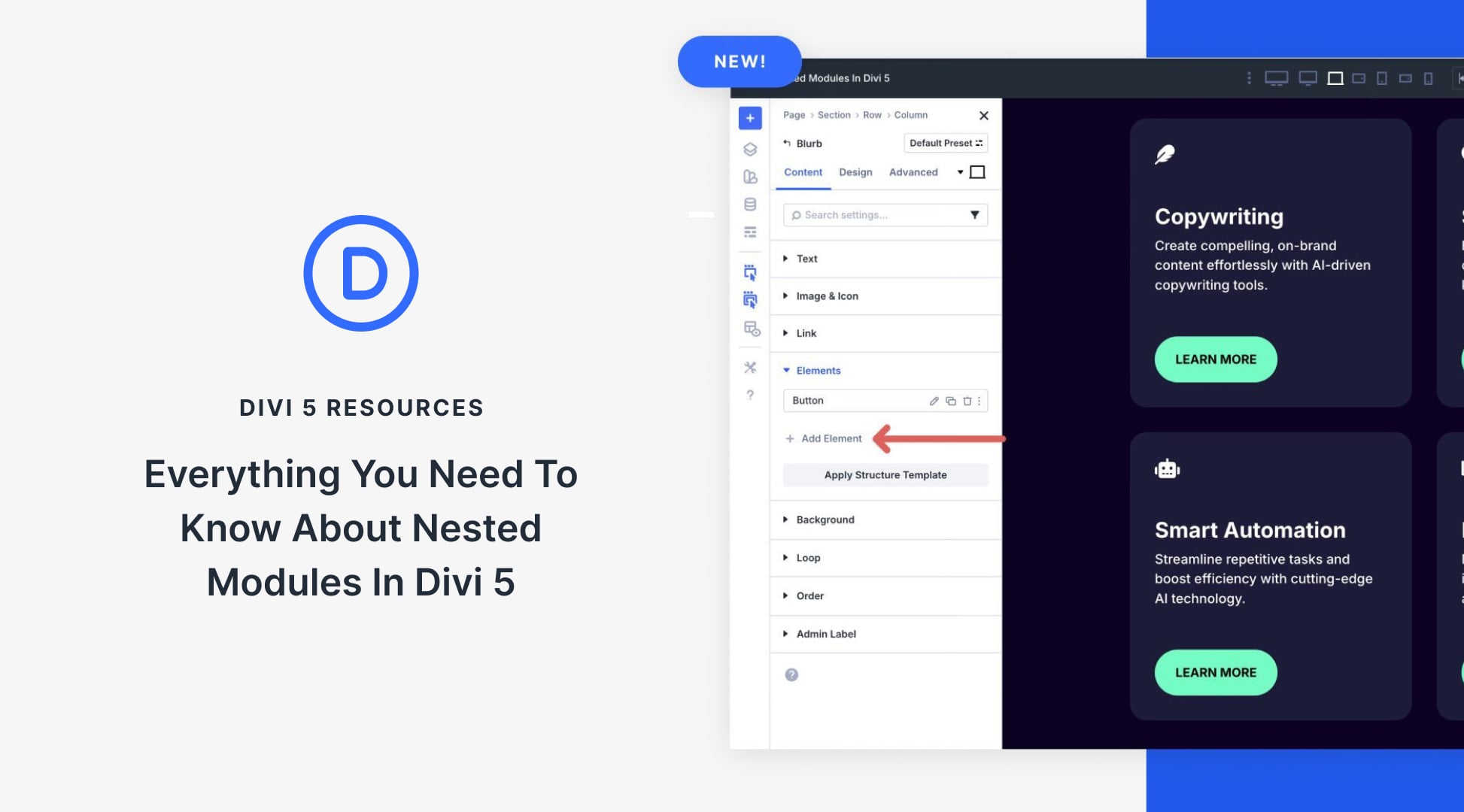
Nested Modules in Divi 5 allow every module to serve as a container, enabling you to place rows and other modules inside one another with infinite depth. You can place buttons inside a Blurb, a CTA inside a Blog module, or custom layouts inside an Accordion with ease.
In this post, we’ll dive into what Nested Modules are, their benefits, and showcase some examples of them in action. Let’s dive in!
What Are Nested Modules?
Nested Modules enable the placement of any module inside another module with infinite nestability. This means you’re no longer limited to pre-defined modules. You can now build layered, custom layouts by embedding rows or modules within one another, as many layers deep as you’d like.
At its core, a Nested Module turns every Divi element into a flex or grid container. Whether it’s a Blurb, Accordion, Tab, Slider, or any other Divi module, you can now treat it as a layout parent element. These child elements can be simple Text modules, complex row structures, or even other nested modules, creating reusable design patterns.