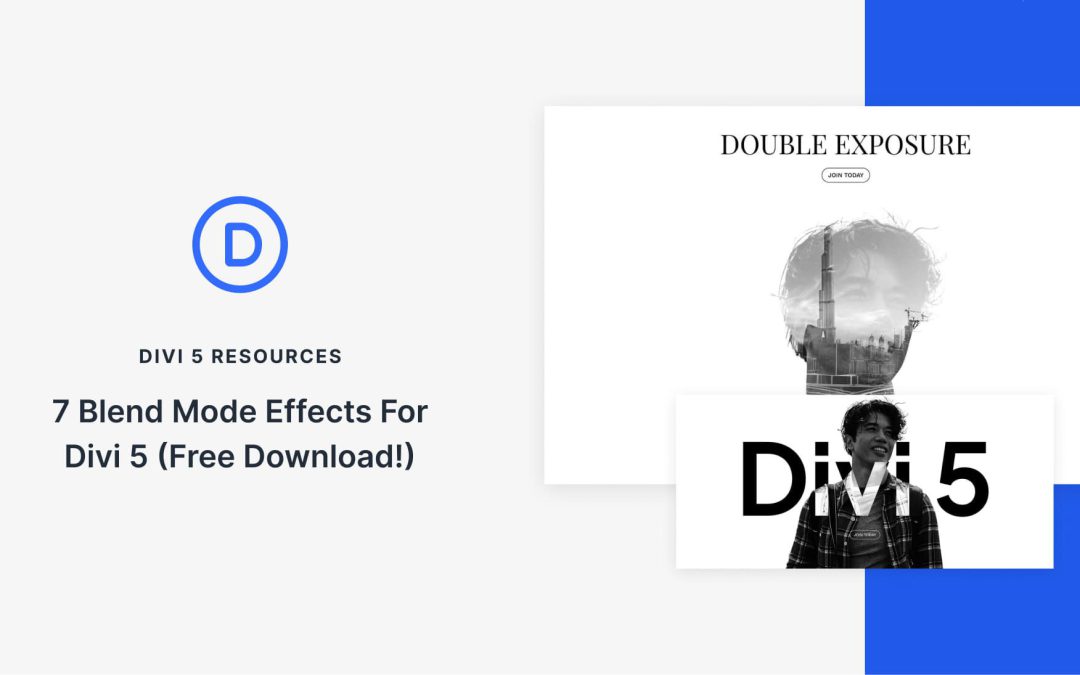
Divi 5 makes it easy to create striking image effects without custom code. In this free pack, you will find 7 Styled Blend Mode Effects, designed to help you build artistic hero sections, layered headers, and modern image compositions using blend modes. Drop one onto any page, swap the images, and you are ready to go. No extra setup required.
Presets in Divi 5 are a powerful way to keep your design consistent sitewide. And with the Preset Manager and Preset Preview, you can refine changes in a focused workflow before you commit them across your pages.
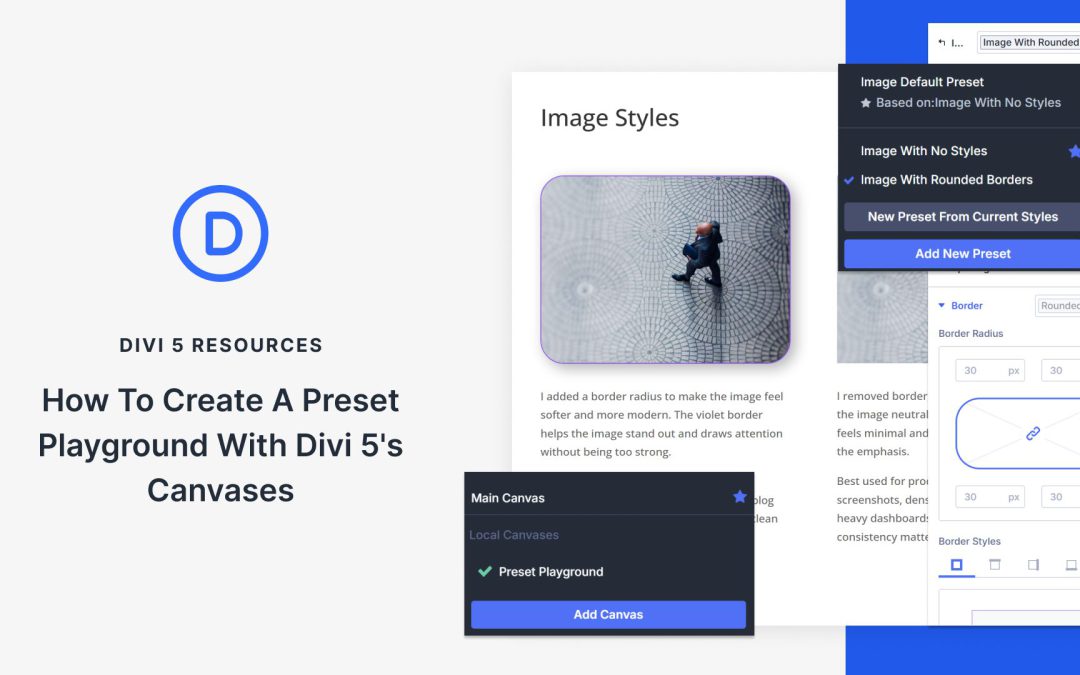
Still, the best preset decisions often happen in context. That is where Divi 5’s Canvases come in. A detached canvas can act as a dedicated Preset Playground where you build realistic examples, compare variations side by side, and document what works, all while your live pages stay clean and untouched. Here’s how to set one up.
Divi 5’s Preset System: A Quick Overview
Divi 5’s Preset System gives you reusable styles that work across your entire site. Think of presets as design packages you create once and apply everywhere. When you update a preset, every element using it changes instantly.
Element Presets capture complete designs for your core building blocks. These include Sections, Rows, Columns, and Modules. Style a Button Module with specific colors, typography, and spacing, then save it as an Element Preset. Now you can apply that exact design to any page with one click.
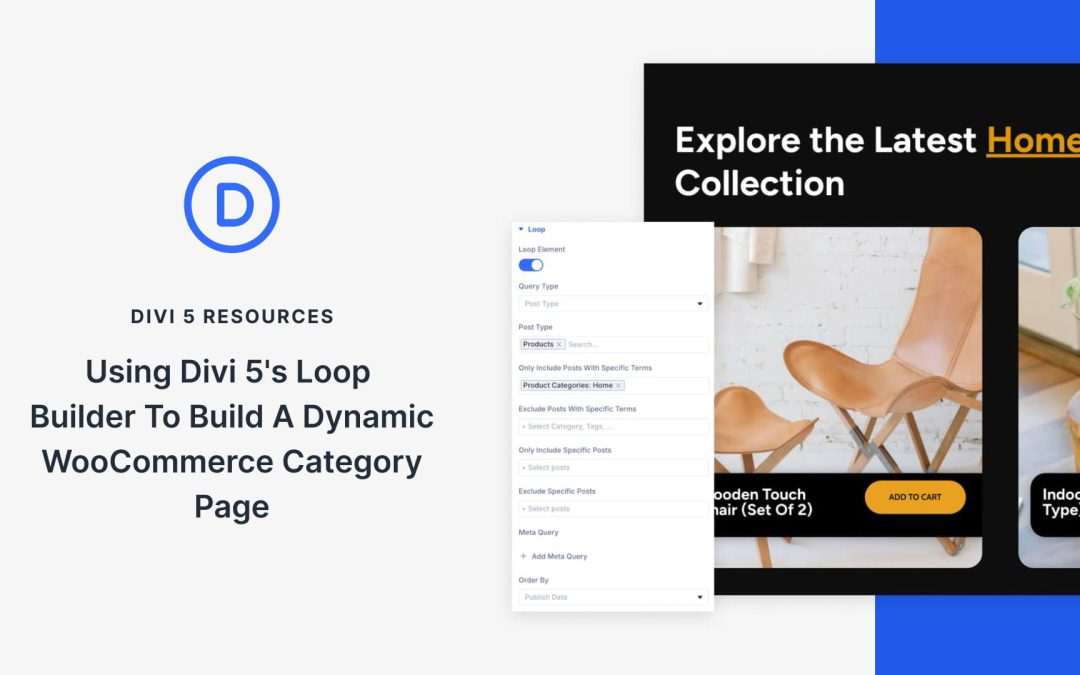
WooCommerce category pages often look the same out of the box, but Divi 5 changes that. With the Loop Builder, you can redesign how products appear, using dynamic content that pulls product data like titles, featured images, and prices for every item in a category. Pair it with Divi 5’s CSS Grid, and you get full control over the layout.
In this tutorial, you’ll learn how to create a custom category page that automatically updates with products from the right category, no code or extra plugins required beyond WooCommerce.
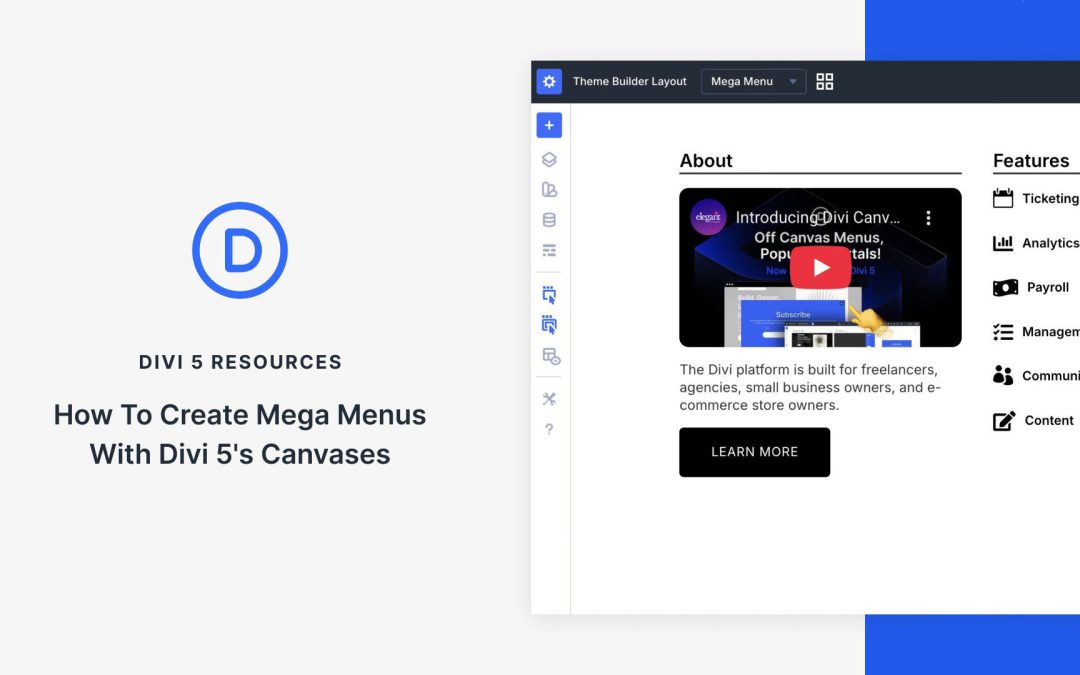
Mega menus enhance site navigation on content-heavy websites, allowing users to access more options quickly without cluttering the header or requiring extra clicks. In previous versions of Divi, mega menus were created using the Menu module with the custom CSS class mega-menu to expand submenus and arrange items in columns. With Divi 5, Canvases offer a powerful new approach, enabling more flexible and complex mega menus featuring multi-column layouts, embedded images or icons, full modules, and more.
In this post, we’ll explain what Divi 5 Canvases are and how you can use them to build an eye-catching mega menu in a few easy steps. Let’s dive in.
What Are Divi Canvases?
Divi Canvases are detached workspaces in Divi 5, separate from your main page layout. They provide a clean, isolated environment for building off-canvas elements, such as mega menus, popups, sidebars, and more, without cluttering the primary content area.
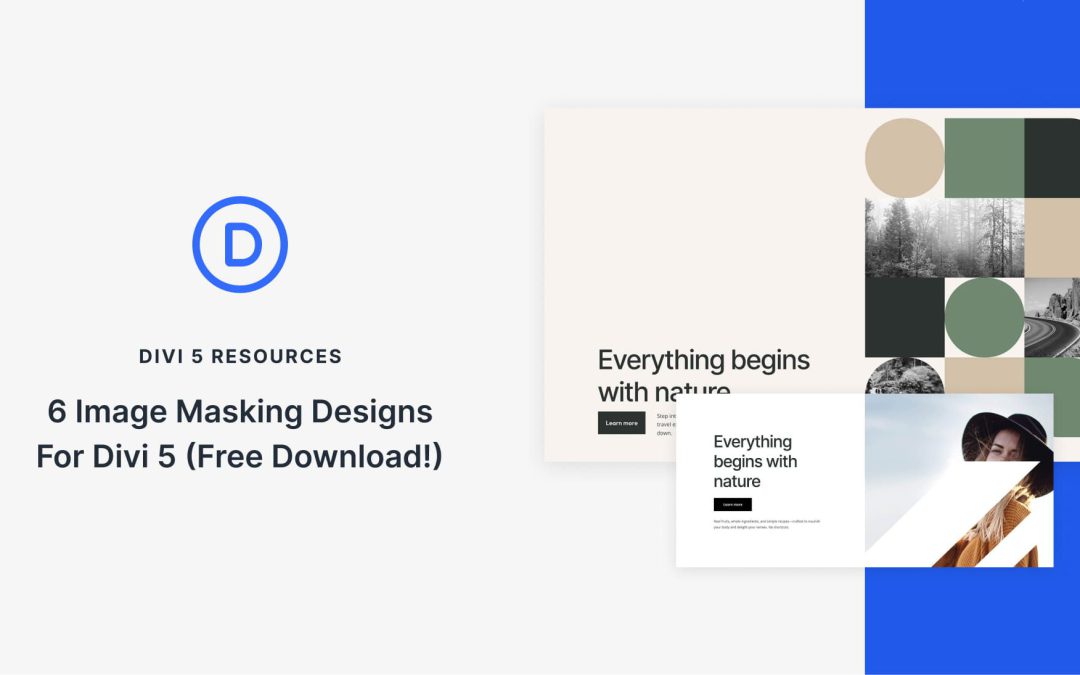
Divi 5 makes it easy to create eye-catching image compositions without custom code. In this free pack, you will find 6 Styled Image Maskings, designed to help you turn ordinary photos into polished hero visuals, collages, galleries, and featured sections. Drop one onto any page, swap the images, and you are ready to go. No extra setup required.
Receive the latest WordPress, Divi, SEO and design news in your inbox for FREE from Web Design Solutions Unleashed.
We use cookies to ensure that we give you the best experience on our Web site. If you continue to use this site we will assume that you are happy with it.