by Foster D. Coburn III | Mar 16, 2026
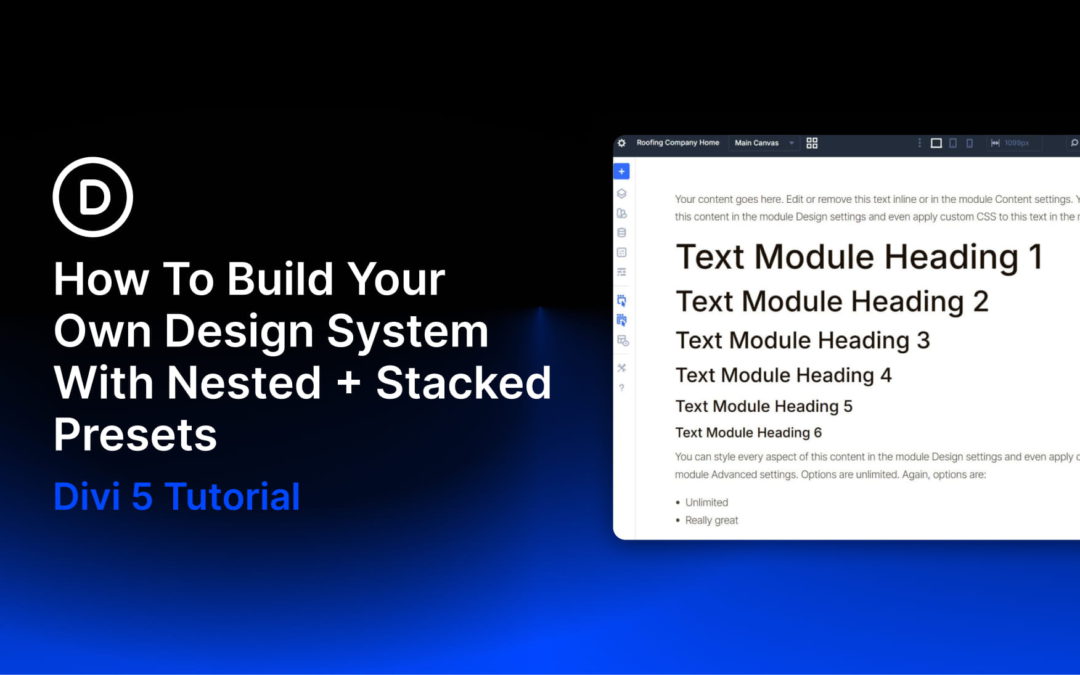
Design systems fail either because they don’t account for every possibility or because they become too complicated to manage. A standard website needs styles for headings, body text, buttons, and containers (to name a few). Multiply those across light and dark backgrounds, different sizes, and other use cases, and you end up managing hundreds of CSS classes/presets that overlap, conflict, and become impossible to maintain.
Stacked and Nested Presets in Divi 5 help solve this problem by separating concerns. Instead of creating a preset for every possible combination (H1 Dark Bold, H1 Light Bold, H1 Dark Normal, H1 Light Normal, and so on), you create modular styles that stack together.
This tutorial builds a complete design system from scratch, then applies it to a homepage with four unique sections. You will create Design Variables for spacing, typography, and colors, build Option Group Presets for layouts and styling, and nest those Option Group Presets inside Element Presets for fast deployment. The best part of this is that you can export and import all these presets and variables to use and modify on every new website build.
by Foster D. Coburn III | Mar 16, 2026
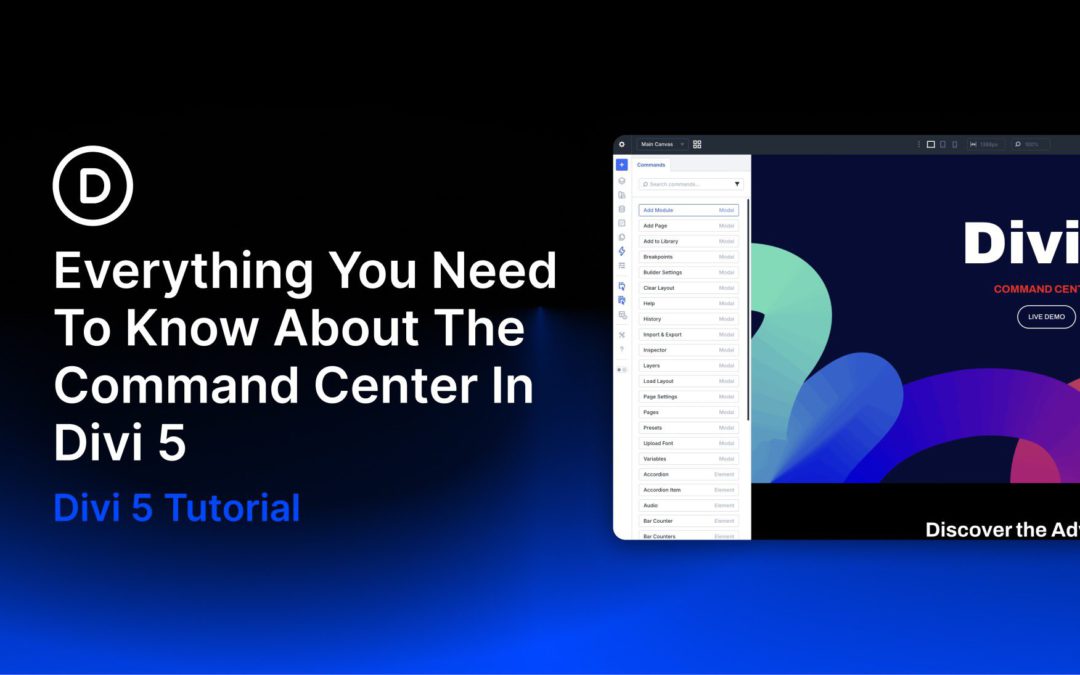
Divi 5 is out of beta and ready to use. With that in mind, we’d like to highlight one of its newest workflow features: the Divi 5 Command Center. The Command Center is a keyboard-driven command system built directly into the builder. It lets you execute actions quickly by typing instead of manually adding modules, clicking through menus, or hunting for options.
We rebuilt Divi 5 from the ground up on a completely new, modular foundation that prioritizes speed, efficiency, and modern builder tools. The Command Center is possible because of that new foundation, allowing you to interact with Divi in a very different way. Using the Command Center can speed up the design process and make navigation through settings easier, so you can build and edit sites faster. It is especially useful when working with complex layouts, presets, and modified styles.
In this post, we’ll take a hands-on look at the Command Center, show you how to use it, and share tips and best practices.
by Foster D. Coburn III | Mar 15, 2026
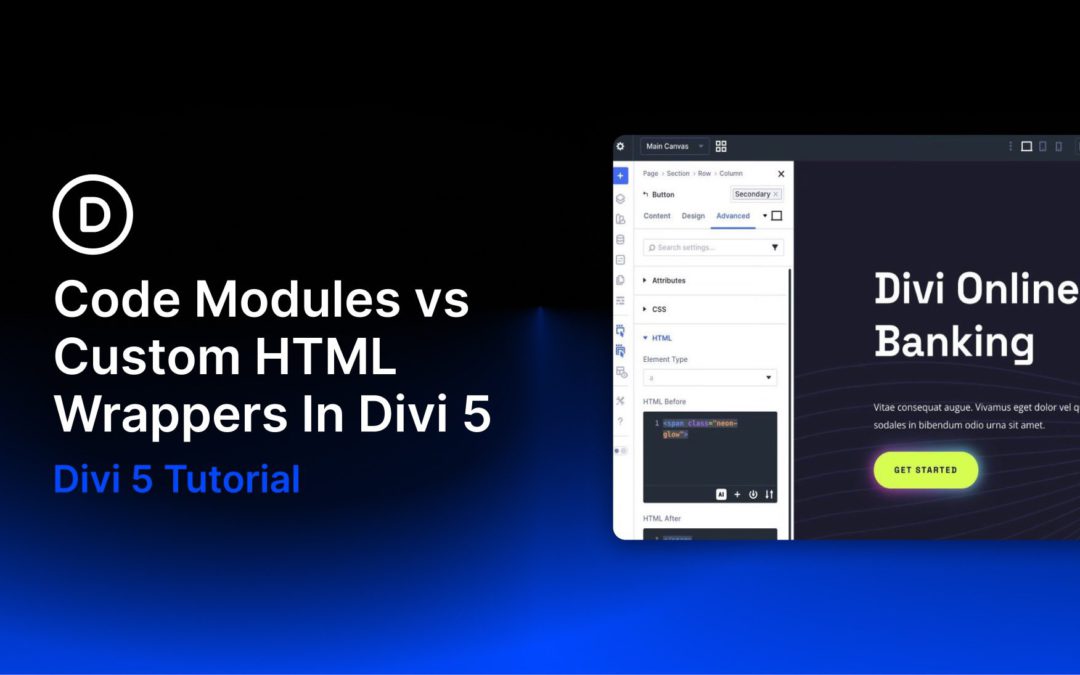
One of Divi 5‘s most practical newer features, Custom HTML Wrappers, adds two dedicated fields — HTML Before and HTML After — inside the HTML option group in the Advanced tab. These let you place custom HTML directly before or after an element’s output, putting code exactly where you want it. This expands on the traditional Code module, which still excels at standalone custom HTML, CSS, JavaScript, shortcodes, and third-party embeds.
In this post, we’ll compare the longstanding Code Module with Divi 5’s Custom HTML Wrappers. We’ll explain when to use each approach and highlight the key improvements wrappers bring: greater flexibility, cleaner markup, reduced layout bloat, and better performance potential.
by Foster D. Coburn III | Mar 13, 2026
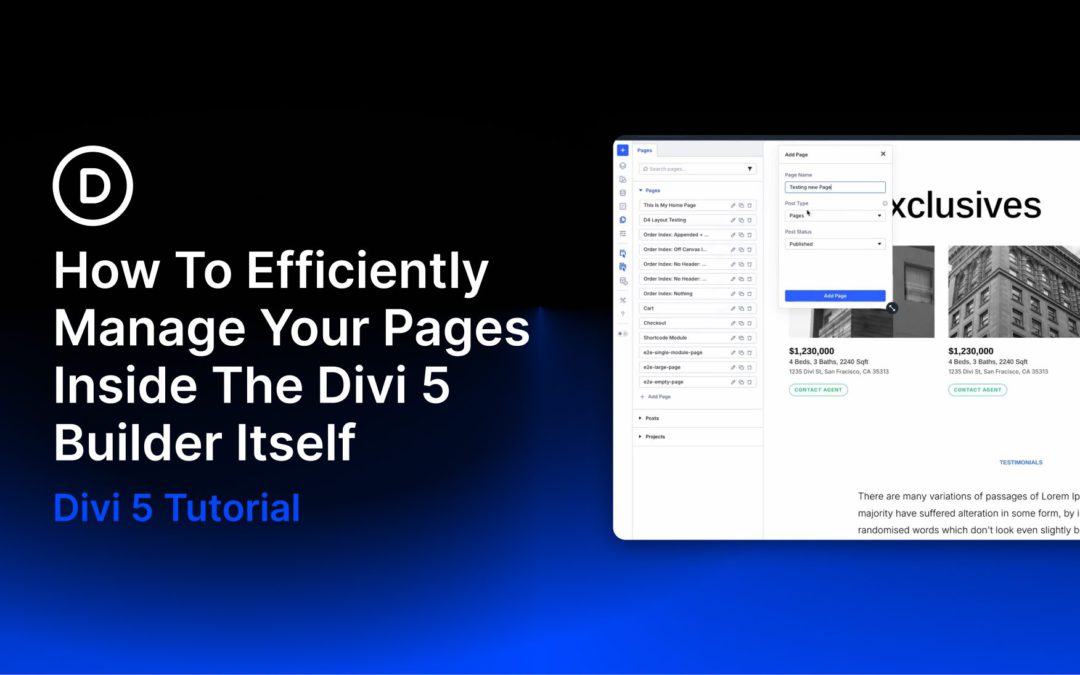
Most of the time you spend in Divi 5, you’re deep inside one page. But site builds rarely involve just one page, and going back to the WordPress dashboard every time you need to manage another one pulls you away from what you were doing.
That’s why we built the Page Manager as a practical addition that slots cleanly into how you already work without leaving the builder. If you’re creating full sites and haven’t tried it yet, let’s break it down.
by Foster D. Coburn III | Mar 12, 2026
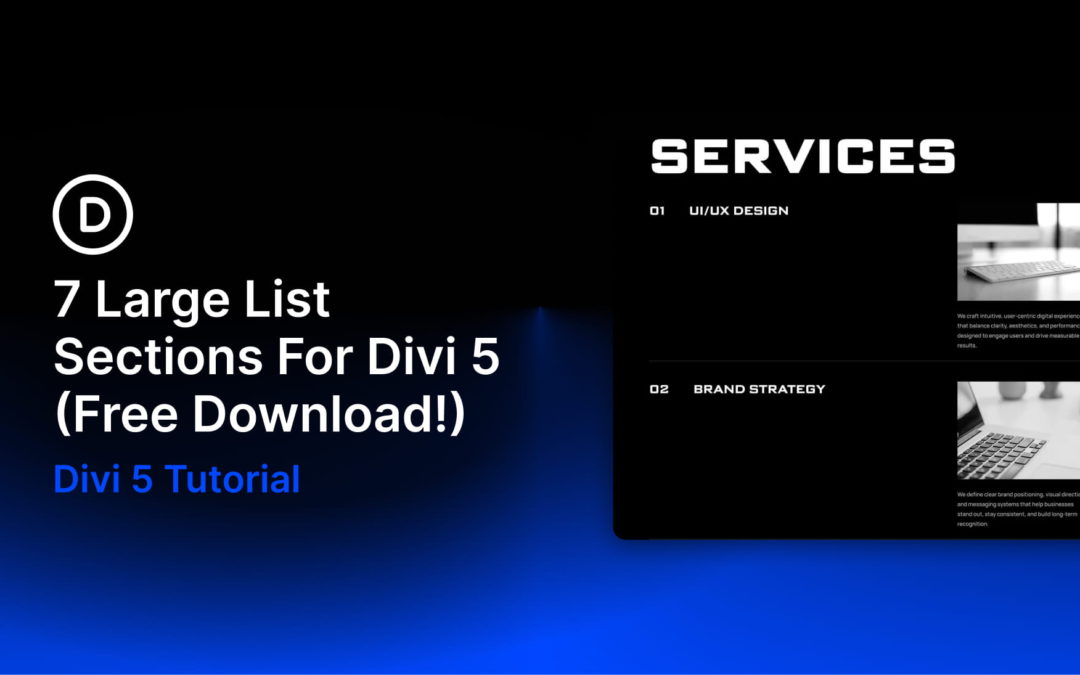
Divi 5 makes it easy to display information in a way that is clean, scannable, and easy to compare. In this free pack, you will find 7 Styled Large List Sections, designed for services, feature breakdowns, step-by-step processes, schedules, specs, and other data-heavy content. Drop one onto any page, swap the text, and you are ready to go. No extra setup required.
