by Foster D. Coburn III | Aug 12, 2025
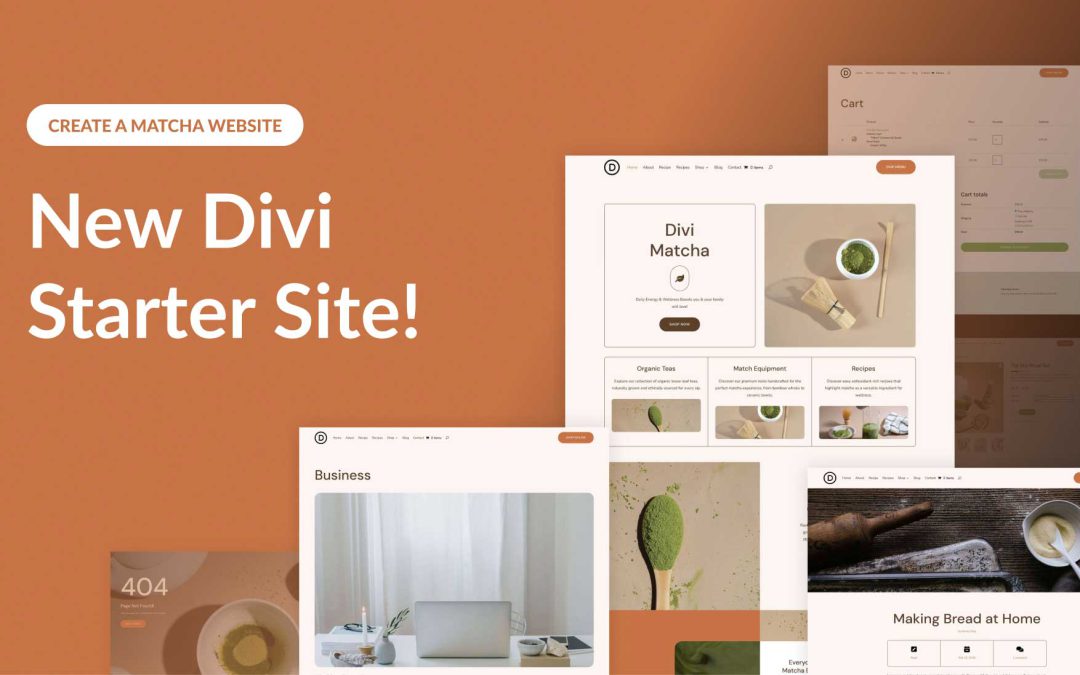
Divi empowers you to build the best websites possible, and now, Divi Quick Sites takes website creation to a whole new level. This revolutionary tool lets anyone, regardless of skill level, generate a complete website in under two minutes! Divi Quick Sites provides everything you need to launch your dream website instantly. You can choose a pre-made Starter Site that’s been professionally designed or Divi AI to generate an entirely new design.
Each Starter Site comes pre-loaded with all essential web pages, stunning Theme Builder templates, customizable global styles and presets, and a ready-made navigation menu. But that’s not all! Divi Quick Sites are completely customizable with Divi’s drag-and-drop page builder.
Let’s dive deeper into the Divi Matcha Starter Site and discover what’s included!
by Foster D. Coburn III | Aug 11, 2025
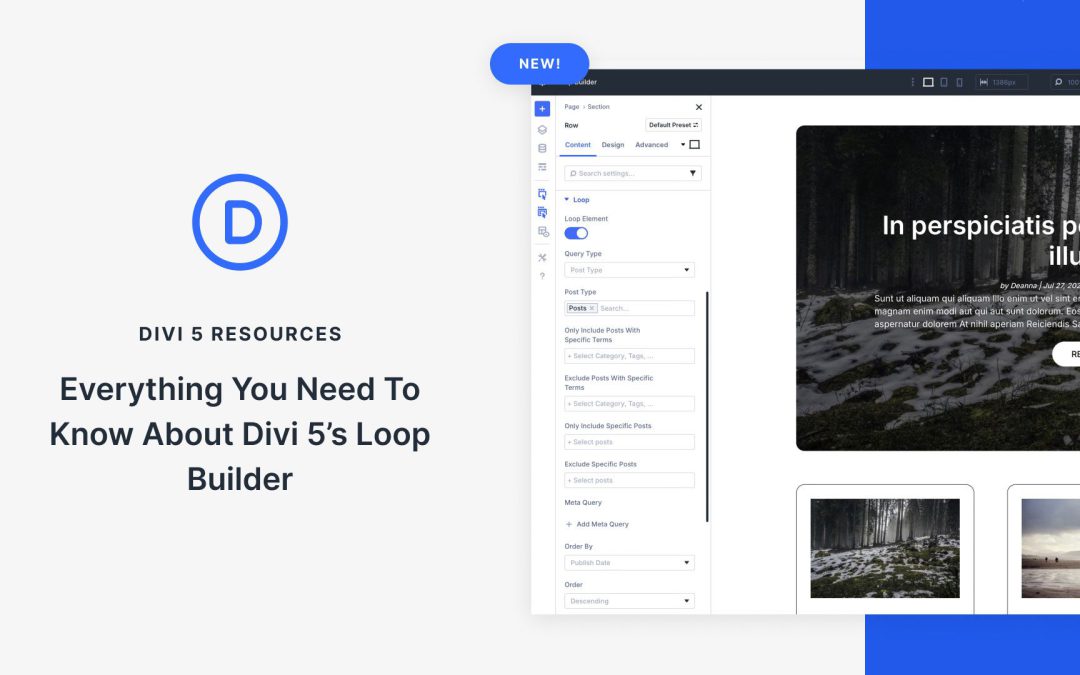
The Loop Builder is the newest feature. It offers a new way to build custom blog feeds, product grids, or any other dynamic content, all within the Divi 5 Visual Builder. This powerful new addition allows creators to build looping content with flexibility, transforming how we display posts, products, and other custom post types.
In this post, we’ll explore the Loop Builder’s features and provide a step-by-step guide on how to use it. Let’s get started!
by Foster D. Coburn III | Aug 10, 2025
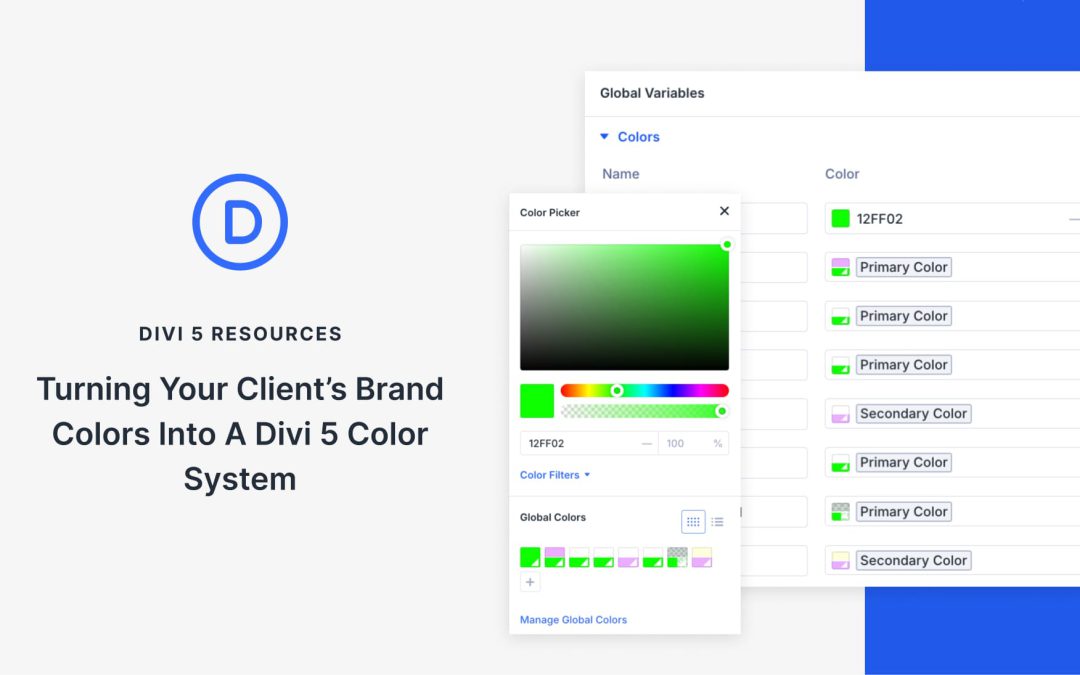
Brand colors usually start with hex codes being applied across headings, buttons, and backgrounds. It’s simple enough initially, but as the layout grows, you often need lighter color variations, hover states, or complementary accents. Managing that manually can get messy.
The New Color System in Divi 5 makes this easier by letting you define a palette once and build connected shades from your initial color palette. Each color stays in sync, even as the design evolves. In this guide, you’ll learn how to create a flexible, scalable color system that keeps everything consistent across your client’s site.

by Foster D. Coburn III | Aug 9, 2025
Creating clean, professional layouts is a cornerstone of effective web design, and equal column heights contribute to a balanced layout. Whether you’re displaying products, services, or portfolio items, columns that align perfectly boost user experience. In Divi 4, equal columns were possible, but Divi 5 brings a lot more to the table.
In Divi 5, the integration of its Flexbox Layout System improves the process, offering a simpler, more flexible way to create equal column heights. This post will guide you through creating clean, balanced layouts. Let’s dive in!

by Foster D. Coburn III | Aug 6, 2025
Making design updates shouldn’t feel like checking boxes. But too often, even something simple, like changing a button style or updating a font, means editing each module manually. It’s slow, repetitive, and easy to mess up.
Divi 5 fixes that with Extend Attributes, an upgraded version of Divi 4’s Extend Styles. It lets you apply a change once and extend it anywhere, even across different element and module types. In this post, we’ll look at how this flexibility can save you time and clean up your workflow.
