by Foster D. Coburn III | Aug 19, 2025
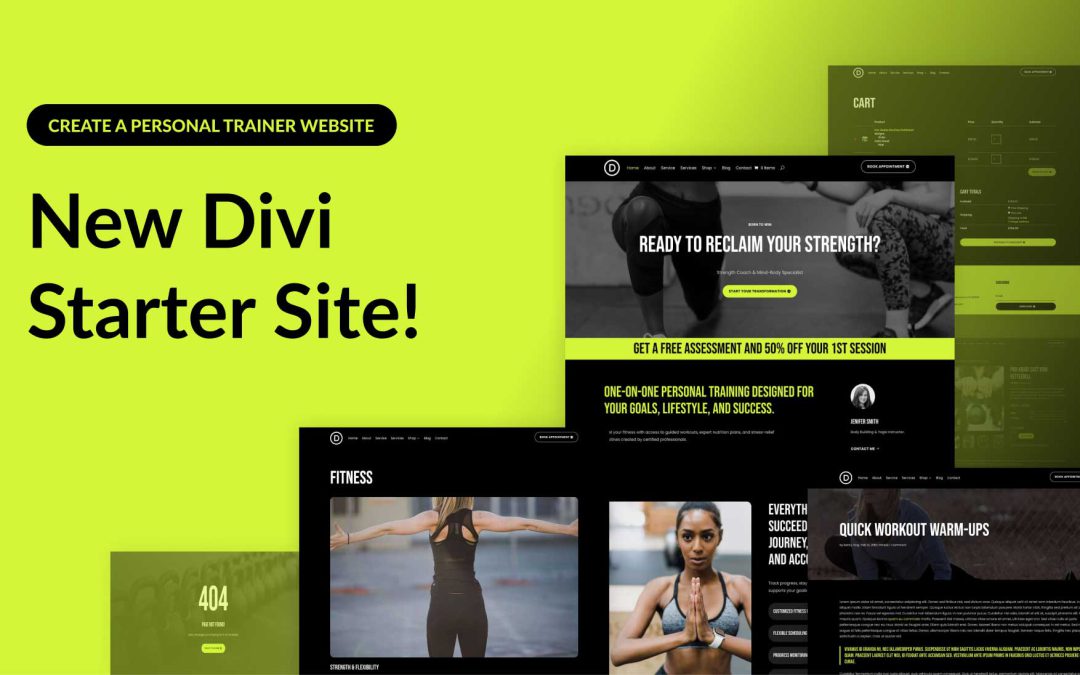
Divi empowers you to build the best websites possible, and now, Divi Quick Sites takes website creation to a whole new level. This revolutionary tool lets anyone, regardless of skill level, generate a complete website in under two minutes! Divi Quick Sites provides everything you need to launch your dream website instantly. You can choose a pre-made Starter Site that’s been professionally designed or Divi AI to generate an entirely new design.
Each Starter Site comes pre-loaded with all essential web pages, stunning Theme Builder templates, customizable global styles and presets, and a ready-made navigation menu. But that’s not all! Divi Quick Sites are completely customizable with Divi’s drag-and-drop page builder.
Let’s dive deeper into the Divi Personal Trainer Starter Site and discover what’s included!
by Foster D. Coburn III | Aug 18, 2025
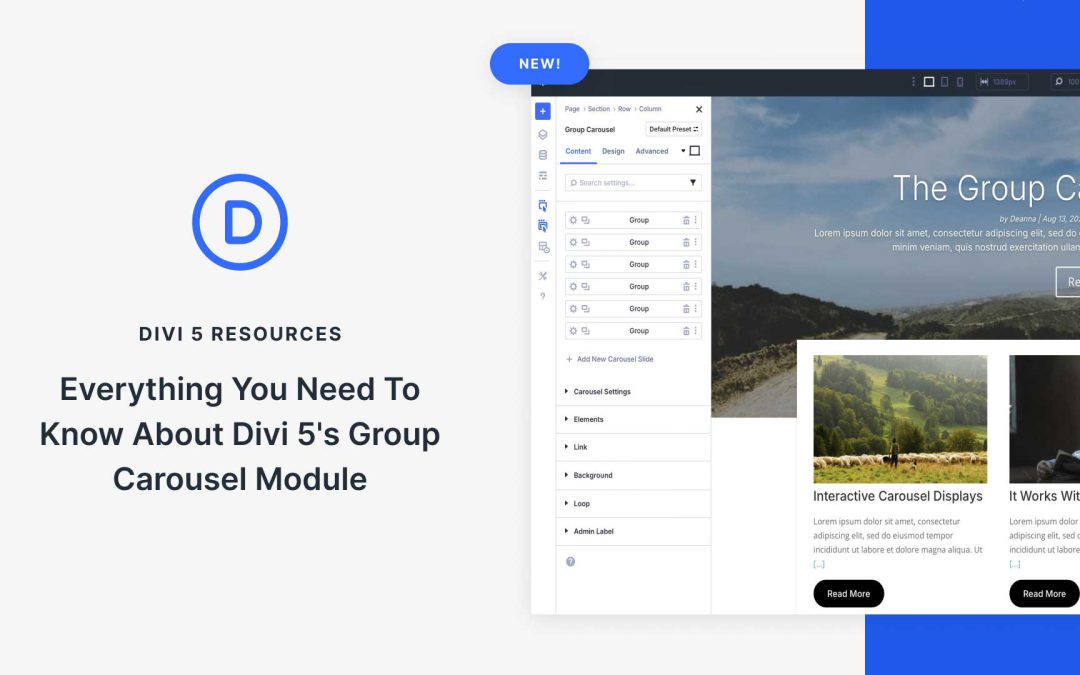
One of Divi 5‘s latest modules, the Group Carousel, is here to make it easy to create visually stunning carousels and animations for your Divi website. This powerful addition allows web designers to create engaging website carousels without needing third-party plugins or custom CSS. Whether you’re building a sleek portfolio, an e-commerce store, or a blog, the Group Carousel module unlocks new levels of creativity.
In this post, we’ll cover everything you need to know about the Group Carousel module, complete with examples and a step-by-step guide on how to use it. Let’s dive in!
by Foster D. Coburn III | Aug 16, 2025
In web design, even the simplest decisions can multiply. What starts as a single design choice quickly expands into dozens of visual variations for interactions, backgrounds, borders, and more. Your build can become cluttered with mismatched values and manual tweaks without a consistent system.
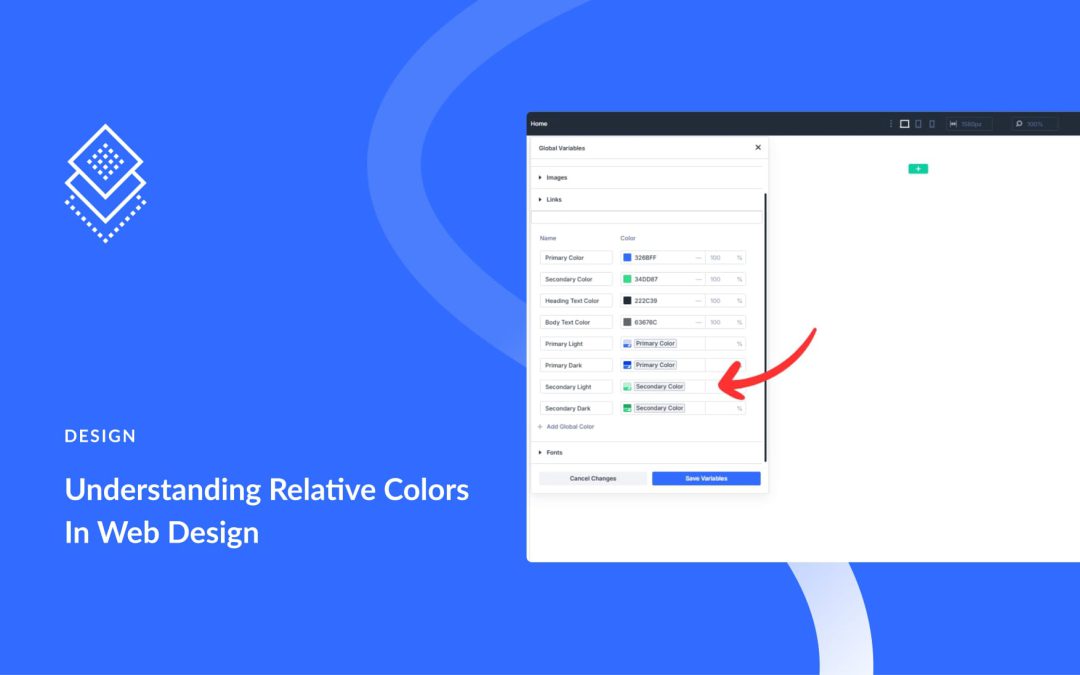
Relative color syntax in CSS offers a smarter, more scalable approach. It lets you define visual variations based on a single source, keeping your design cohesive and easy to manage. Normally, this requires writing custom code. But with Divi 5, you can use these modern techniques visually, right from the start. Let’s take a closer look.
by Foster D. Coburn III | Aug 14, 2025
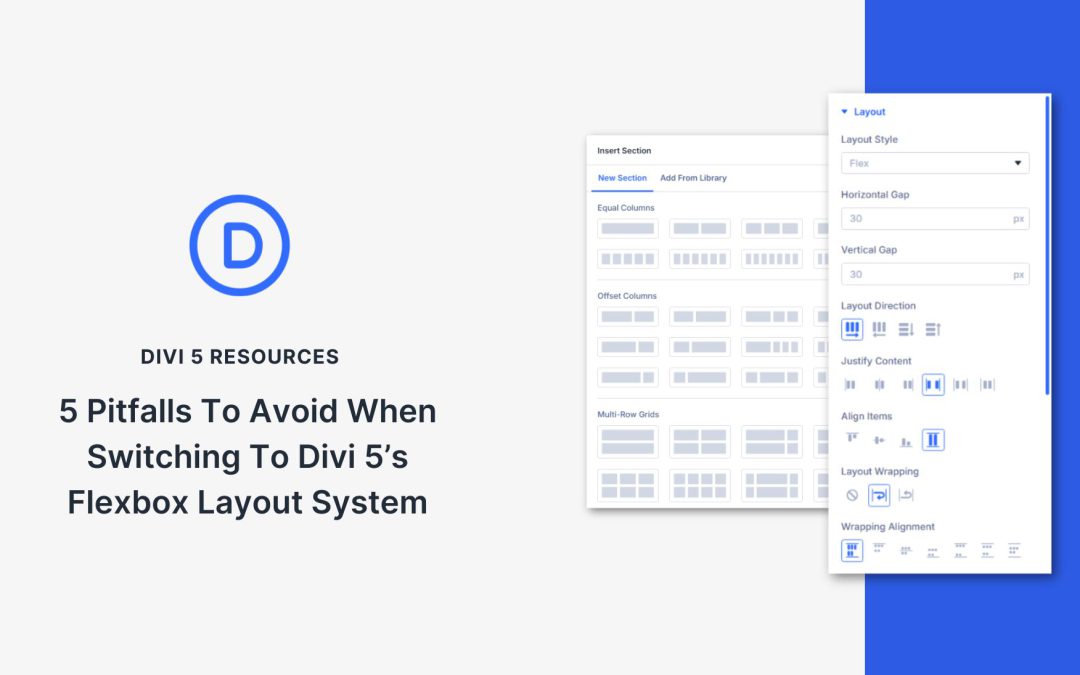
Divi 5 just shipped its all‑new Flexbox‑based layout system. It replaces Divi 4’s old block layout engine and unlocks powerful new controls right in the Visual Builder. Every new row now defaults to Flex layout. Unless you’ve already used CSS Flexbox, this change demands a new design mindset because Flex works differently. If you don’t adjust your habits, you’ll get stuck.
This update gives you visual controls for wrapping, direction, spacing, ordering, and alignment — all built in. No hacky custom CSS. It also comes with pre-configured row shortcuts to build complex row structures with minimal tweaking of Display settings. Some block‑based features, like specialty and full-width sections, are deprecated because Flex now covers all these use cases.
This post goes into the five biggest pitfalls you’ll hit when switching your mental model from Block to Flex in Divi 5.
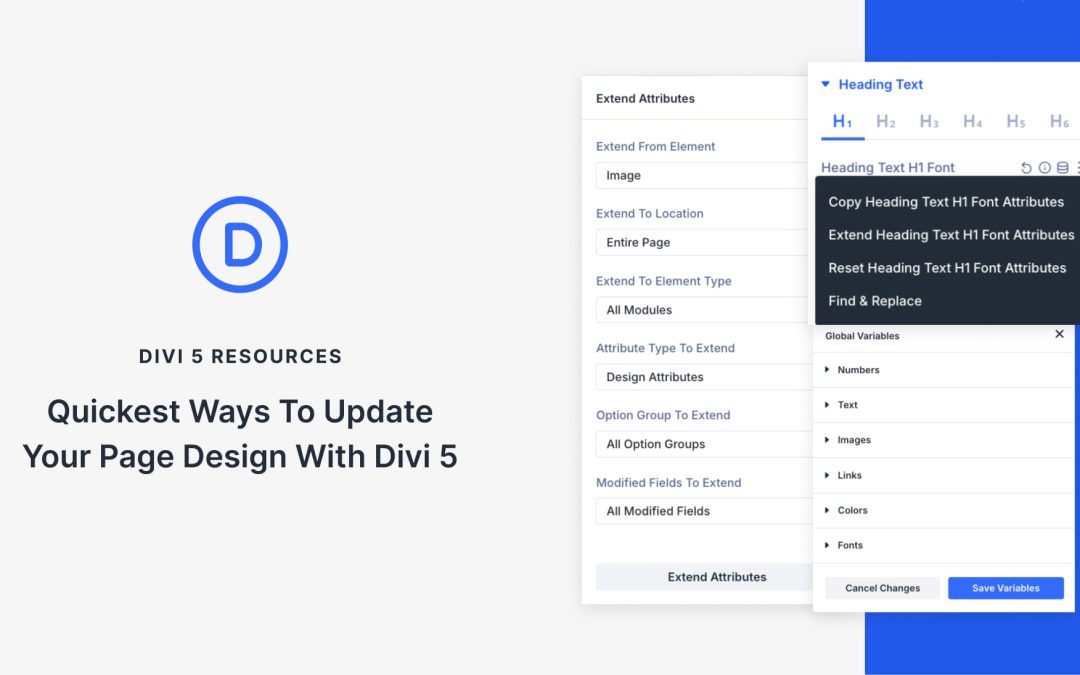
by Foster D. Coburn III | Aug 13, 2025
Divi 5 introduces a handful of smart new tools to help you work faster and design more freely. But with so much power at your fingertips, it’s easy to feel unsure about where to start, especially when updating an existing layout.
You probably already know how to tweak spacing, adjust colors, and clean up layouts, so this post isn’t about relearning the basics. It’s about doing them faster with Divi 5. In the steps below, we walk through a practical update workflow you can follow on any existing page. And if recent changes have felt overwhelming, start here. You’ll ease in with clarity and confidence.
