by Foster D. Coburn III | Jul 17, 2025
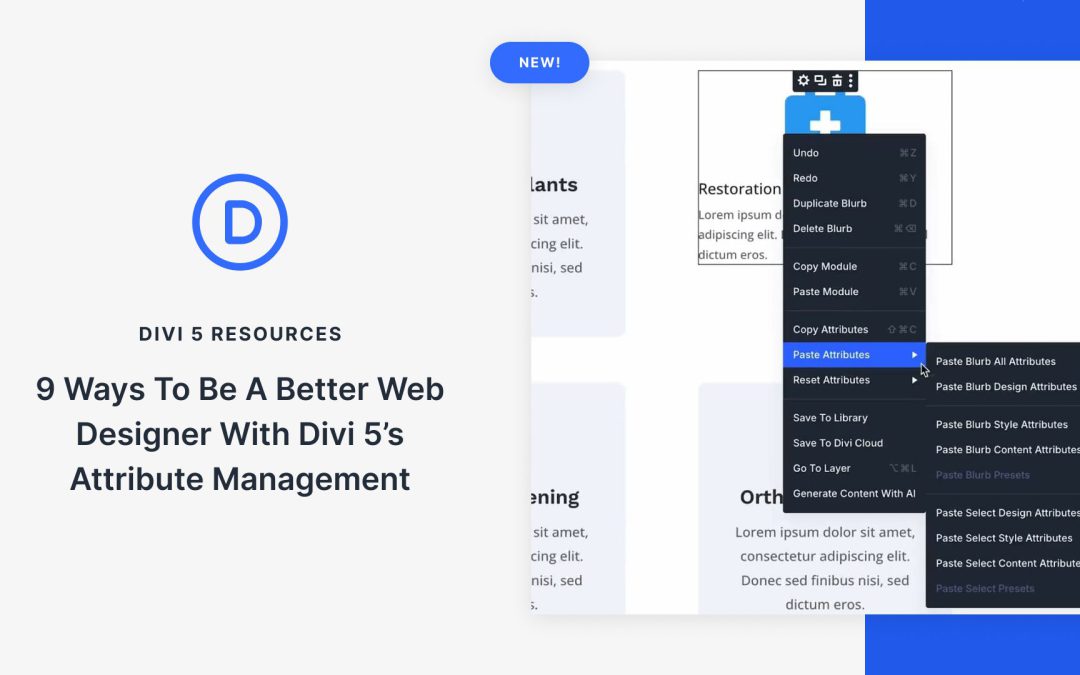
Building websites often feels like repeating the same tedious tasks over and over. You create the perfect button style, then spend hours manually recreating it across your entire site.
Divi 5’s Attribute Manager fixes this workflow problem by letting you copy specific styles between any modules instantly. These nine techniques will change how you work, saving time while keeping your designs consistent throughout every project. Have a look!
by Foster D. Coburn III | Jul 16, 2025
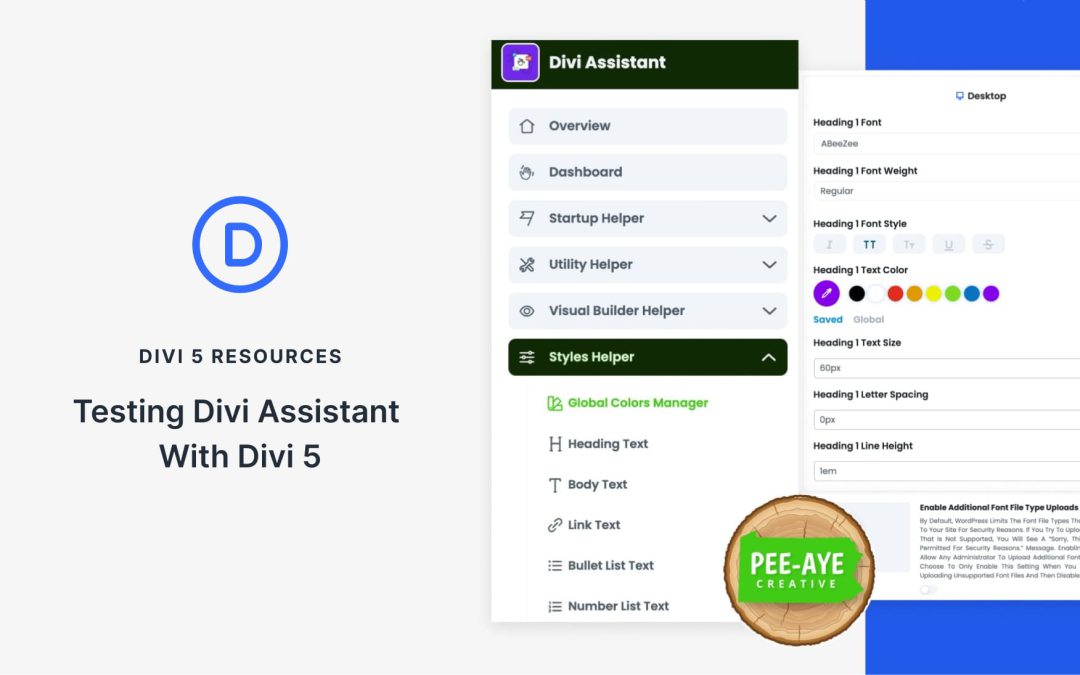
Meet Divi Assistant by Pee‑Aye Creative. This third-party plugin adds over 130 tools for accessibility, styling, UI upgrades, and dozens of user‑requested features to enhance your Divi workflow. Shaped by real user feedback, chances are the feature you’ve been wishing for is already included.
Divi Assistant is available for Divi 4, but it’s also in their beta testing stage with Divi 5. In this post, we’ll walk you through some of their features and their progress.
by Foster D. Coburn III | Jul 15, 2025
Divi empowers you to build the best websites possible, and now, Divi Quick Sites takes website creation to a whole new level. This revolutionary tool lets anyone, regardless of skill level, generate a complete website in under two minutes! Divi Quick Sites provides everything you need to launch your dream website instantly. You can choose a pre-made Starter Site that’s been professionally designed or Divi AI to generate an entirely new design.
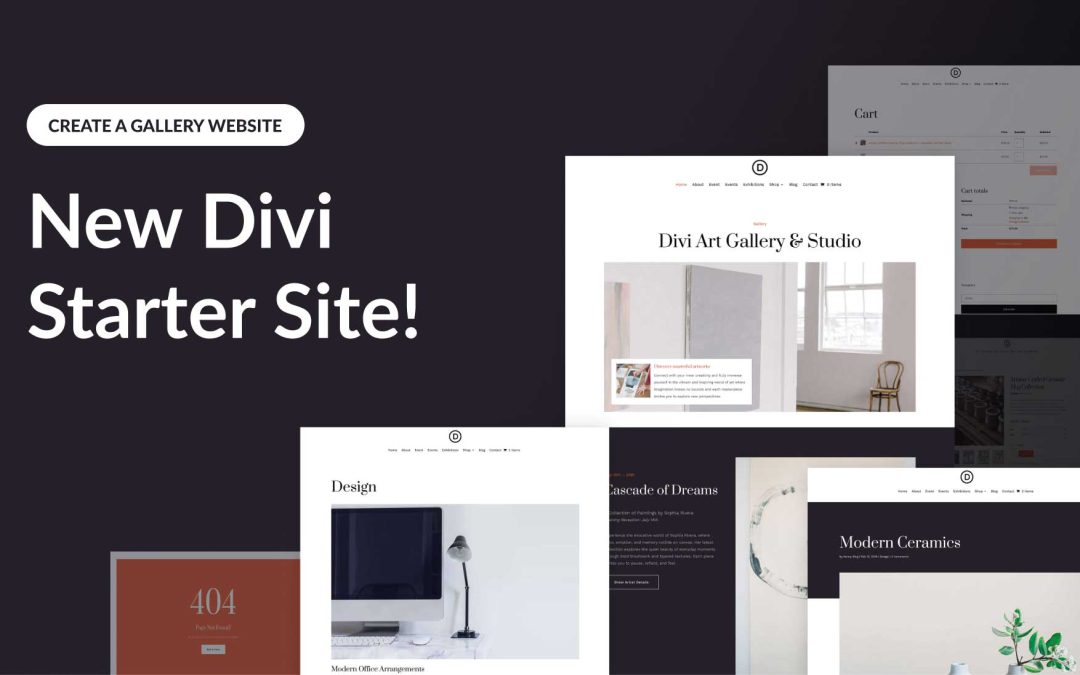
Each Starter Site comes pre-loaded with all essential web pages, stunning Theme Builder templates, customizable global styles and presets, and a ready-made navigation menu. But that’s not all! Divi Quick Sites are completely customizable with Divi’s drag-and-drop page builder.
Let’s dive deeper into the Divi Art Gallery Starter Site and discover what’s included!
by Foster D. Coburn III | Jul 15, 2025
Divi empowers you to build the best websites possible, and now, Divi Quick Sites takes website creation to a whole new level. This revolutionary tool lets anyone, regardless of skill level, generate a complete website in under two minutes! Divi Quick Sites provides everything you need to launch your dream website instantly. You can choose a pre-made Starter Site that’s been professionally designed or Divi AI to generate an entirely new design.
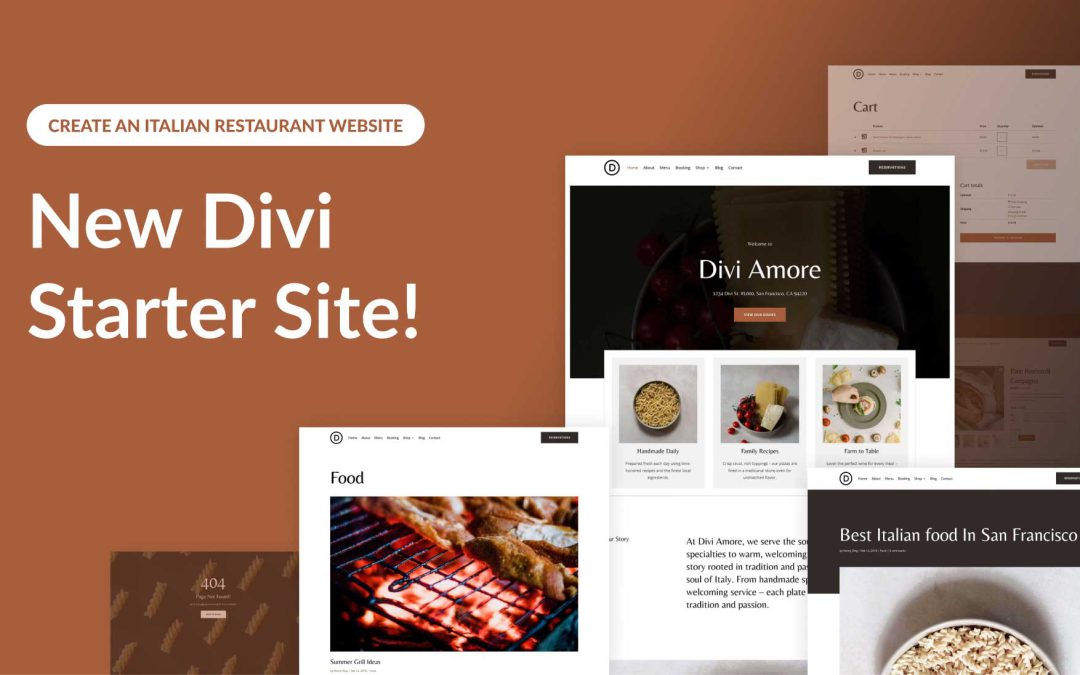
Each Starter Site comes pre-loaded with all essential web pages, stunning Theme Builder templates, customizable global styles and presets, and a ready-made navigation menu. But that’s not all! Divi Quick Sites are completely customizable with Divi’s drag-and-drop page builder.
Let’s dive deeper into the Divi Italian Restaurant Starter Site and discover what’s included!
by Foster D. Coburn III | Jul 14, 2025
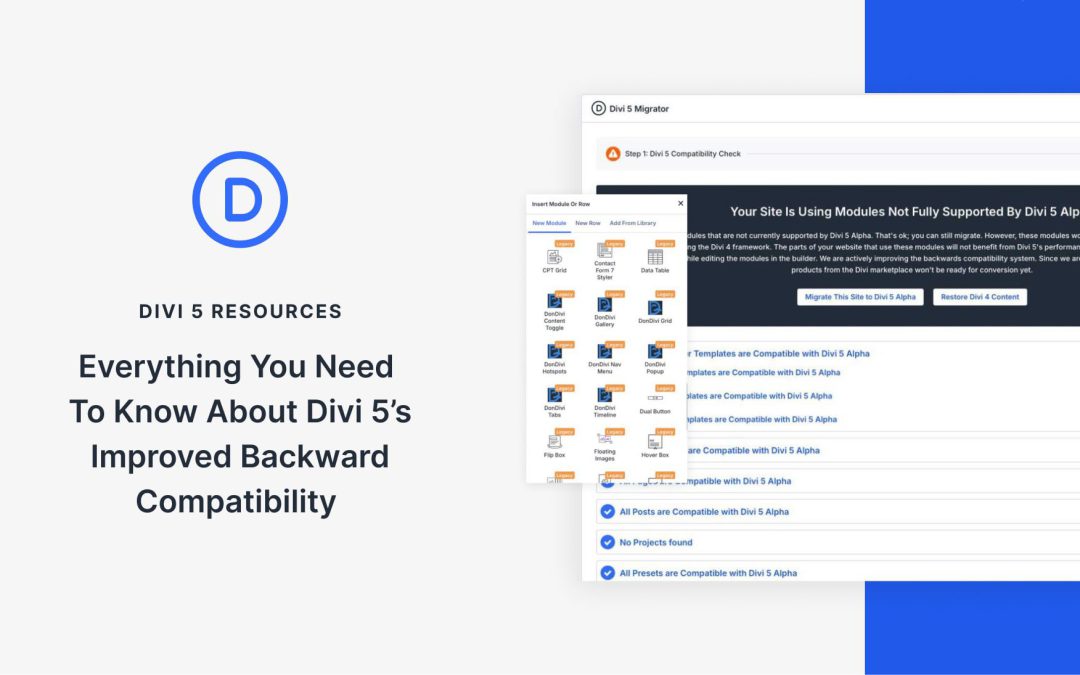
Divi 5 is a significant upgrade to Divi 4, bringing faster performance, modern features, and a scalable framework. But what about your existing Divi sites? As we continue to roll out new features in the Divi 5 Public Alpha and gear up for the Public Beta, one question stands out: will your Divi 4 site still work if I upgrade? The answer is yes, thanks to Divi 5’s improved Backward Compatibility system.
In this post, we’ll discuss everything you need to know about how Divi 5 ensures a seamless transition for your existing sites, supports legacy modules, and prepares you for the future without leaving anyone behind.
⚠️ Divi 5 is ready for new websites, but we don’t recommend migrating production sites during the Alpha phase.
