by Foster D. Coburn III | Jul 28, 2025
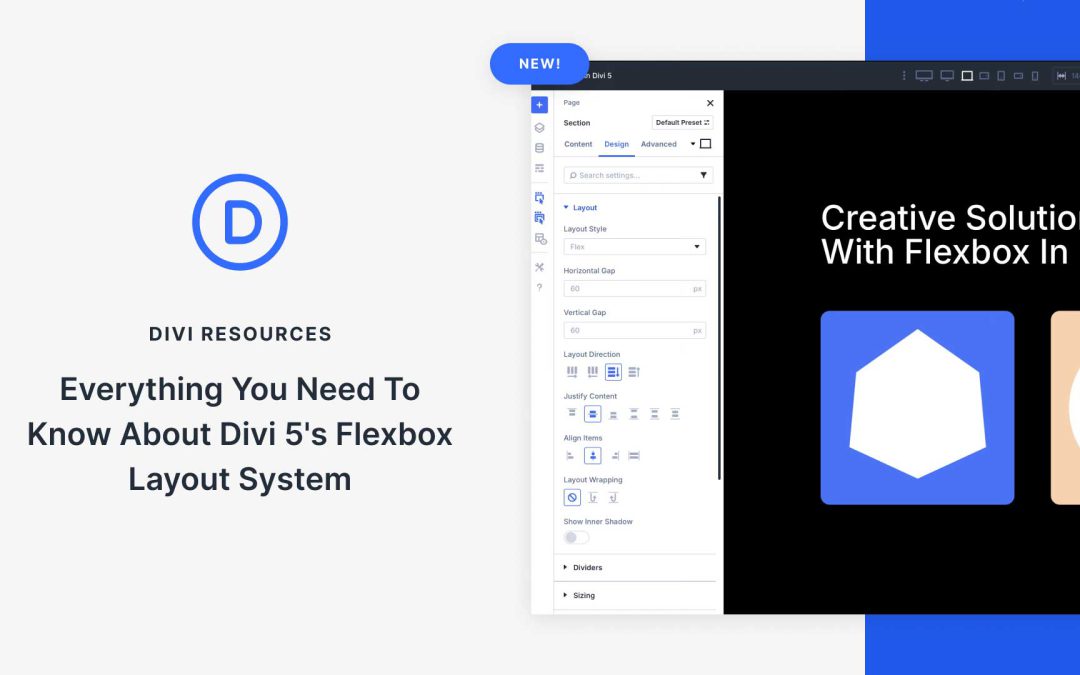
Flexible and responsive websites are crucial, especially in the fast-evolving world of WordPress. Modern websites must adapt seamlessly across various screen sizes, from widescreen desktops to compact mobile screens. Divi 5 is a complete core rewrite of Divi 4, designed with speed, performance, and flexibility in mind.
At the heart of this transformation is Divi 5’s Flexbox Layout System, a new feature that allows Divi users to build complex, responsive layouts with ease. In this post, we’ll dive into what makes Flexbox a great addition to Divi 5.
by Foster D. Coburn III | Jul 27, 2025
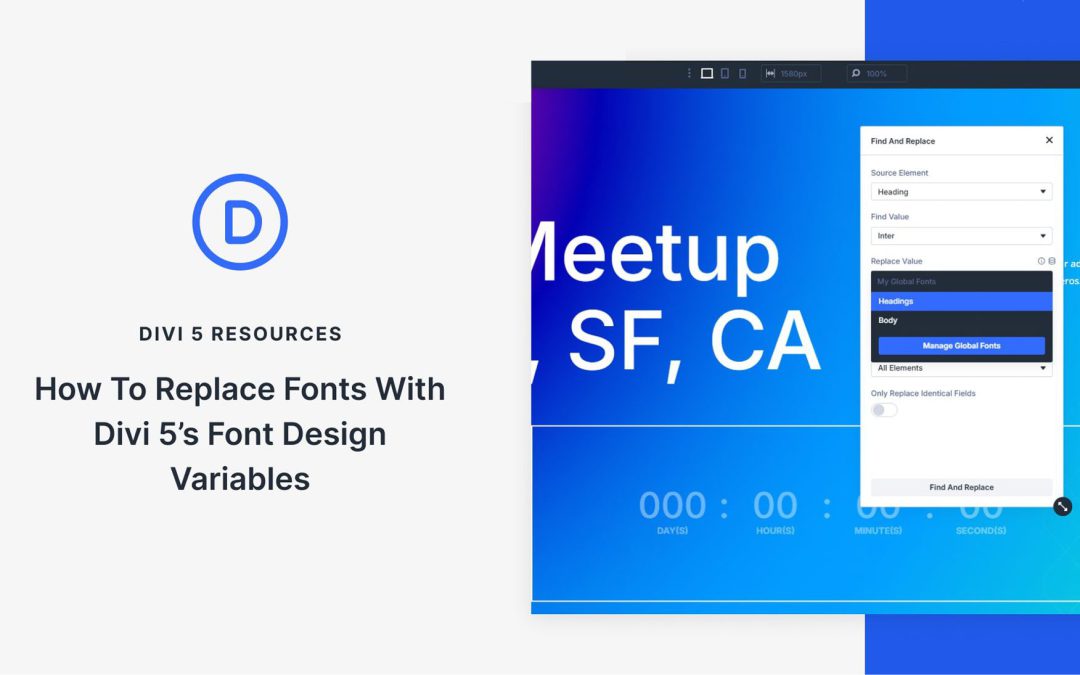
Font updates can be a headache. Change a title font, and suddenly, you’re tracking down every spot it appears. Miss a heading or two, and your design immediately feels off. Manually updating fonts invites inconsistency.
Divi 5 solves this with font variables and presets. Instead of chasing down every instance, you can set your fonts once and let the system handle the rest. Typography stays clean and unified, no matter how many modules you use. Take a look at how simple it can be.
by Foster D. Coburn III | Jul 26, 2025
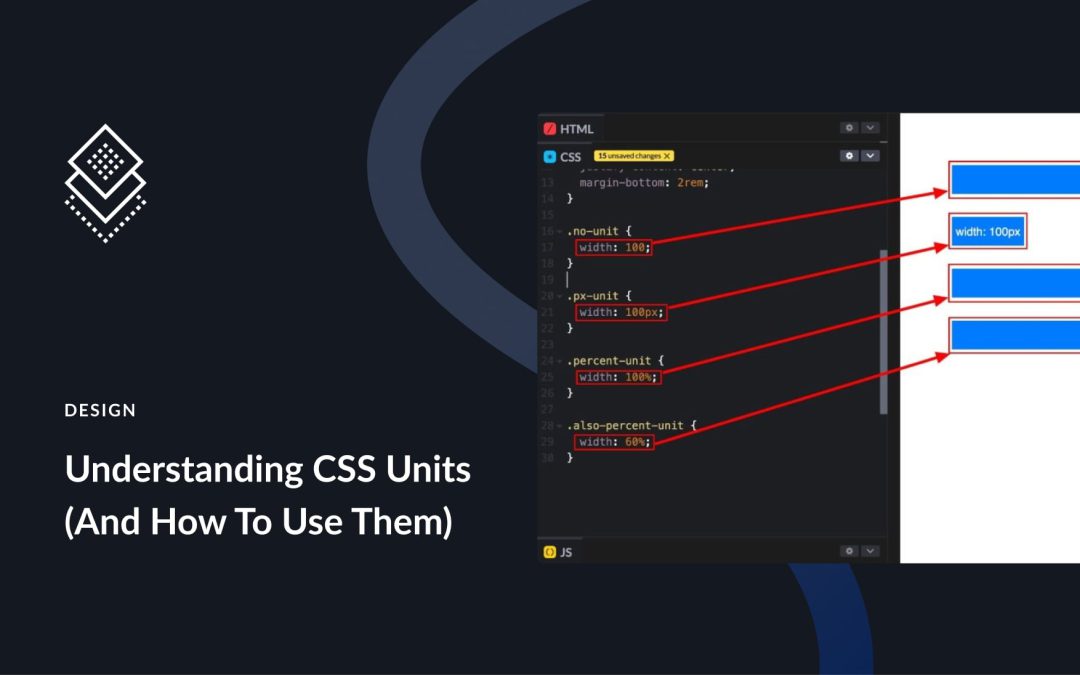
You’ve probably seen various CSS units in web code before, but understanding how they work lets you use them more intentionally. In this post, you’ll learn what CSS units really are, how they affect your layouts, and how using them inside Divi 5 helps you design more responsively.
Divi 5 brings native support for CSS units right into the builder. Thanks to the new Advanced Units feature, you can use %, em, rem, vw, and more without custom code.
by Foster D. Coburn III | Jul 24, 2025
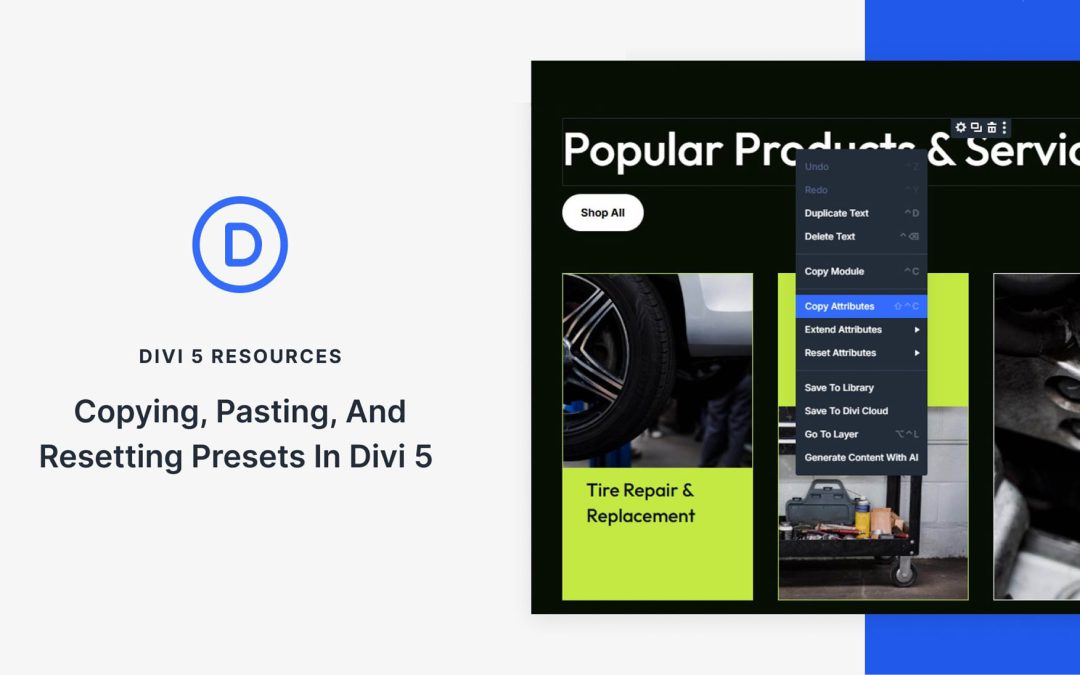
Presets are one of the most powerful tools in Divi 5, and the Attribute Management feature makes them even better. You can now copy, paste, reset, and manage presets more easily across modules, rows, and sections without starting from scratch.
Whether you’re building a design system or refining a layout, Attribute Management helps you stay consistent and work faster. Let’s explore how you can easily copy, paste, and reset your Presets in Divi 5!
by Foster D. Coburn III | Jul 23, 2025
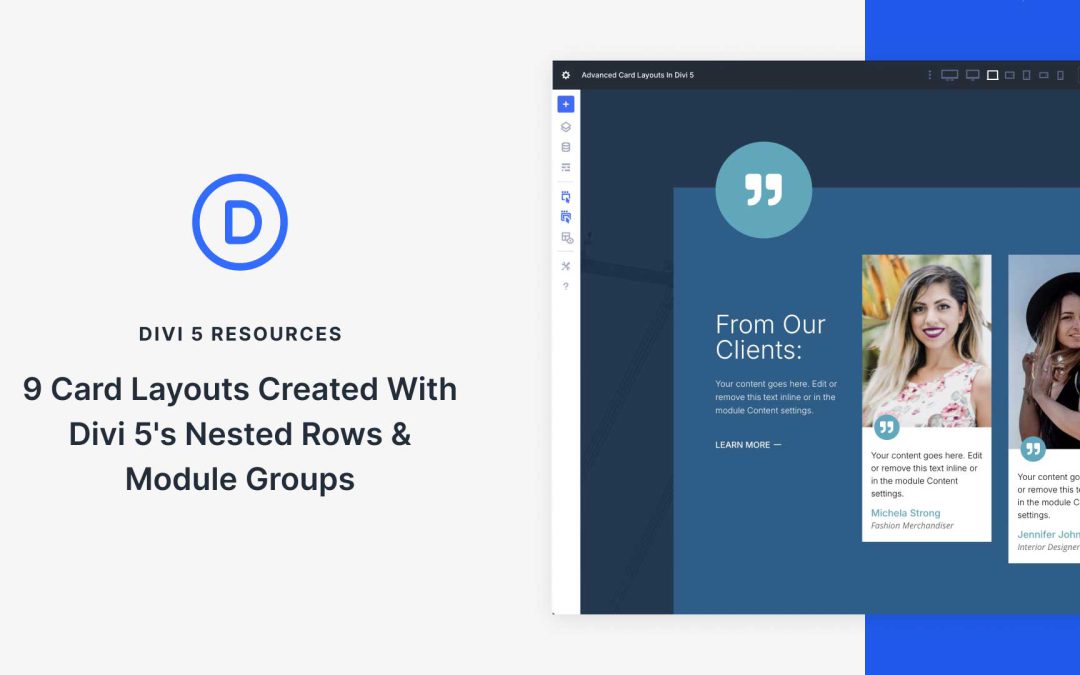
With Divi 5, building stunning, professional websites is easier than ever. With features like Nested Rows and Module Groups, you can create advanced card layouts and reuse them throughout your site with just a few clicks. Divi 5 introduces a modernized codebase and improved performance, perfect for building complex layouts. These new features will enable you to build with unlimited flexibility.
In this post, we’ll showcase 9 card layouts built with Divi 5’s Nested Rows and Module Groups, demonstrating how easy it is to create flexible, reusable designs. Whether showcasing services, highlighting testimonials, or building a portfolio, these layouts will help you achieve polished, consistent results. By the end, you’ll see how these new features of Divi 5 help you create visually stunning, reusable modules that save time and ensure design consistency across your project.
