
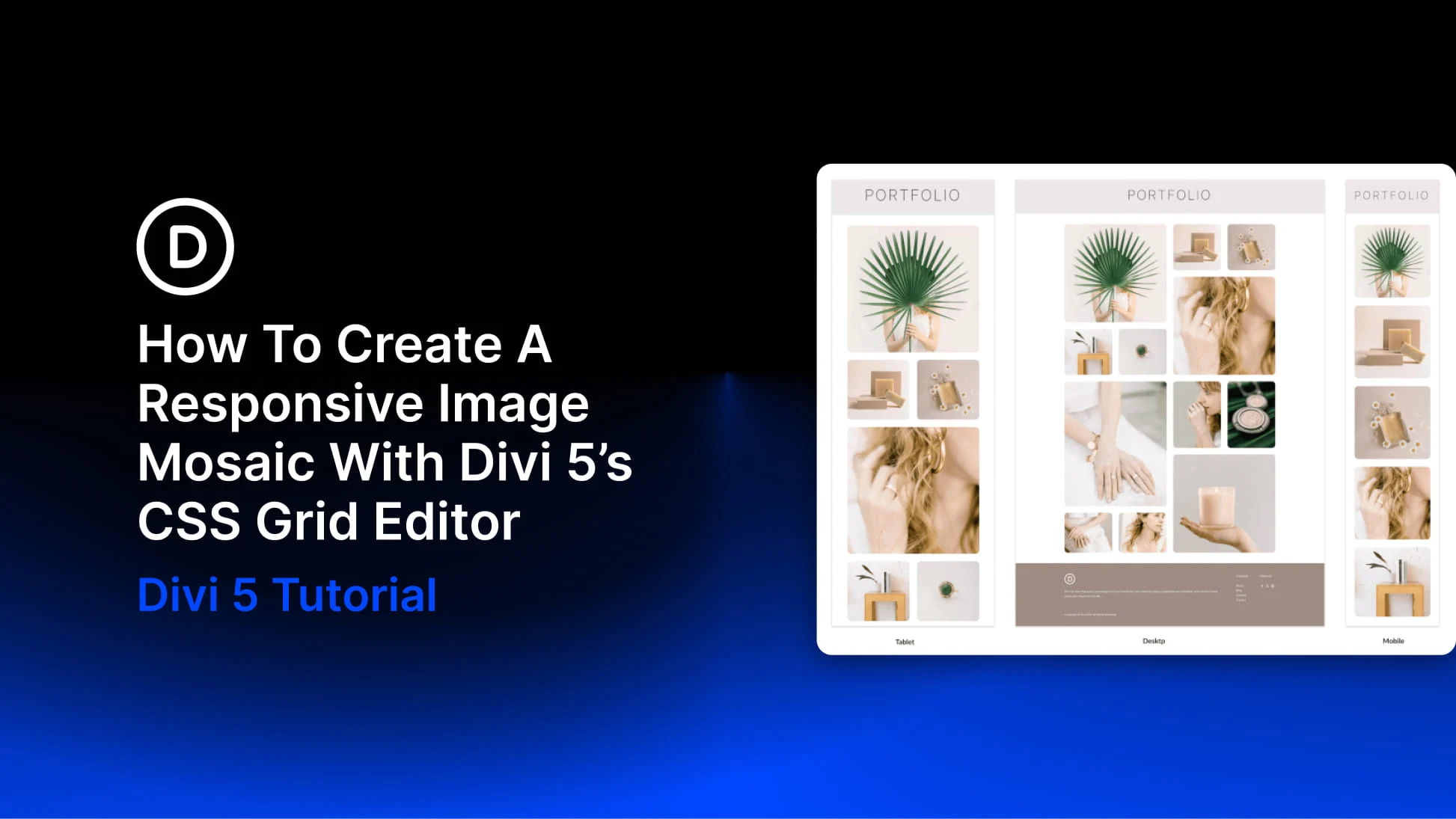
An image mosaic combines photographs of different sizes in one connected grid. Larger tiles highlight selected images, while smaller tiles fill the spaces around them.
With Divi 5’s CSS Grid Editor, you can build this arrangement visually, resizing and positioning tiles directly on the grid canvas.
In this tutorial, we’ll build a twelve-image mosaic across four columns, create four larger feature tiles, and coordinate the image styling with a preset. Then we’ll adapt the layout for tablet and phone.
Why Image Mosaics Need Responsive Adjustments
A mosaic gets its shape from spans. A tile can stretch across two columns, two rows, or both, creating an arrangement of larger and smaller images.
Those spans need attention when the screen narrows. A tile spanning two columns cannot fit within a single-column grid without an adjustment. An inherited starting position can also place an item outside the intended columns. These settings can create extra grid tracks, gaps, or horizontal overflow.
The goal is to review the placement rules at each breakpoint, keeping the spans that still fit and adjusting those that do not.
Where The Grid Editor Comes In Handy
The CSS Grid Editor shows the grid’s tracks, gaps, and item placement together. Drag a corner to resize a tile or move an item to another position. Divi records these changes as Grid Offset Rules on the container, which is the Row in this example.
Use the device icons at the top of the builder to switch between Desktop, Tablet, and Phone. At each breakpoint, review the inherited layout and add the column, gap, and placement adjustments it needs.


