
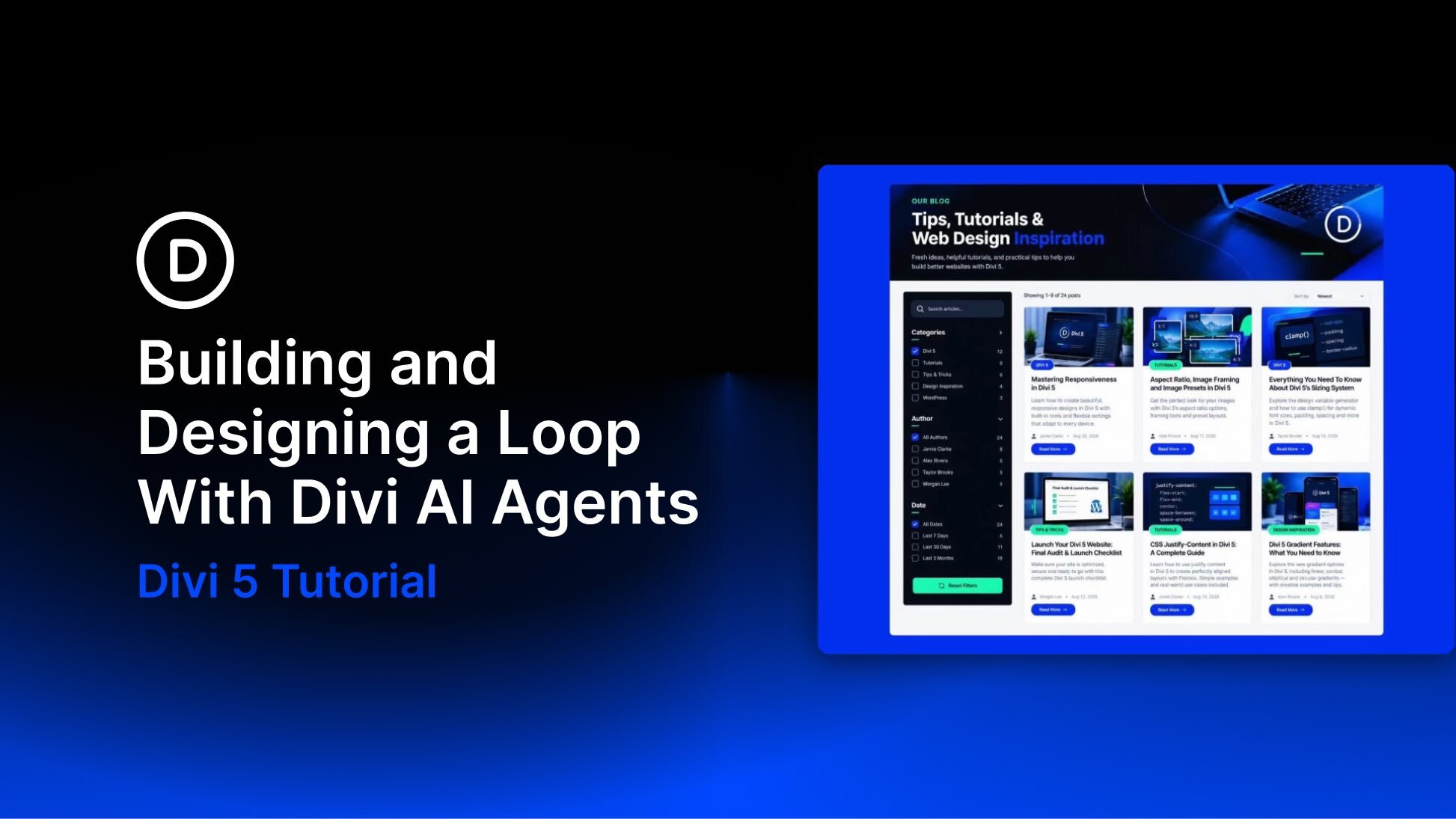
Divi AI Agents let you build and edit websites through conversation. Inside Divi 5, the interface sits beside the page in the Visual Builder and can create sections, rows, and modules while you watch. Attach a screenshot and describe the layout you want. Divi AI Agents can build a native Divi structure that you can continue editing in the Visual Builder.
In this post, we’ll use Divi AI Agents with three Divi 5 features to recreate a filtered blog index: Flexbox for the page skeleton and cards, Loop Builder for a repeating post card, and Loop Filter Modules for search, category and author filtering, and Apply and Reset controls.
The goal is a working blog post loop that matches the reference layout: a hero, a sidebar of filters, and a grid of live posts. We’ll start from the screenshot, then attach dynamic content to real WordPress content one stage at a time.


