
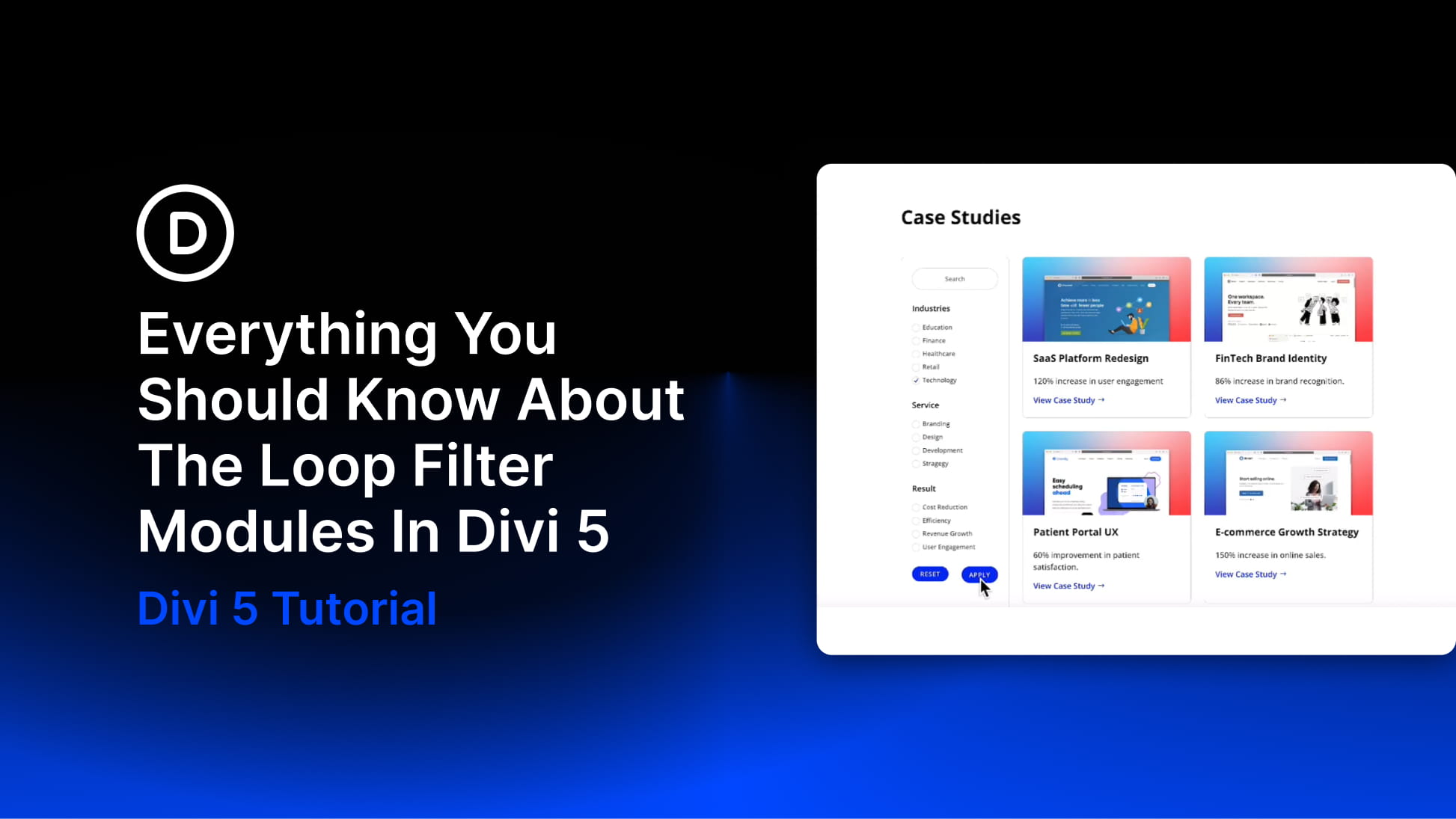
Divi 5‘s Loop Builder lets you turn Divi elements into dynamic feeds for posts, products, projects, custom post types, and other queried content. You design one repeated item, connect it to Dynamic Content, and let Divi populate the layout from WordPress.
The new Loop Filter Modules add the visitor-facing side of that system. Instead of deciding every query condition while building the page, you can create custom filter forms that let visitors search, filter, and reorder the results themselves on the front end.
In this post, we’ll look at how the Loop Filter system fits into Divi 5’s Loop Builder, what each filter type does, how fields connect to taxonomies and custom fields, how to build and style a complete filter form, and several practical ways to use the feature.
What Are The Loop Filter Modules In Divi 5?
Loop Filter Modules let visitors interact with post-based Loop Builder content directly on the front end. A visitor might search a blog by keyword, narrow a portfolio by project category, filter a directory by location, or reorder a product-style catalog without needing a separate page for every combination.
At the center of the system is the Post Filter Module. It acts as the wrapper for the complete filter form and connects that form to a target Loop. Inside it, you add Post Filter Item Modules, with each item providing one control such as a Text field, Select menu, Radio group, Checkbox group, sorting control, Submit button, or Reset button.


