
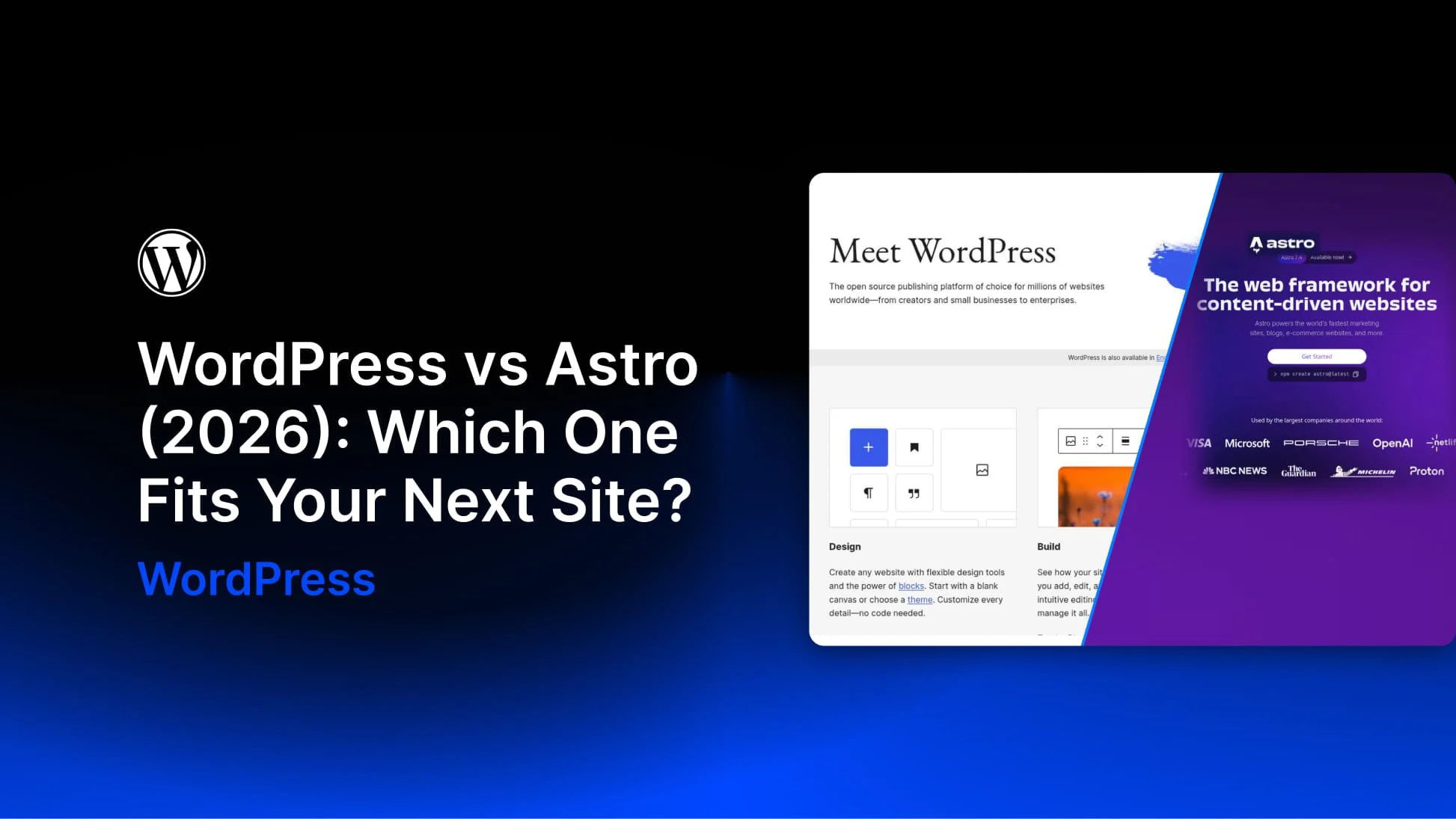
WordPress and Astro can both power a blog, portfolio, or business website, but they give you different starting points. WordPress includes a content management system with an editing dashboard, user accounts, and a media library. Astro is a web framework that lets developers build the front end and choose how content is managed.
For many projects, the deciding question is who will edit the site after launch. A developer maintaining a site through code has different needs from a client who wants to update services, publish articles, and manage inquiries independently.
My experience is mainly with WordPress sites built around options pages, custom post types, and custom fields. I approached Astro from that perspective: where does it simplify the work, and where does it require a different setup? This comparison uses a small demo to explore those differences rather than treating either platform as the best choice for every site.
What Astro Is, And What It Leaves Out
Astro is an open-source framework designed for content-driven websites. By default, it generates HTML pages during a build. It can also render routes on request using an adapter for a supported runtime or hosting platform, including Node.js, Netlify, Vercel, and Cloudflare.
Its islands architecture lets developers add interactive components where needed without requiring the entire page to run as a client-side JavaScript application. Content collections, server islands, Actions, and sessions support more complex sites, but they do not turn Astro into a ready-made CMS.
The company behind Astro joined Cloudflare in January 2026. The announcement states that Astro remains open source under the MIT license and available for deployment beyond Cloudflare.
The one-page demo used for this comparison produced an HTML file of 2,734 bytes in the build output folder. That is the size of one generated file, not a measurement of the complete page with its images, styles, and other assets.


