
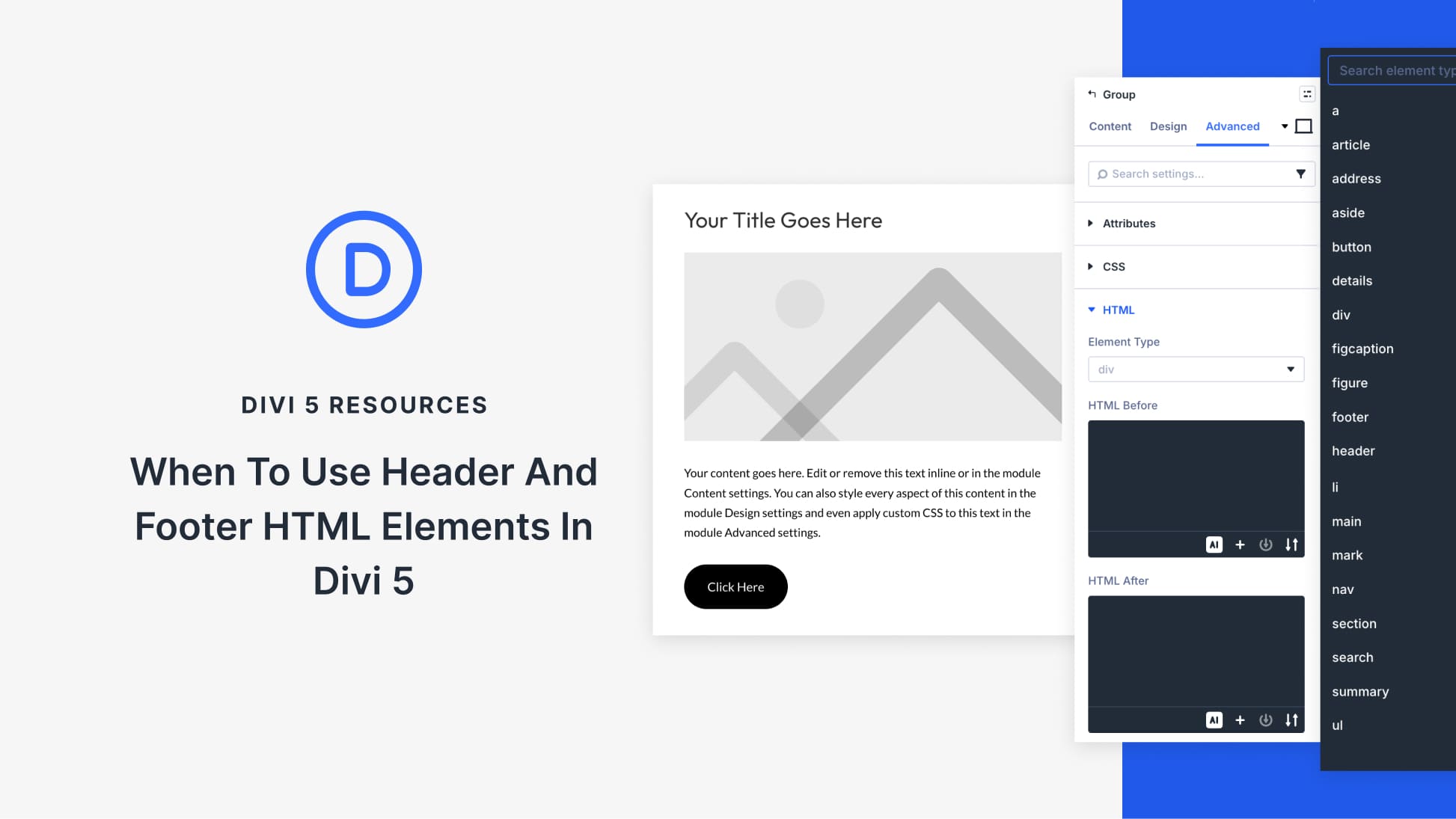
Header and footer elements are commonly understood as page-level structure. A site has one header, one footer, and the rest of the layout lives in between. Most people stop there. In HTML5, though, <header> and <footer> go further. They can describe structure within individual sections of content, beyond page level.
Divi 5 makes it easy to apply semantic elements to any layout component. This post walks through the specific scenarios where adding header and footer elements to your layout actually improves clarity.
What Are Semantic HTML Wrappers In Divi 5?
Semantic HTML gives your website’s structure a vocabulary that browsers and assistive technologies can understand. A generic <div> doesn’t carry inherent meaning about what’s inside. But a <header> tag signals “this introduces a section,” and a <footer> tag says “this wraps things up.”
Divi 5 includes this capability directly in the builder through Custom HTML wrappers and Custom Attributes. Any section, row, column, or module can be rendered with a semantic tag instead of a generic div element. You can do it without custom code or template modifications. Just pick the tag from a dropdown, and Divi handles the rest when your page loads.


