
You build the homepage first. Then an about page, then a contact page. By the third one, you have the rhythm of it: drop in a section, add your content, style it, publish. One page, one design.
Then you get to the blog.
The rules change without warning. You are not designing a page anymore. You are designing something that has to work with fifty posts you may not have written yet, and there is no single page to build it on. This is where a lot of people get stuck — not because it’s an impossible task, but because it’s simply different than page building.
What you’re doing at this point is called theme building, and every serious WordPress theme and page builder has a way to handle it. Here, we dive into what a theme builder is, what it controls, and how you will know when you need it.
What Is A Theme Builder?
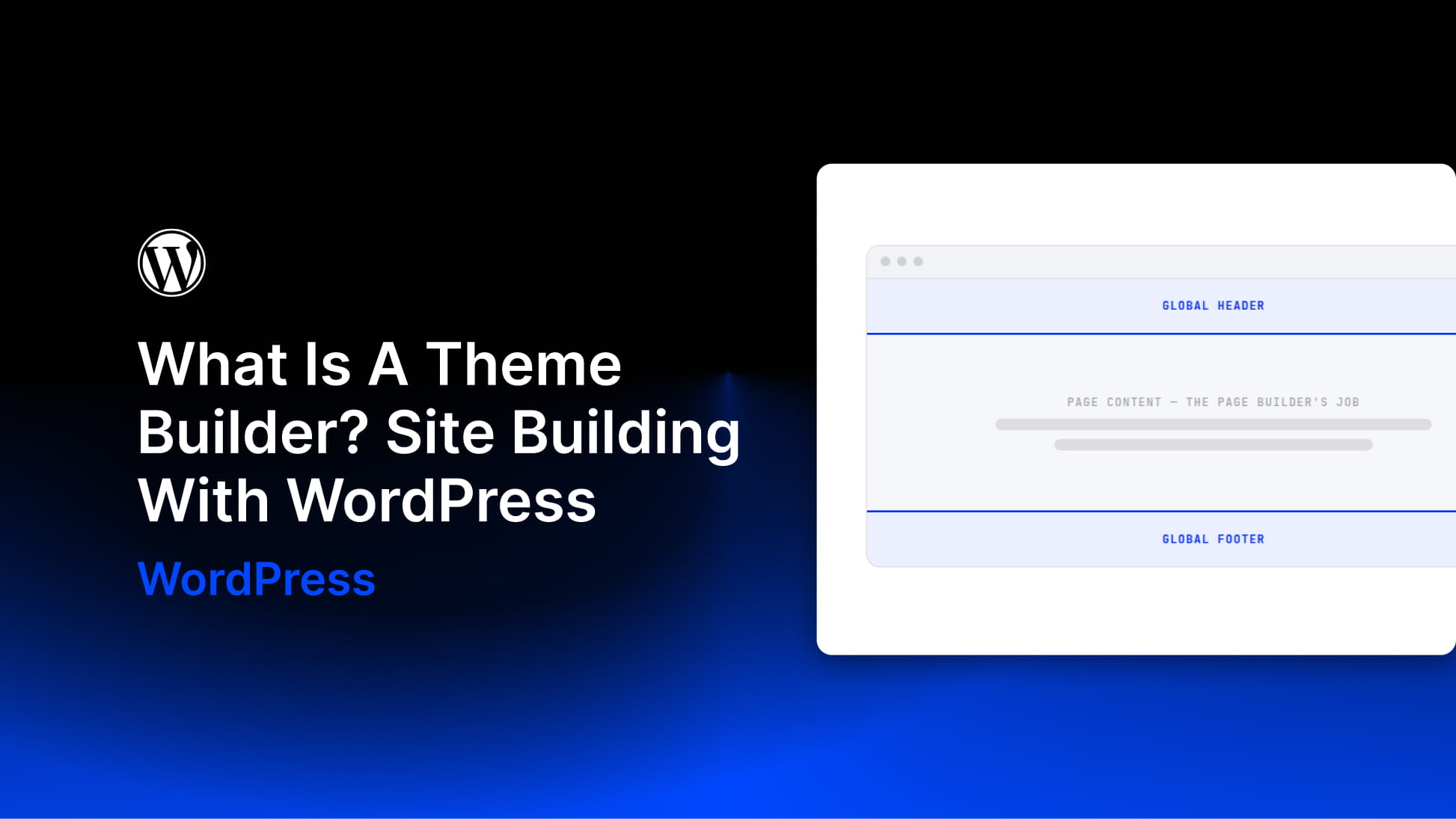
A theme builder is what you use to build all the repeatable parts of a website.
Headers and footers are the obvious ones. Every page needs them, and you want to design them once rather than rebuild them on every page you publish. The more interesting half is templates: the layout for a single blog post, the archive that lists those posts, search results, and a 404 page.
Those templates map to your site’s content structure. WordPress already knows the difference between a blog post, a page, and a product. A theme builder is what lets you design the pages that the structure turns into. WordPress stores and organizes your content; the theme builder decides what a visitor sees.


