
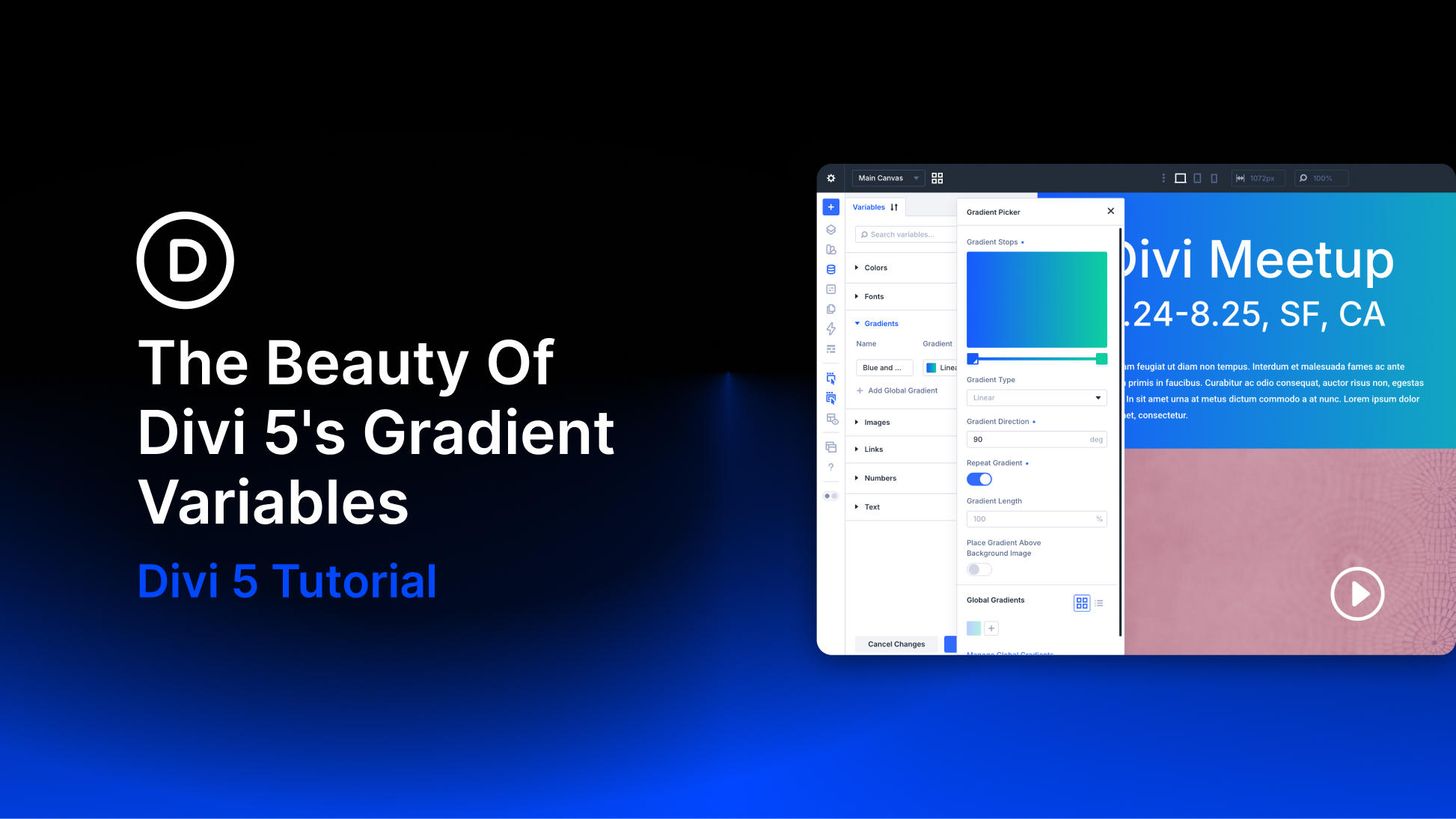
Good design tools do more than add new settings. They change how you think about the decisions you make. Gradients are a perfect example. In older workflows, a gradient often lived wherever you built it: one section background, one button, one hero heading, one CTA. If the brand direction changed later, you had to remember where that gradient was used and update each instance by hand.
Gradient Variables in Divi 5 change that. Instead of treating a gradient as a one-off value, you can save it as part of your site’s design system and reuse it wherever gradients are supported. That is where the beauty of the feature becomes clear. A gradient can start as one reusable source, show up across backgrounds, buttons, and text fills, and still remain connected to the same value inside the Variable Manager.
In this post, we’ll look at what Gradient Variables are, how they fit into Divi 5’s design system, how to create them, and how to use them across a site without rebuilding the same visual treatment over and over.