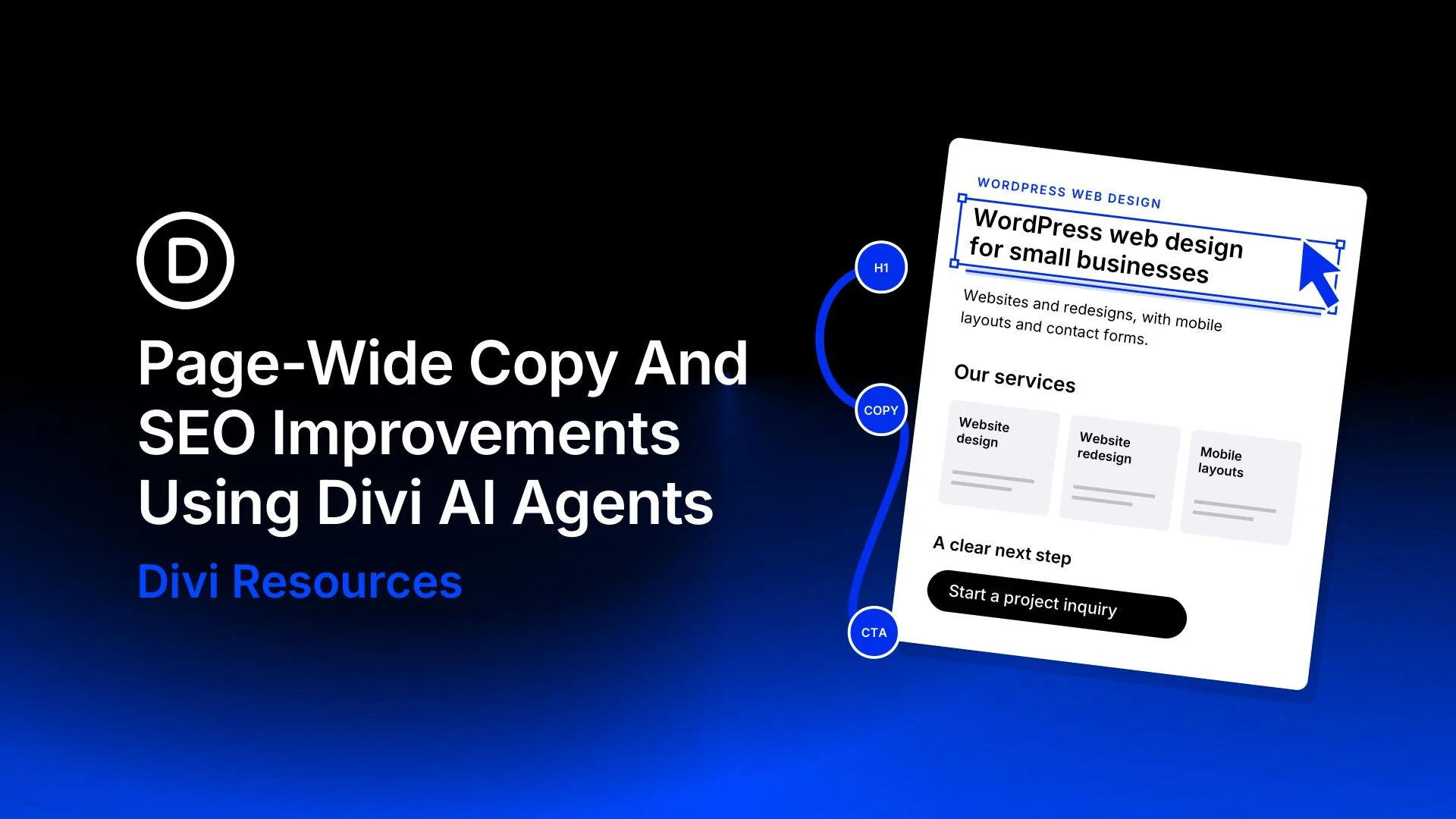
A vague headline or a generic “Learn More” button can leave visitors unsure what you offer. With Divi AI Agents in Divi 5, you can revise headlines, service descriptions, and calls to action across a page from one conversation.
Choose a search topic that matches your offer, then use it to guide the edits. Each change should help visitors understand your service or take the next step.
We’ll use a fictional web design service page to show the process, with prompts and before-and-after examples you can adapt to your site.
How Website Copy And On-Page SEO Work Together
Clear writing helps visitors assess your service; on-page SEO helps search engines identify the page’s subject. A headline that names your offer and headings that organize the details support both goals.
Use relevant search phrases where they help explain the service. Repeating them in every heading adds little for the reader. Google’s people-first content guidance emphasizes useful information written for readers.
How Divi AI Agents Help Optimize Website Content
Once you’ve clarified the offer, the rest of the page needs to support it. Service descriptions should explain what visitors receive, and the closing invitation should help them act on that information. Divi AI Agents let you coordinate those changes inside the Visual Builder, with the conversation and edited page side by side.
Begin in Ask mode to share your business details and discuss improvements before anything changes. Once the suggestions fit your offer, switch to Build mode to apply them. If you’re editing a particular heading or button, add it as Context so the agent has a precise target.
For recurring work, saved Rules can carry your writing preferences into relevant tasks while you supply each page’s facts. You can then review the result against your brief and check its metadata in an SEO plugin, keeping the page text and search description connected.