When you use Divi AI agents to review several pages, the same tasks often come up: checking image alt text, reviewing responsive layouts, or updating calls to action. Saving a useful prompt means you can reuse those instructions on the next page.
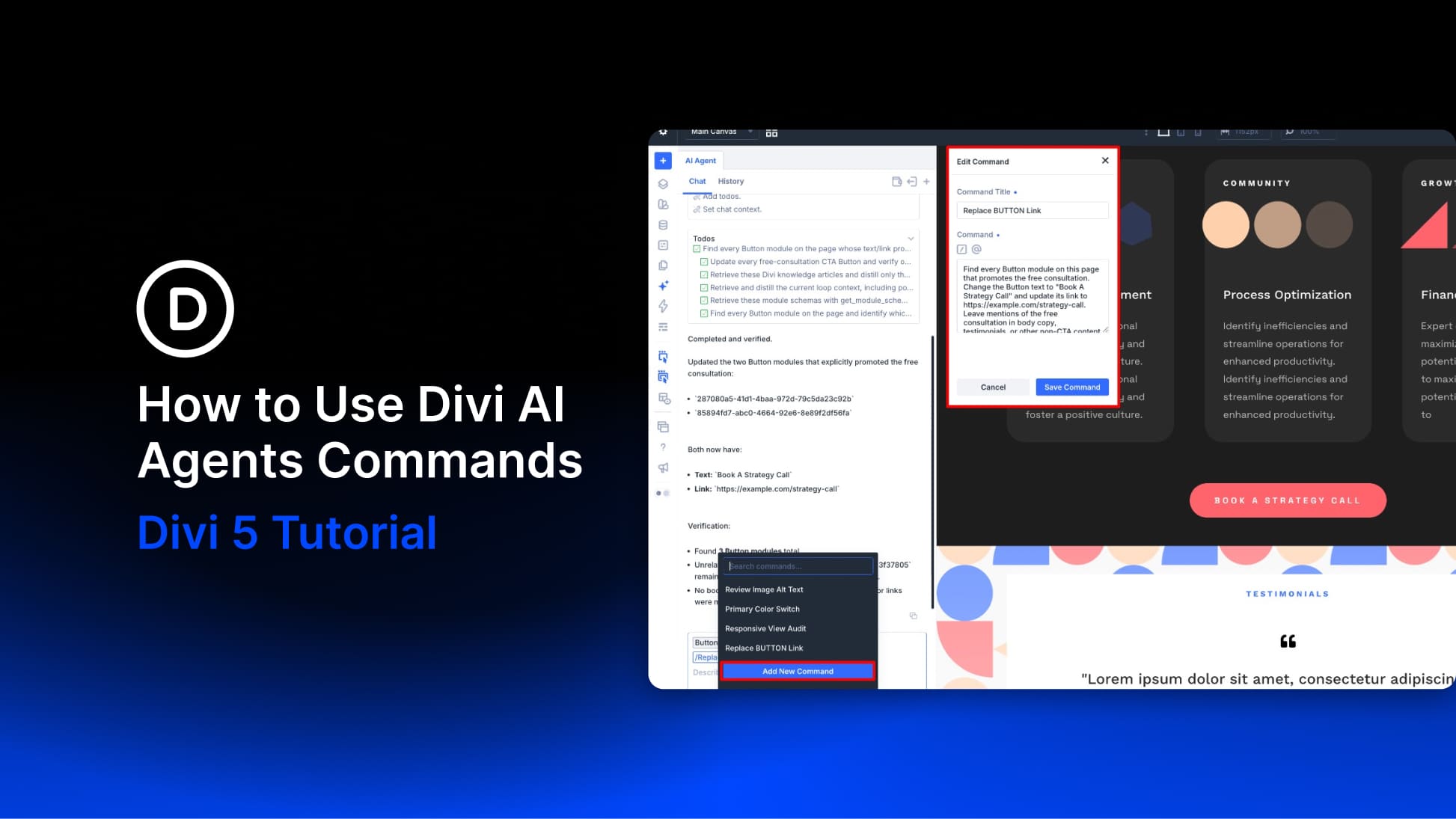
Commands exist for exactly this. They let you save a prompt inside the Divi 5 Visual Builder and pull it into chat with a slash whenever the same job comes up. This guide explains what makes a Command worth saving, how to create and run one, and three practical workflows you can reuse.
Where Commands Live In Divi AI Agents
Divi AI agents work inside the Divi 5 Visual Builder. You can use plain-language requests to inspect a page or make changes to its sections, rows, and modules. Commands live inside the AI chat window, alongside Rules and Context. Click the Commands icon to view and manage the prompts you have saved.