
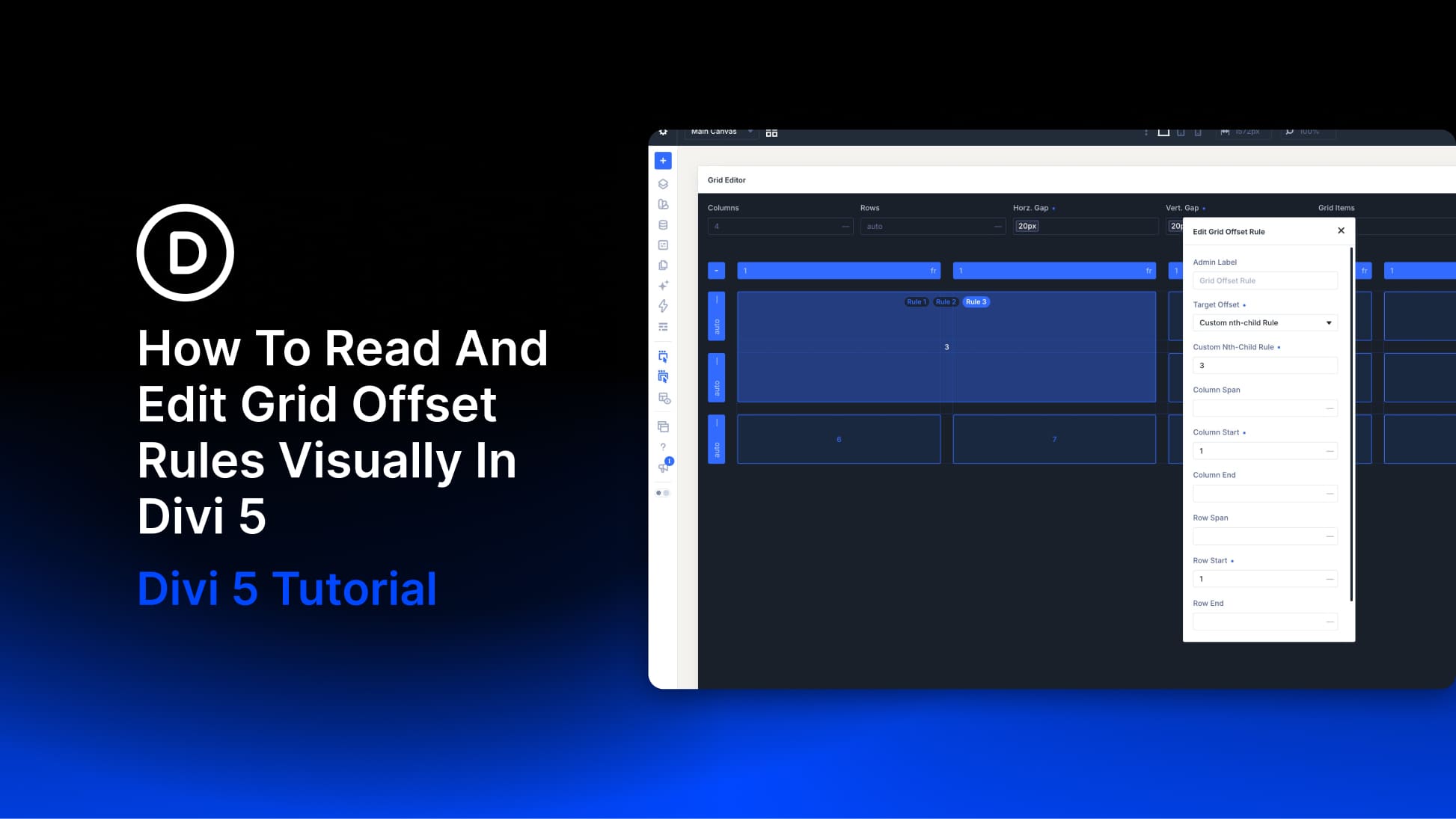
Grid Offset Rules control where items begin and how many rows or columns they span in Divi 5. A rule on the container can widen every fifth card, stretch a featured item across two rows, or place an item in a specific column. Repeating rules also apply to matching items as content is added or generated by a Loop.
The settings tell us what each rule does, but it can be harder to picture how several rules affect the same grid.
The CSS Grid Editor makes that relationship visible. We can resize items to create rules, see which items an existing rule affects, and adjust its values as the layout responds.
In this tutorial, we’ll read and edit Grid Offset Rules visually, create individual and repeating targets, and adjust their values for smaller screens.


