
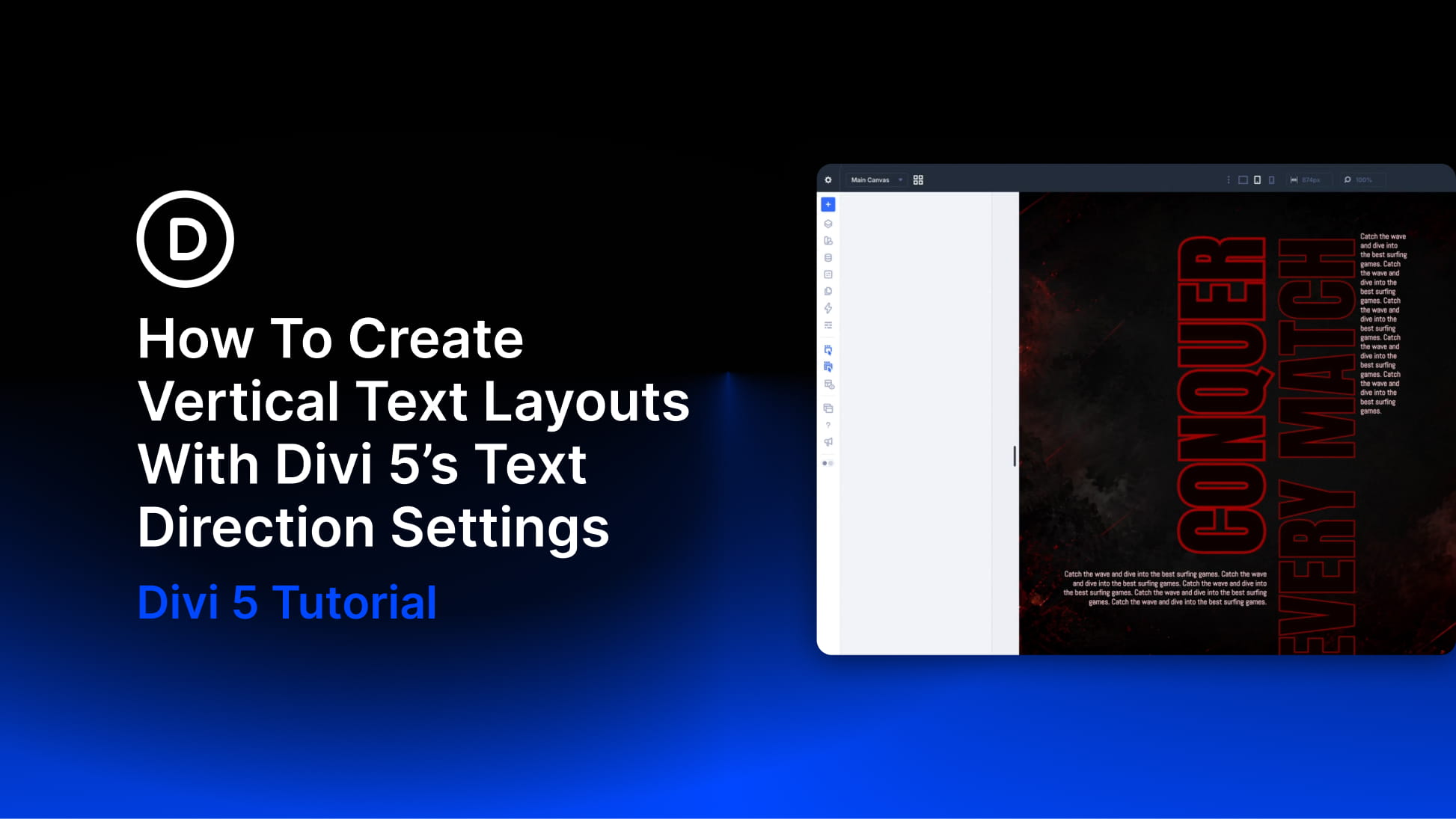
Vertical text used to require custom CSS in Divi. You either had to add a writing-mode snippet, rotate an entire module with transform settings, or fake the effect with an image. Each method worked, but each one also introduced layout issues that usually took more time to fix than the effect was worth.
Divi 5 now includes Text Direction settings that let text flow vertically with one click. The text remains real text, the typography controls still work, and the layout can be adjusted visually inside the builder.
In this post, we’ll cover where the Text Direction settings live, what each direction mode does, and what changes once text starts flowing vertically. Then we’ll build a full vertical text header step by step and look at two more layout examples that use the same setting at different scales.
What Are Text Direction Settings In Divi 5?
Text Direction is a typography setting in Divi 5 that controls the axis your text follows. By default, text runs horizontally from left to right. Switch the setting to one of the vertical modes, and the same text flows along a vertical axis instead.
Only the rendering changes. Your content is still text underneath, not an image and not a rotated screenshot. That means you can still style it with normal typography settings such as font, size, color, capitalization, letter spacing, stroke, and line height.
You’ll find Text Direction inside the typography option groups in the Design tab. Open a module’s settings, go to the Design tab, and expand the option group that controls the text you want to change.
For a Heading module, open Heading Text and look for Heading Text Direction. For body text in a Text module, open the Text option group and look for Text Direction. The setting appears as a row of three icon buttons.


