Clean pages and informative pages often pull in opposite directions. Add every detail a visitor might need, and the layout starts to feel crowded. Remove too much, and visitors may not have enough context to understand what they are looking at or what to do next.
Tooltips sit right in that gap. They let you keep the page clean while still making extra context available when someone needs it.
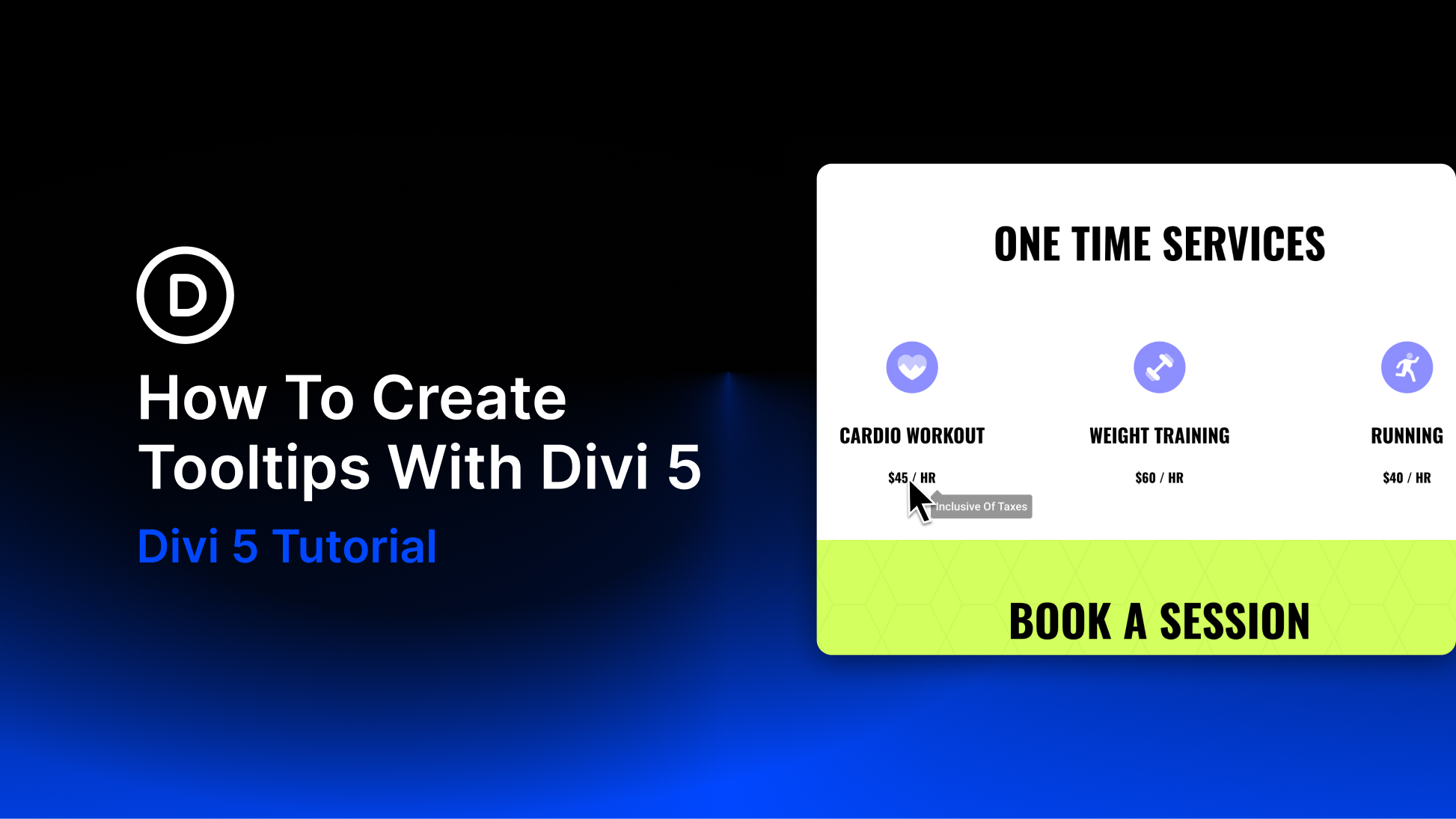
Divi 5 now includes a dedicated Tooltip module that makes this workflow native. You can add a tooltip to an icon, button, text element, pricing feature, image, or any other element that needs a little more explanation. The tooltip stays tied to its parent element, and you control the trigger, movement, position, arrow, timing, content, and styling visually.
In this tutorial, we’ll look at what tooltips are, where they work best, and how to create them with Divi 5’s Tooltip module.