
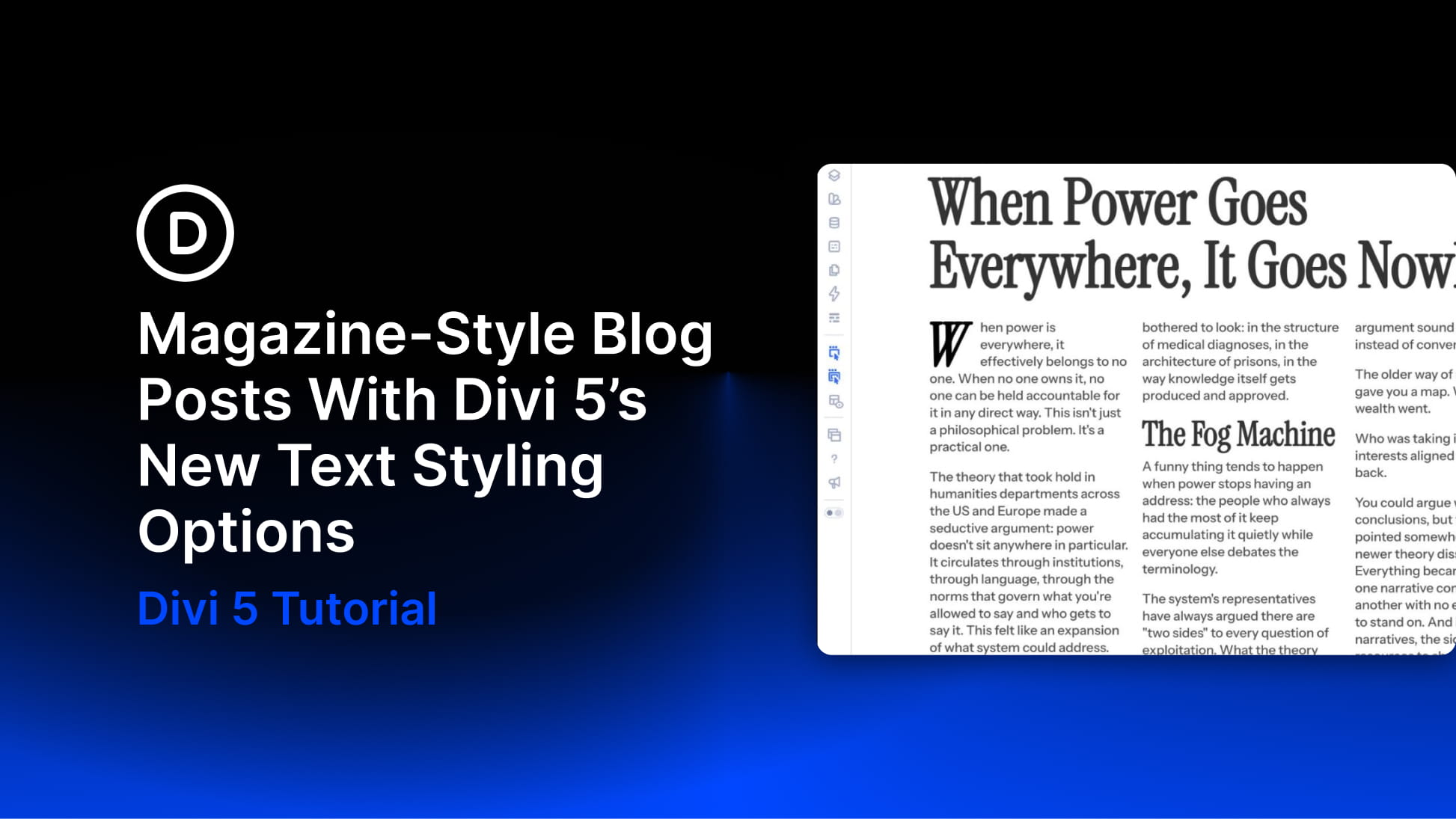
Print magazines built reader trust through typography long before the web existed. The way a headline breaks, how wide a column runs, where a paragraph breathes, and how a section begins all tell readers how to move through the page before they read a single sentence.
That same editorial feeling is possible on the web, but it depends on having the right controls in the right place.
Divi 5 now includes a broader set of text styling options directly inside the builder. You can create multi-column text, add drop caps, control paragraph spacing, refine line wrapping, enable hyphenation, use small caps, and set vertical text direction without splitting content into extra modules or writing custom CSS.
In this tutorial, we’ll show you how to use Divi 5’s new text styling options to create magazine-style blog posts that feel more structured, readable, and editorial.


