
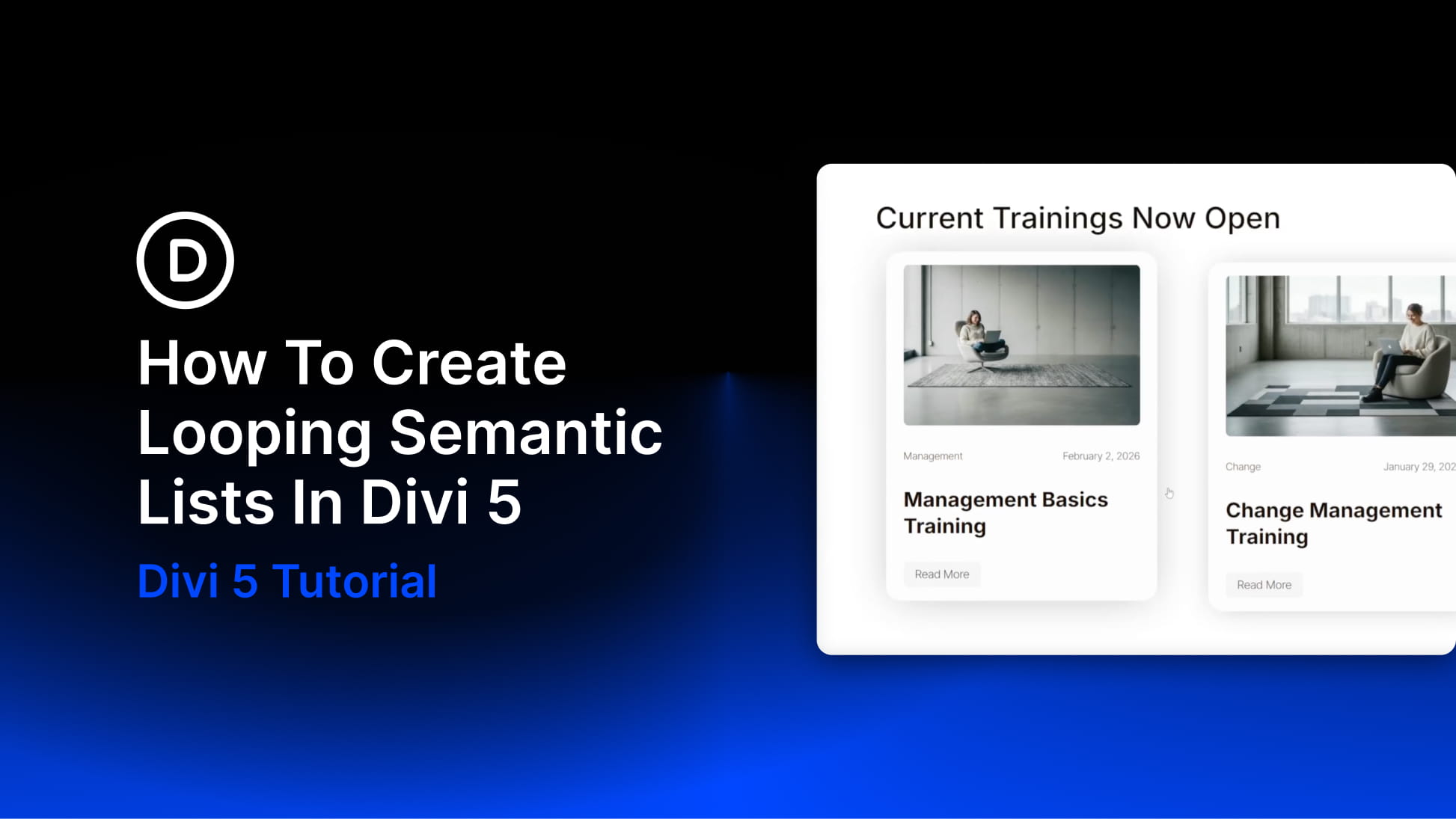
Card-based layouts dominate modern web design, from blog archives and team directories to product catalogs and portfolio grids. Search engines and assistive technologies interpret these layouts through HTML structure, not visual appearance. A grid of blog post cards that looks organized to sighted users may appear as disconnected fragments to screen readers if the underlying markup lacks semantic meaning.
Divi 5’s Loop Builder generates dynamic card layouts from WordPress content and lets you apply semantic markup through Divi 5’s Custom Attributes system and Element Type controls, creating accessible, SEO-friendly card grids. Proper semantic structure can improve screen reader navigation, make content relationships clearer to search engines, and make your markup easier to maintain.
The technique applies the <ul> and <li> pattern to dynamic content while layering additional semantic elements, such as <article>, <header>, and <figure>, within each card. Because the Loop Builder duplicates your configured column for each item in the query, you only need to set up the HTML structure once. The loop handles the rest, generating consistent list markup regardless of how many posts exist.


