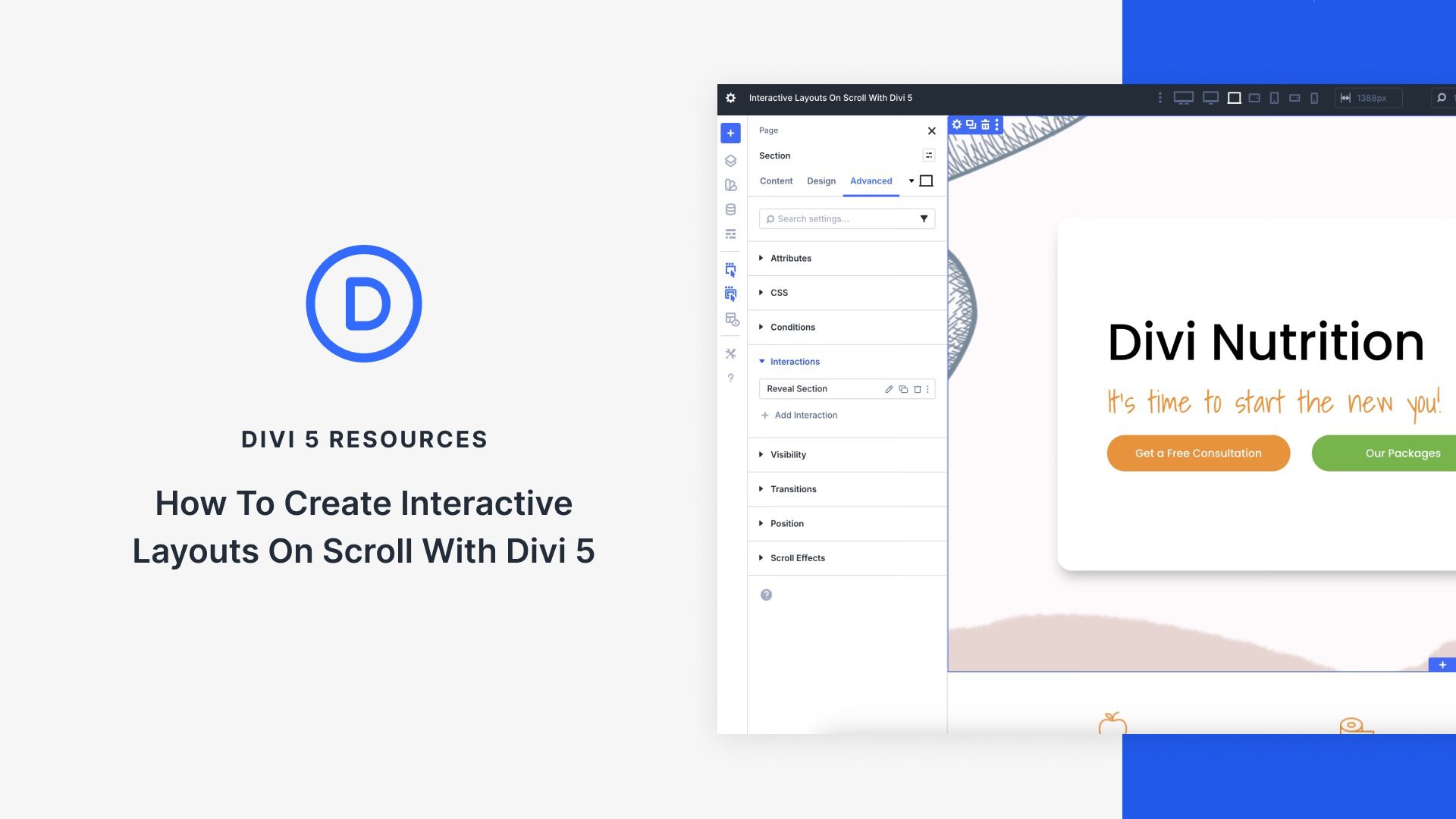
Capturing user attention requires more than static designs. Modern websites thrive on engaging, dynamic experiences that unfold as users scroll Divi 5‘s new Interactions feature allows designers to build scroll-triggered effects and animations that transform passive pages into captivating stories, guiding visitors through seamless interactions. In this post, we’ll explore how Divi 5 Interactions work, why they’re perfect for scroll-based layouts, and provide a step-by-step tutorial with practical examples to elevate your website’s engagement.
What Are Divi 5 Interactions?
Divi 5 Interactions is a powerful, code-free system that lets you create dynamic, user-driven experiences. By defining triggers, effects, and targets, you can build animations and behaviors that make your website feel alive. For scroll-based effects, Interactions go beyond traditional animations by allowing precise control over when and how elements change as users navigate the page.