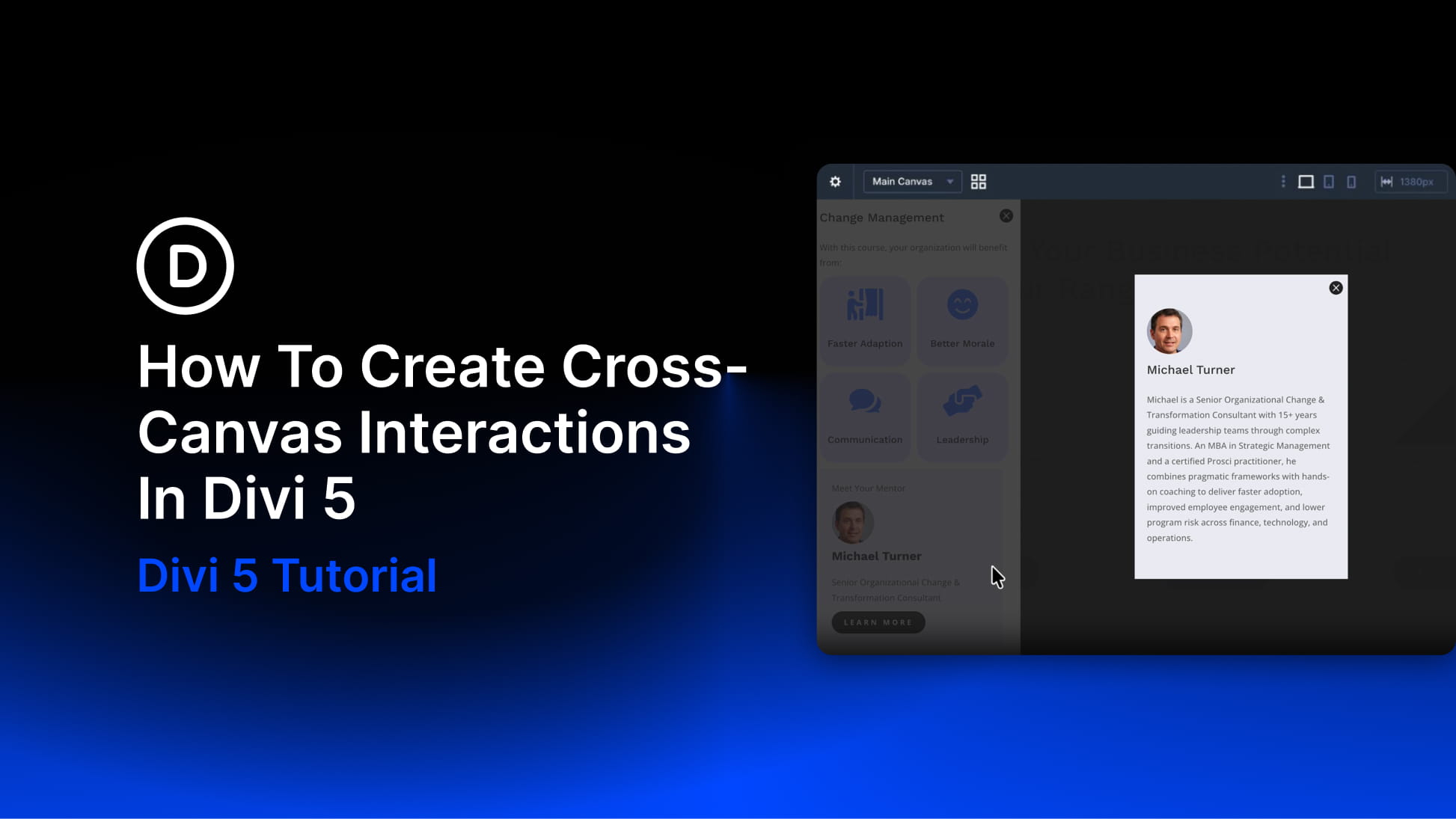
Canvases and Interactions are two of Divi 5‘s most useful tools for building dynamic layouts without custom code. Canvases keep off-page content organized in separate workspaces. Interactions control when that content appears, changes, or responds to a visitor.
Cross-Canvas Interactions bring those two features together. A trigger on your Main Canvas can show, hide, or change an element that lives on another Canvas. That lets you build cleaner pages, keep modals and panels out of the main layout, and still connect everything through the Visual Builder.
In this post, we’ll explain how Cross-Canvas Interactions work and build a practical example: a button on the Main Canvas that opens a feature breakdown modal stored on a separate Canvas.
What Are Divi 5 Interactions?
Divi 5 Interactions let you add behavior to modules, rows, columns, and sections from the Advanced tab. Every Interaction has three main parts:
- Trigger: The event that starts the Interaction, such as a click, hover, viewport enter, viewport exit, page load, or breakpoint change.
- Effect: The action Divi performs, such as showing an element, hiding an element, toggling visibility, applying a preset, changing an attribute, setting a cookie, scrolling to an element, or mirroring mouse movement.
- Target: The element that receives the effect, such as the current element, a parent, a child, another module, a row, a column, a section, or an element selected by ID or class.