
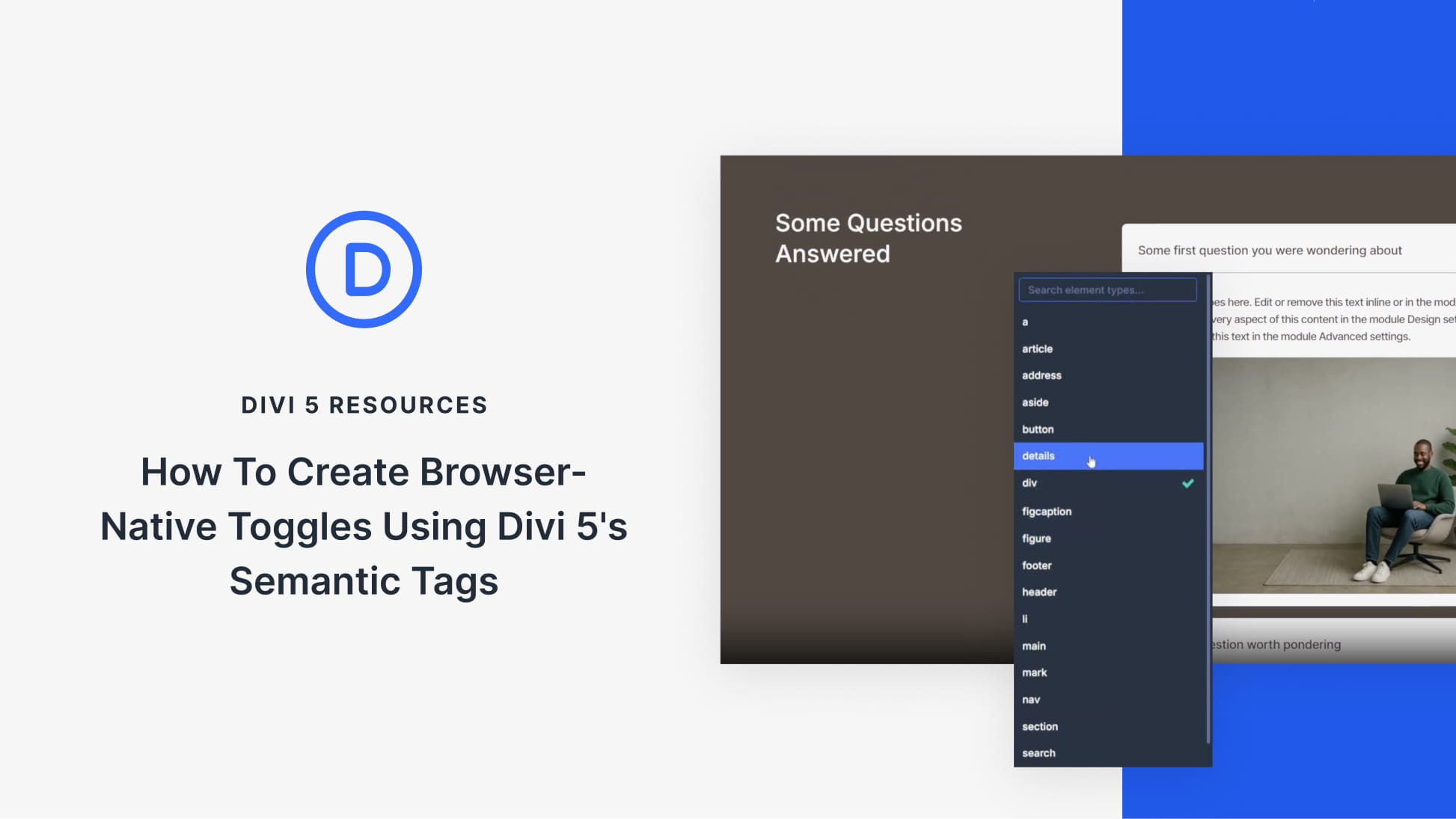
Accordions and toggle content have traditionally required JavaScript to handle the interaction correctly. Modern HTML includes native elements that get you closer to a non-JavaScript version of that.
<details> and <summary> elements create functional disclosure widgets using nothing but a couple of simple elements. These elements handle expand/collapse behavior automatically, support keyboard interaction out of the box, and work without any extra JavaScript.
Divi 5’s Semantic Elements allow users to work with these native HTML elements (and many others) directly within the Visual Builder. You can construct toggles using Divi’s layout elements while outputting clean, semantic HTML that browsers understand natively. This post covers how to build a custom toggle using Divi 5’s Element Type settings, Divi design settings, and some simple CSS to make it all really smooth.


