
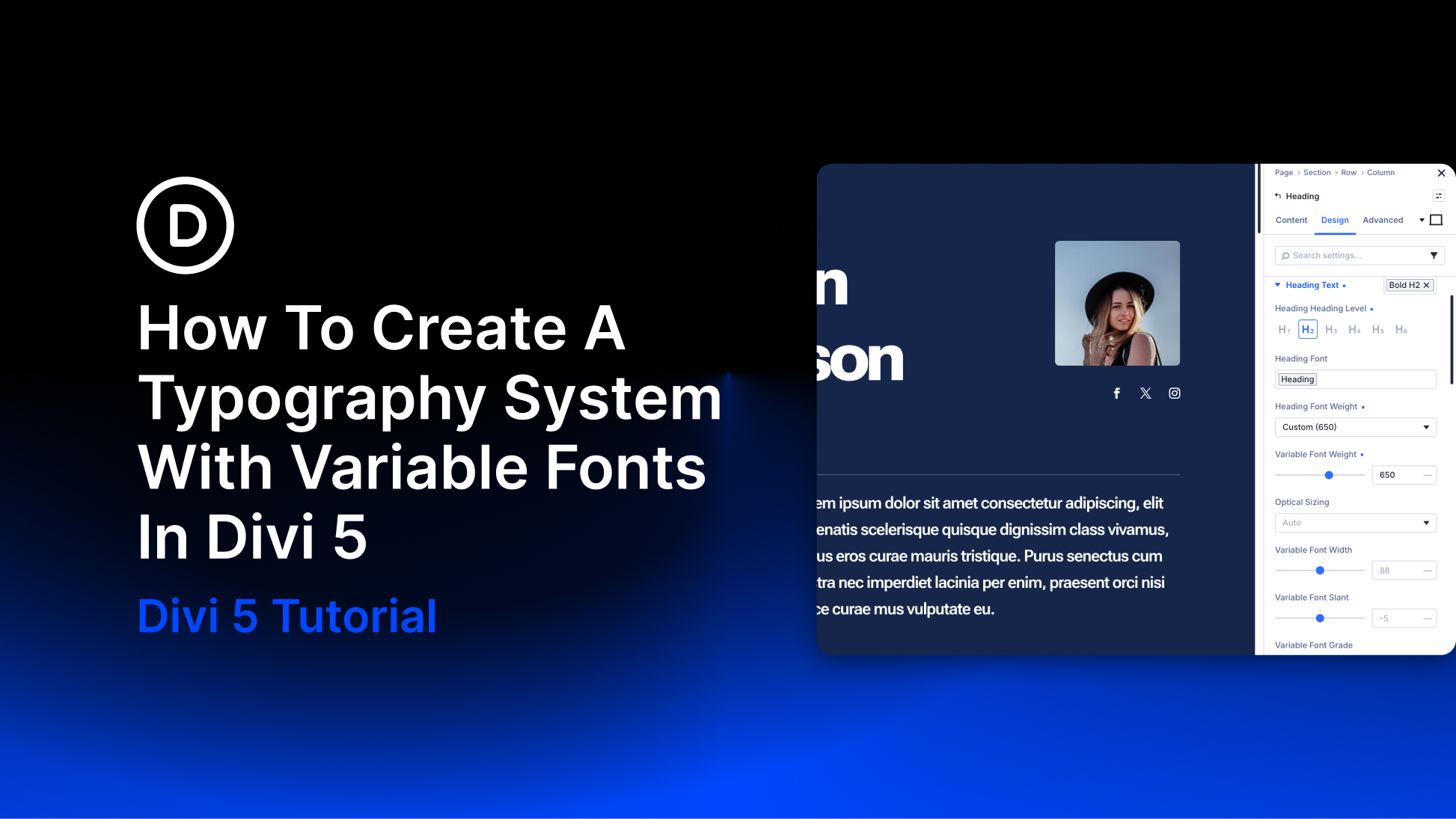
A strong typography system is more than choosing a heading font and a body font. It defines how type scales, how different text roles relate to each other, and which decisions stay consistent as the website grows. Variable fonts make that system much more flexible.
Instead of choosing only from fixed stops such as Regular, Medium, and Bold, a variable font can give you continuous control over supported axes such as weight, width, slant, optical size, Grade, and other font-specific characteristics.
Divi 5 brings those controls directly into the Visual Builder and connects them to the rest of its design system. Pair Variable Fonts with Font Variables, the Variable Generator, Number Variables, and Presets, and you can turn individual typography choices into a reusable sitewide framework.
In this tutorial, we’ll build that framework from the ground up. Think of it as a blueprint: choose the right variable font, establish the font family globally, generate a responsive type scale, define how each typographic role uses the font’s axes, and save those decisions as Presets that can be reused throughout the site.
What Are Variable Fonts And How Do They Help?
A variable font is an OpenType font that can store a range of typographic variations inside one font family. Instead of the type designer committing only to separate fixed styles, such as Regular at 400 and Bold at 700, the font can define a continuous range between supported extremes.
Weight is the clearest example. A static font family might provide separate files for Regular, Medium, Semi Bold, and Bold.


