
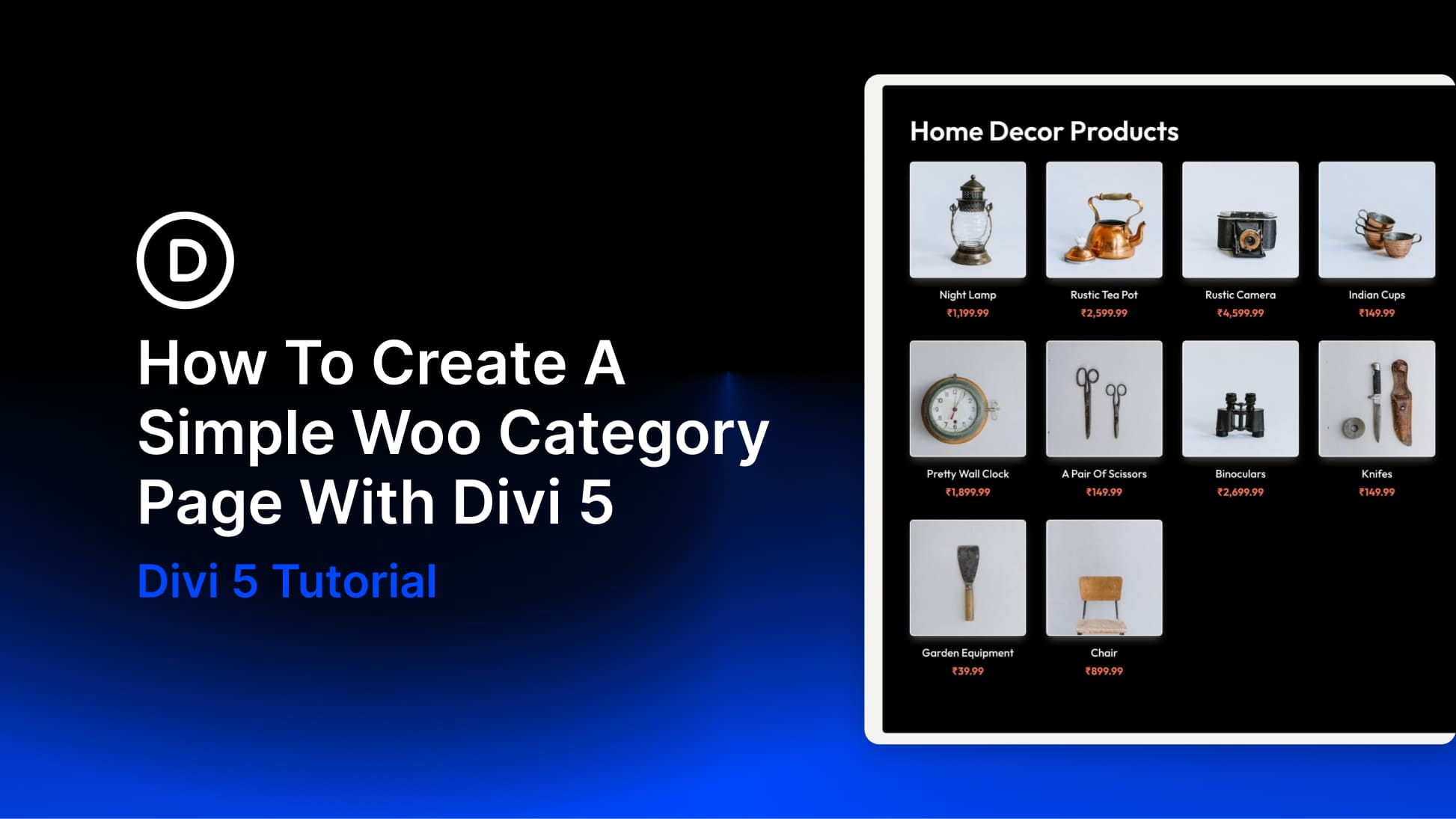
The new Woo Modules in Divi 5 give you much more control over how WooCommerce category pages look and function. Instead of relying on WooCommerce’s default archive layout, you can build category templates visually inside Divi’s Theme Builder.
In this tutorial, you’ll learn two practical ways to create a simple Woo category page in Divi 5. The first uses the Woo Products module to generate a dynamic product grid quickly. The second uses individual Woo modules to build a more custom product card layout for curated products or featured sections. We’ll also show when it makes more sense to use Divi 5’s Loop Builder for a fully dynamic custom archive.
What Are Woo Modules In Divi 5?
WooCommerce category pages work out of the box, but the default structure is restrictive. Product grids, card layouts, spacing, typography, and button styles are mostly controlled by WooCommerce and your theme, so deeper customization often means editing templates or writing CSS.
Divi 5 changes that by turning WooCommerce elements into visual building blocks. We released new Woo Product Modules for Divi 5, covering product and category page design while keeping compatibility with WooCommerce’s core functionality.
That means you can place product-related elements exactly where you want them and style them with the same design controls you already use throughout Divi.


