How To Create A Course Directory With Category, Level, And Duration Filters

How To Create A Course Directory With Category, Level, And Duration Filters

Someone looking for their first WordPress course has different needs from an experienced designer with an afternoon to spare. A course directory helps both visitors find something that fits when its filters reflect the questions they bring to the page.

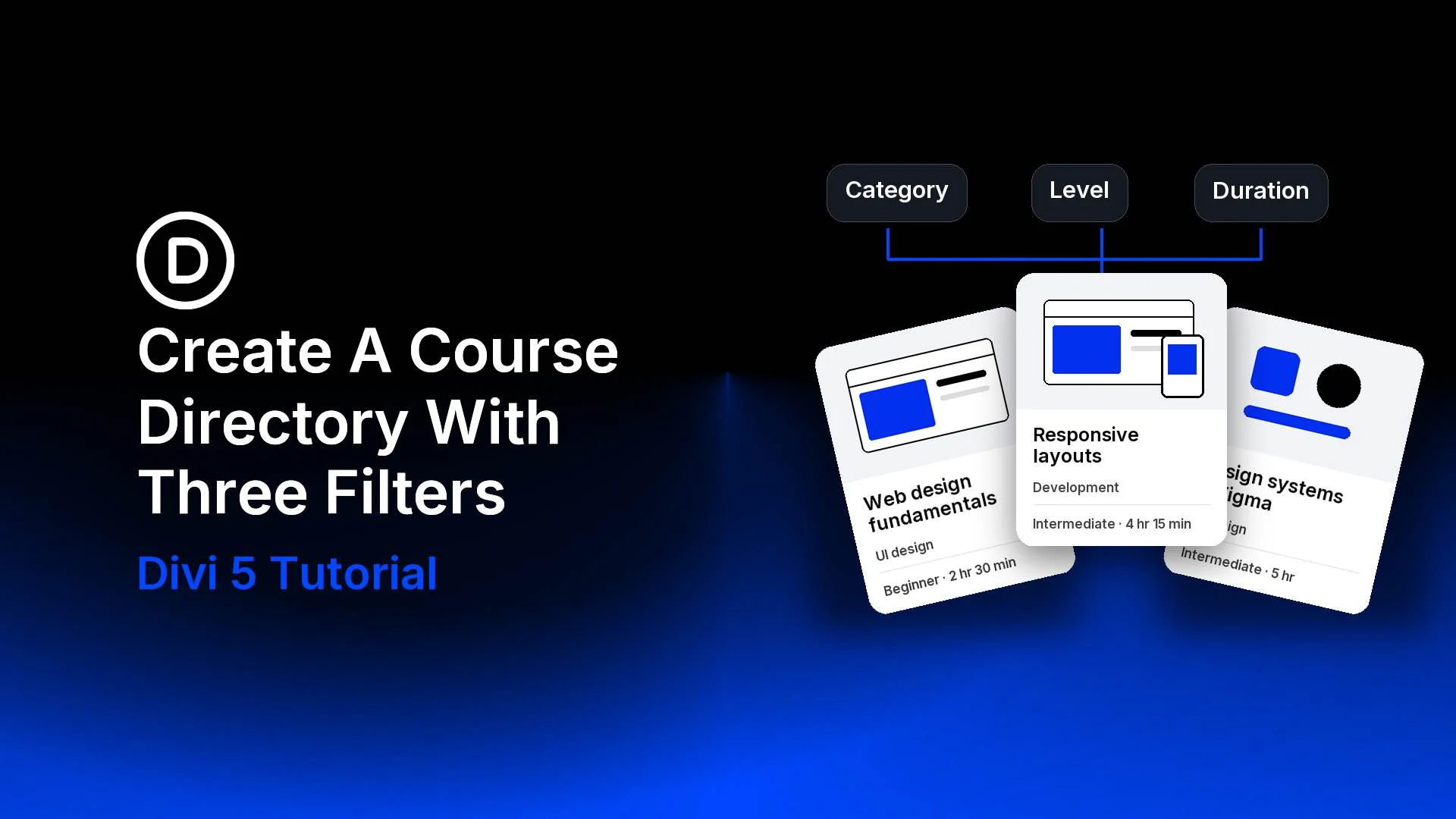
In this tutorial, we’ll build a small web-design course directory with Divi 5 and Advanced Custom Fields (ACF). Visitors can choose a category, skill level, and duration, then open a matching course through its image or title. We’ll use native Divi settings throughout the build.


Disclosure: Some of the links on this page are “affiliate links.” This means if you click on the link and purchase an item, we will receive an affiliate commission.

Build Divi WordPress Site
WordPress Site Care
Divi Tools
Web Design Solutions Unleashed Logo

Get Web Design News

Receive the latest WordPress, Divi, SEO and design news in your inbox for FREE from Web Design Solutions Unleashed.