
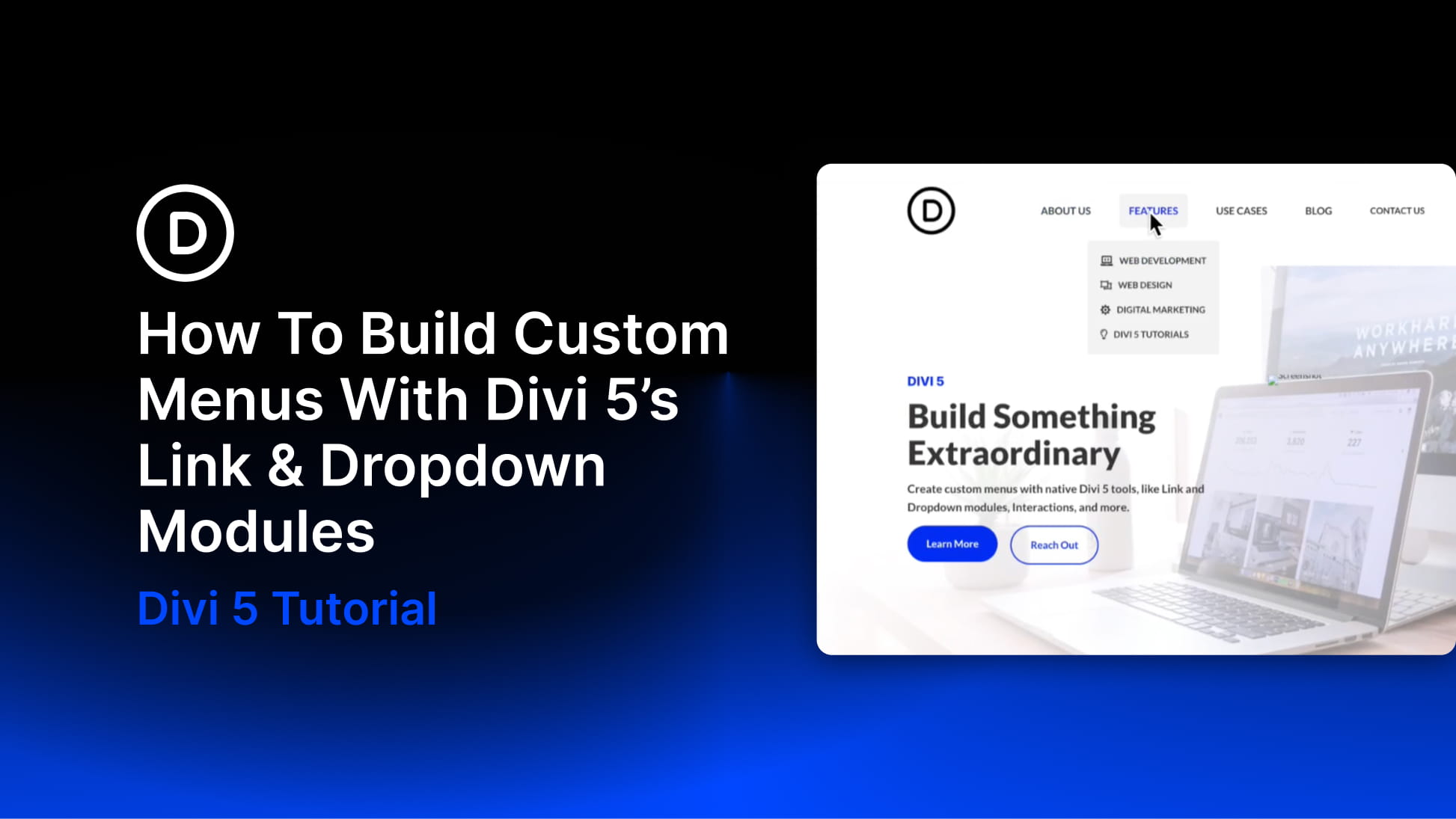
Divi has always given you ways to create custom menus, most notably with the classic Menu module. That module is still useful, but it is also an all-in-one system, which means it can feel limiting when you want full control over structure, styling, dropdown behavior, or mobile navigation.
With Divi 5’s new menu features, you can build navigation from smaller, more flexible pieces. The new Link and Dropdown modules let you create custom menus, dropdowns, mega-menu style layouts, and mobile navigation directly in the Visual Builder, without relying on third-party plugins or custom code.
In this step-by-step guide, we’ll build a custom menu with submenus and a separate mobile version using native Divi 5 features.


