
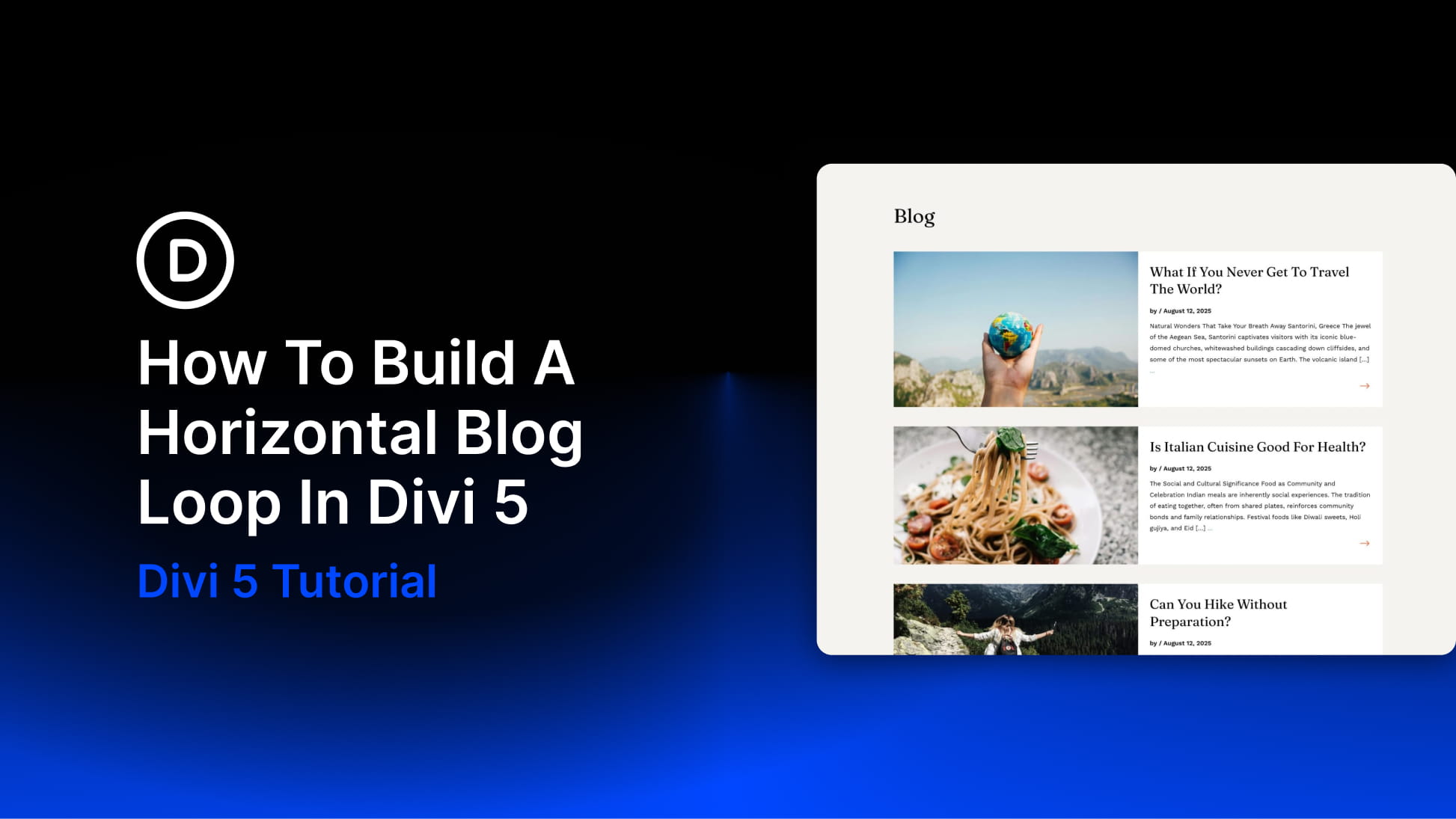
WordPress can show posts on a blog page automatically, but the default output rarely gives you full control over the actual card structure. The image position, meta layout, excerpt placement, and read more link all follow a preset pattern unless you start customizing the theme or working around the module.
The Loop Builder in Divi 5 takes a different approach. You design one post card with normal Divi elements, connect each part of that card to live post data, and Divi repeats it automatically for every item in your query.
In this tutorial, we’ll build a horizontal blog loop with one post card per row. Each card will have a featured image on the left, post content on the right, dynamic title, publish date, excerpt, and a linked arrow, plus pagination so visitors can move through the rest of your posts.


