
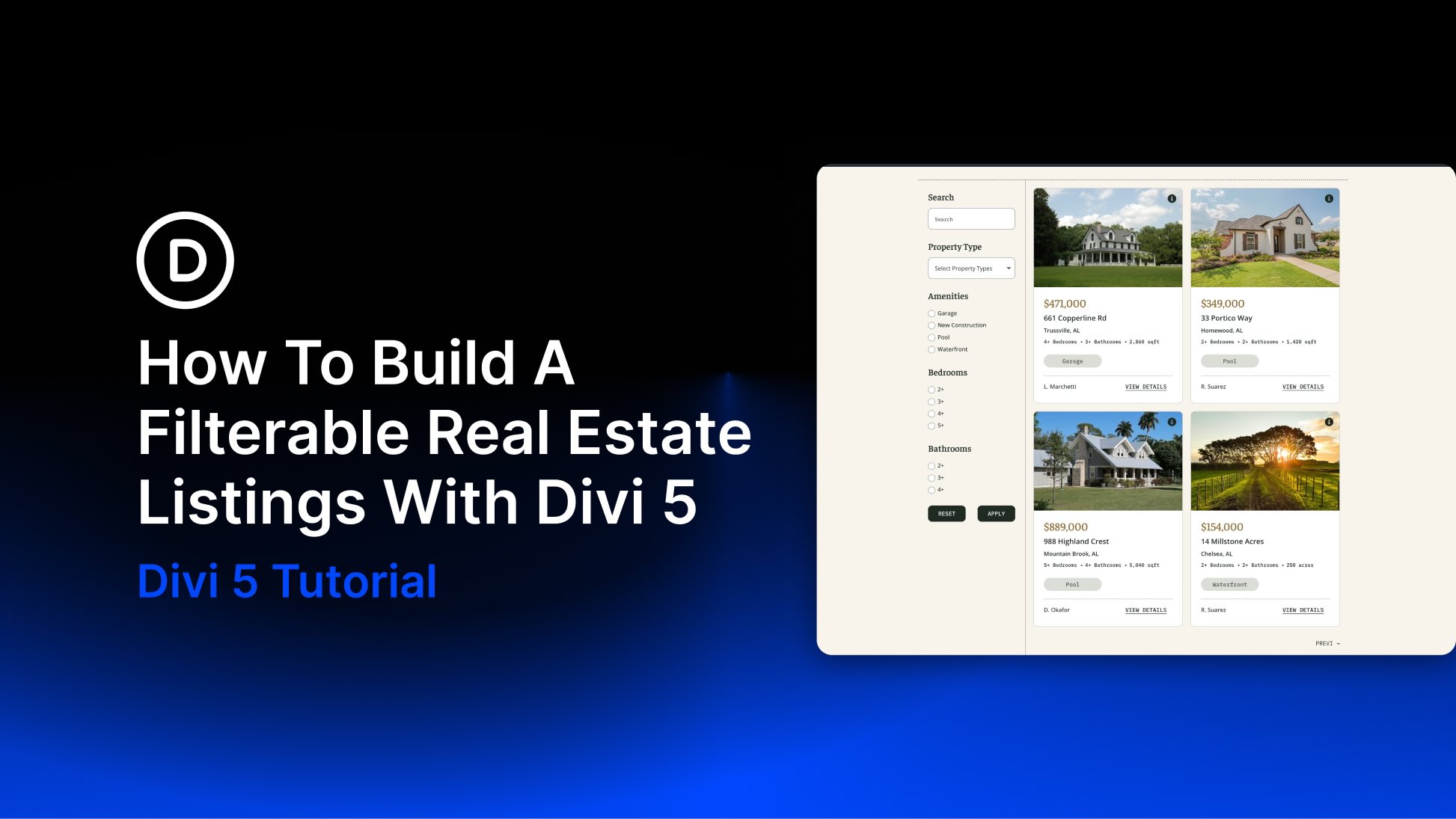
Real estate websites live or die by their search experience. Visitors expect to enter an address or city, choose a property type, select the number of bedrooms and bathrooms, pick an amenity, and see matching listings without leaving the page or wrestling with a clunky filtering plugin.
In this post, we’ll build that kind of filterable listings page using Divi 5 and Advanced Custom Fields (ACF). We’ll combine two Divi 5 features, the Loop Builder and the Post Filter module introduced with the Loop Filter Modules, to create a fully custom property grid that visitors can search and filter on the front end. ACF will handle the custom fields, including price, city, bedrooms, bathrooms, square footage, amenities, and agent name, that power the loop cards and filter form.
By the end, you’ll have a polished real estate layout you can use on your next project, along with a downloadable JSON file of the completed design.
What Is The Loop Builder In Divi 5?
The Loop Builder is one of the most flexible features in Divi 5. It lets you turn any Divi element into a dynamic loop of content pulled from your site’s database. That content can be posts, custom post types, terms (categories or tags), or users.
In simple terms, you design one item exactly the way you want it to look, tell Divi which content to cycle through, and the builder automatically repeats that design for every matching item.


