
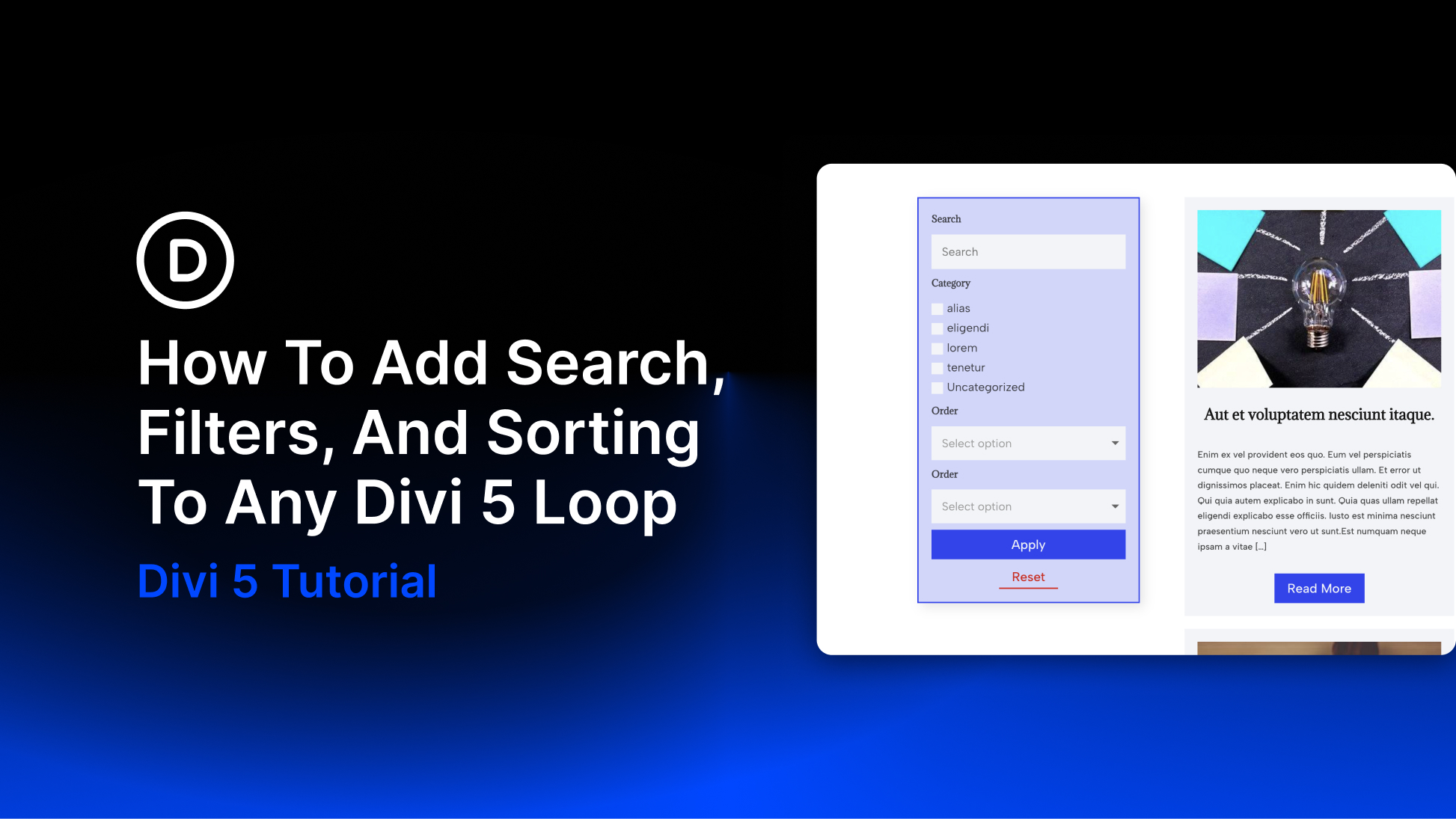
Search, filters, and sorting help visitors find specific content in a blog, product catalog, or directory. With Divi 5, you can add these controls to a custom post loop using the Post Filter Module.
In this tutorial, we’ll connect a filter form to a blog post loop, configure its search and category fields, add sorting controls, and style the form for desktop and mobile. The filtering tools are built into Divi 5, so this blog example needs no additional filtering plugin or custom code.
What Do Search, Filters, And Sorting Do?
Each control helps visitors browse a loop in a different way:
- Search finds content using a typed keyword.
- Filters narrow the results by criteria such as a category, tag, or custom field value.
- Sorting changes the order of the matching results, such as newest first or title A to Z.
Baymard Institute’s research on product lists and filtering highlights how these tools help shoppers find relevant products. A blog or directory can use the same browsing pattern to make a large collection easier to explore.
For example, a visitor could search for a recipe, select a category, and then sort the matching posts by date. Each control has a separate role in refining the results.