
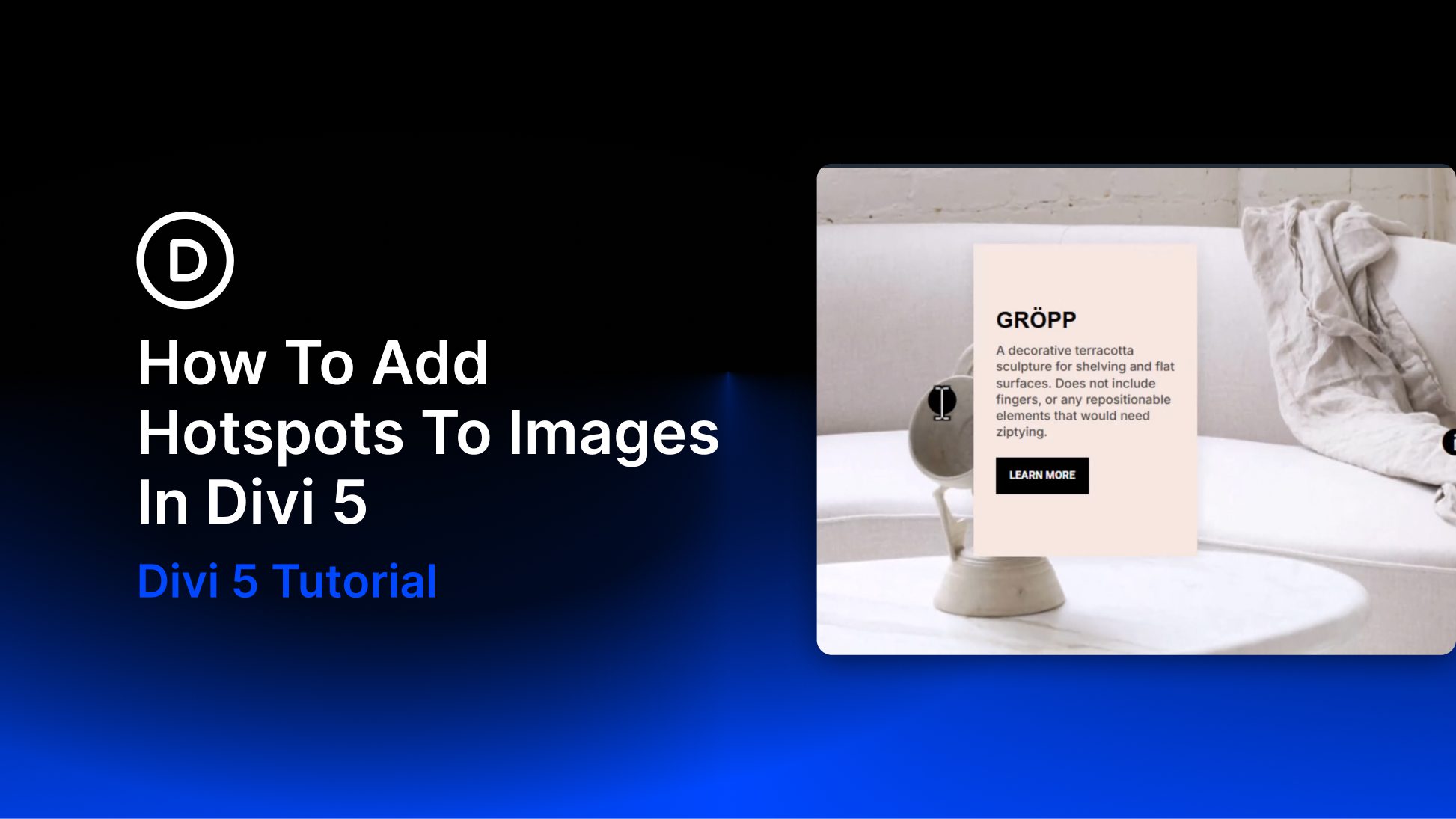
Showing less is sometimes how you say more. Put every detail on the page at once and visitors tune out. Strip back too much and you lose the context that builds trust. Hotspots solve that by hiding detail behind small, clickable markers placed exactly where attention already is.
With Divi 5, you can build hotspots visually using Interactions, Module Groups, Canvases, and the Canvas Portal Module. No custom code required.
What Are Image Hotspots?
Hotspots are clickable or hoverable zones layered over an image, graphic, or section background. Each marker sits at a precise point, and when a visitor interacts with it, supporting content appears right there: a short label, a tooltip, a product card, or a richer content panel.


