
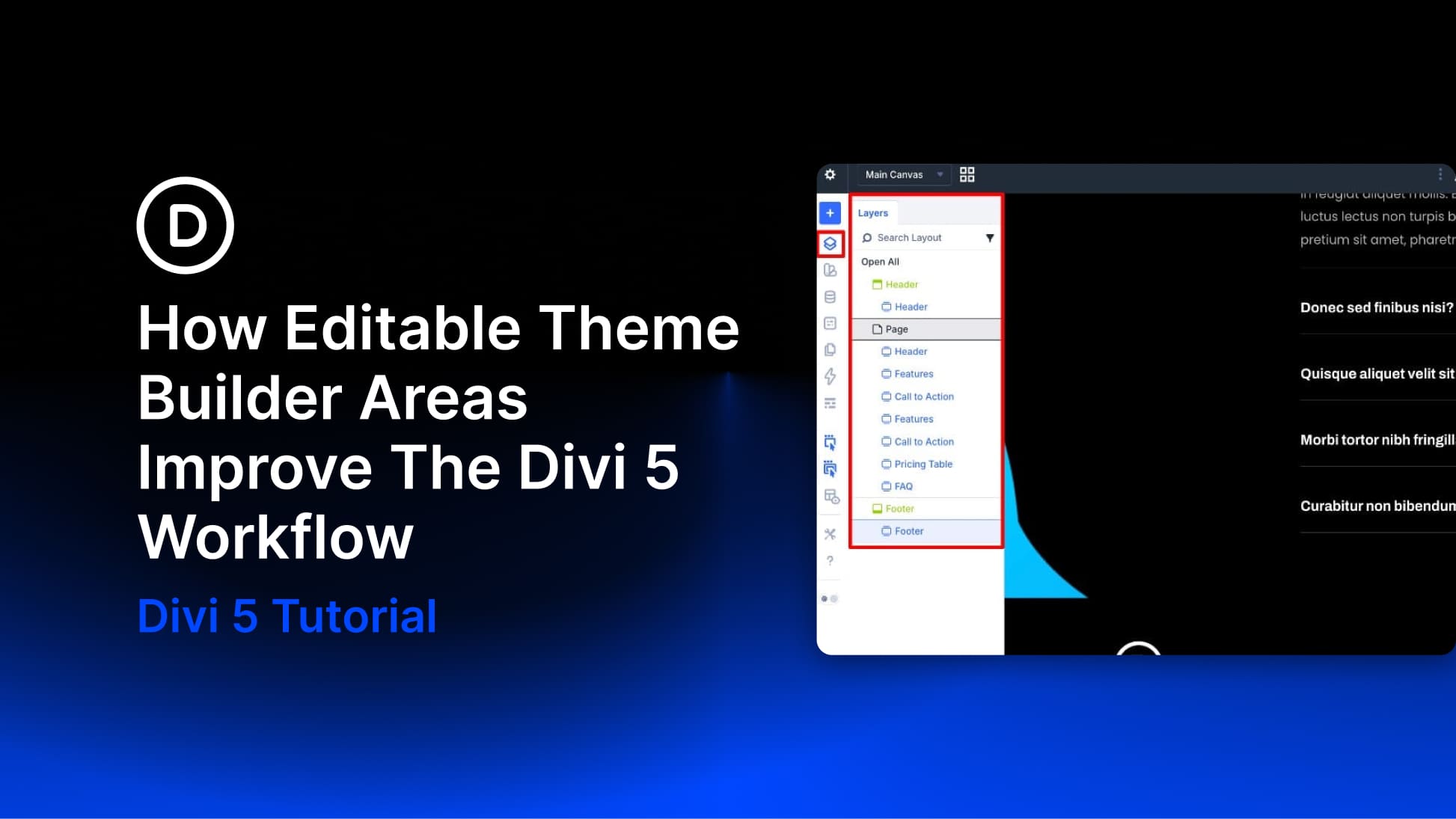
Building a complete website in Divi has traditionally involved a fair amount of back-and-forth. You’d work on a page, notice something off in the header or footer, exit the builder, open the Theme Builder, make the fix, and then return to the page you were editing. It wasn’t a dealbreaker, but it added friction to a full-site build with multiple templates and global elements in play.
Divi 5 now lets you edit Theme Builder areas directly in the builder, regardless of whether you’re working on a page or a template-generated view. That sounds like a small change until you consider how much of a site build happens in those constant trips between content editing and template editing.
What Is Full Site Editing In Divi 5?
Divi has always been more than a page builder. With the Theme Builder, you could already create custom headers, footers, blog post templates, product templates, category templates, and other structural parts of your site. What changes in Divi 5 is the editing experience.


