
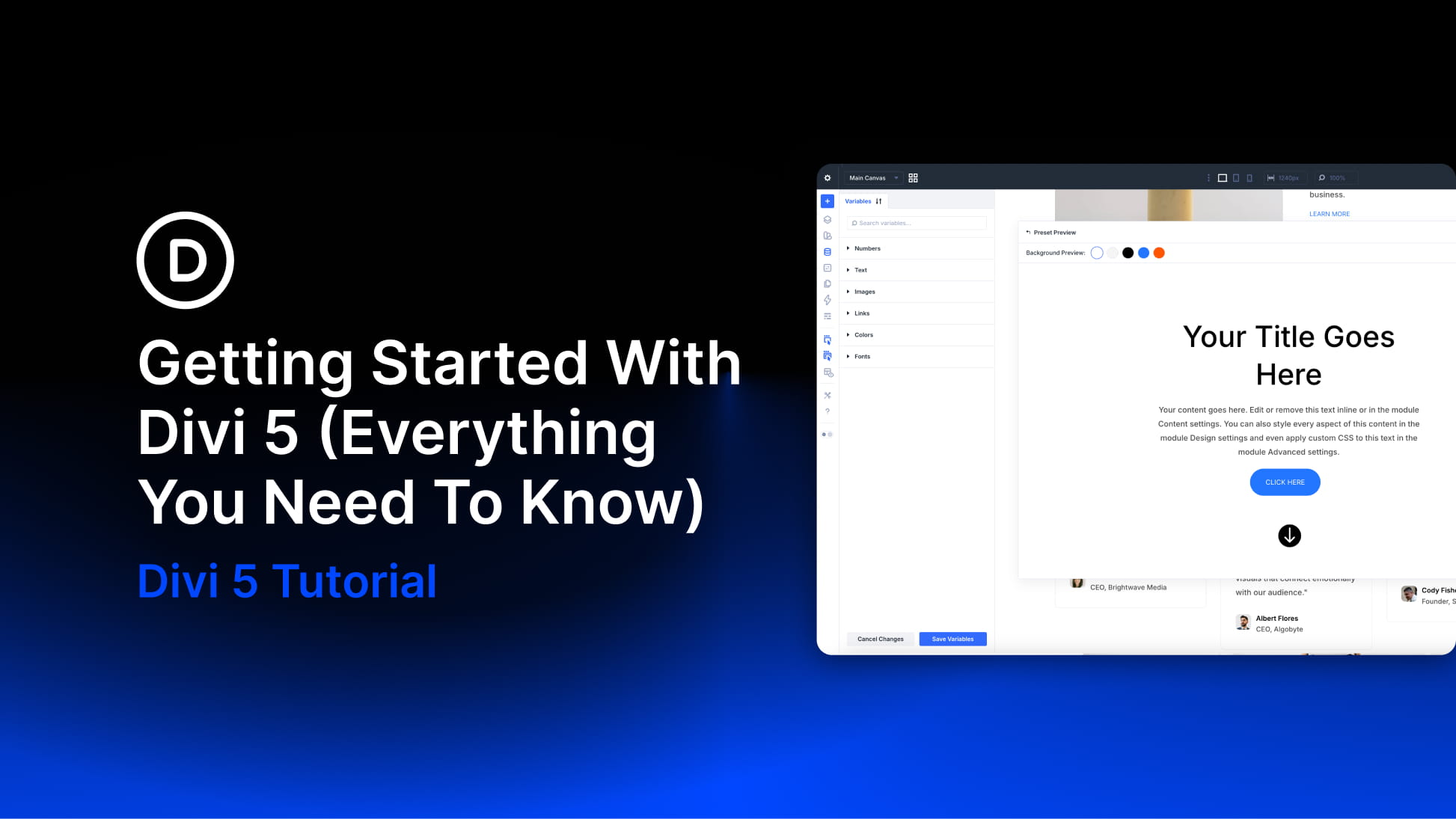
Divi 5 represents a shift from a traditional page builder to a modern design system built for long-term scalability. It combines the familiar drag-and-drop Visual Builder with new features like Flexbox and CSS Grid support, infinite nesting for complex layouts, global Design Variables for effortless consistency, and dynamic features like the Loop Builder and Interactions, all within one cohesive system. It enables lighter page output, smarter page rendering, fast builder performance, and a scalable foundation ready for tomorrow’s web standards.
In this post, we’ll cover everything you need to know about Divi 5, including how to get started, a full tour of the revamped Visual Builder, and insights into the new features that set it apart from other page builders.
What you’ll learn in this post:
- How Divi 5 works and what changed under the hood
- A tour of the Visual Builder and where the core tools live
- How to build modern layouts with Flexbox and CSS Grid
- How to stay consistent using Design Variables and Presets
- How dynamic features like Loop Builder and Interactions work
- How migration and backward compatibility work if you’re upgrading
Before You Begin
If you’re starting from scratch, the steps below will get you from a fresh WordPress install to your first Divi 5 page in minutes.
- Install WordPress on your domain and hosting.
- In WordPress, go to Appearance and upload/activate the Divi 5 theme (from your Elegant Themes Members Area download).
- Create a new page and click Edit With Divi to launch the Visual Builder.
- Choose a starting point: a premade Layout Pack, Divi Quick Sites, or a blank page.
Do I Need To Switch Over To Divi 5?
Yes. Divi 5 is now officially the version you should use to build your websites. It delivers a faster Visual Builder, modern layout tools like Flexbox and CSS Grid, and a rebuilt foundation designed for long-term performance and scalability.
If you are starting a new website, you should begin directly in Divi 5. There is no advantage to starting on Divi 4, because anything you build in Divi 5 is native from day one. If you have an existing Divi 4 website, you should still switch, but do it safely.
Divi 5 includes a Backward Compatibility System that uses the Divi 4 framework only where needed, on a per-page and even per-module basis. This keeps your existing layouts and third-party modules stable while you transition, so you can move over without rebuilding everything at once.
Important: Always migrate on a staging site first. Even with backward compatibility, staging gives you a zero-risk place to run the compatibility scan, confirm your key pages and Theme Builder templates render correctly, and test third-party extensions before making any changes on your live site.
The safest approach is:
- New site: Start directly in Divi 5.
- Existing site: Create a staging site, run the Divi 5 Migrator compatibility scan, review the report, migrate on staging, then repeat the same migration steps on your live site only after everything checks out.
- Mixed sites: Expect a transition period. Backwards compatibility may be needed while third-party products catch up with Divi 5, allowing your site to keep working smoothly as those tools become fully compatible over time.


