
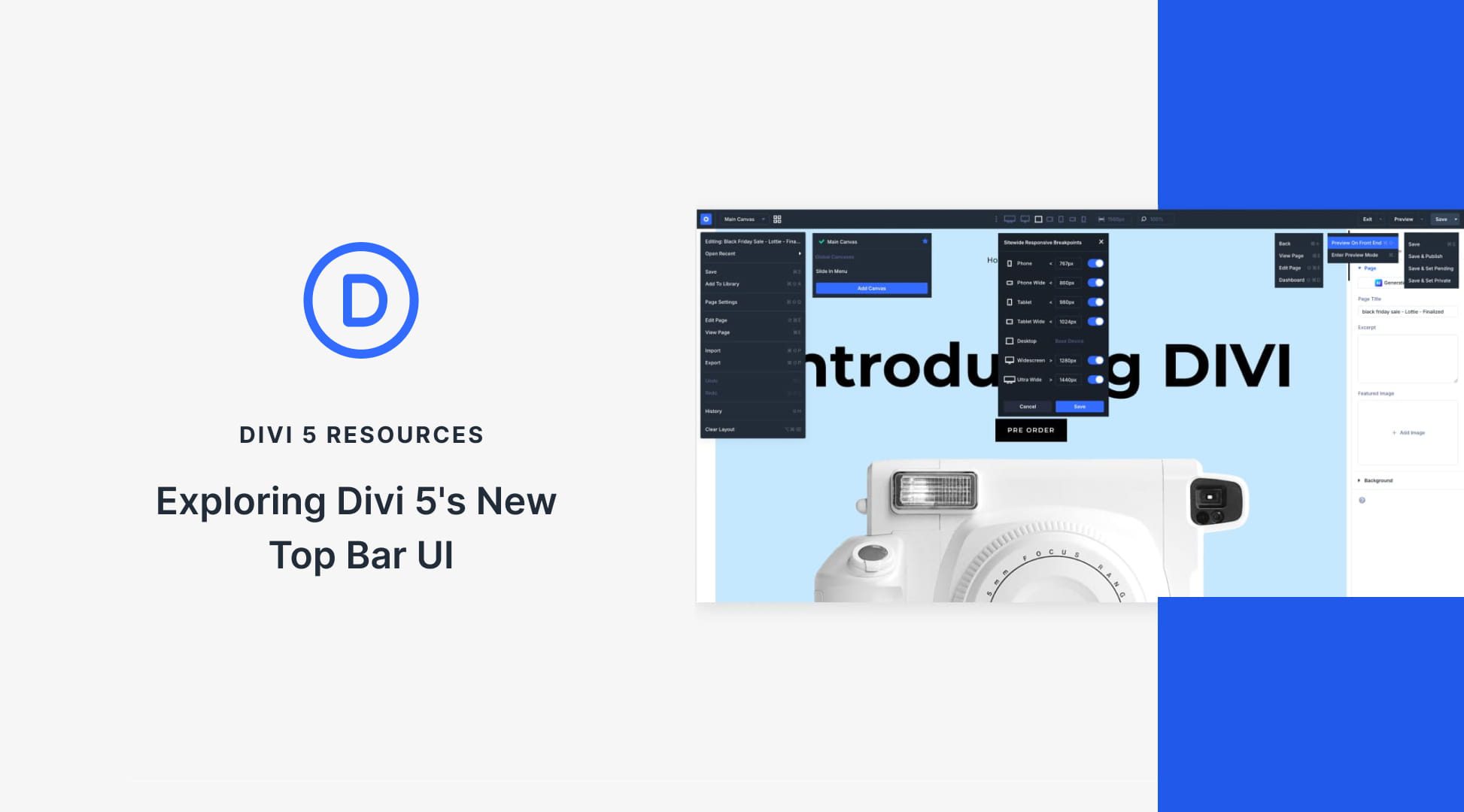
The top navigation bar sits at the center of everything you do in Divi. So even small changes to how it’s organized can shift the entire editing experience. As Divi 5 brought in more tools and shortcuts, the top bar started carrying too much at once. Finding something as simple as the preview button took more attention than it should have.
This update reorganizes the top bar to fix that. We’ll walk you through what changed, where everything lives now, and how it fits into your editing workflow.


