
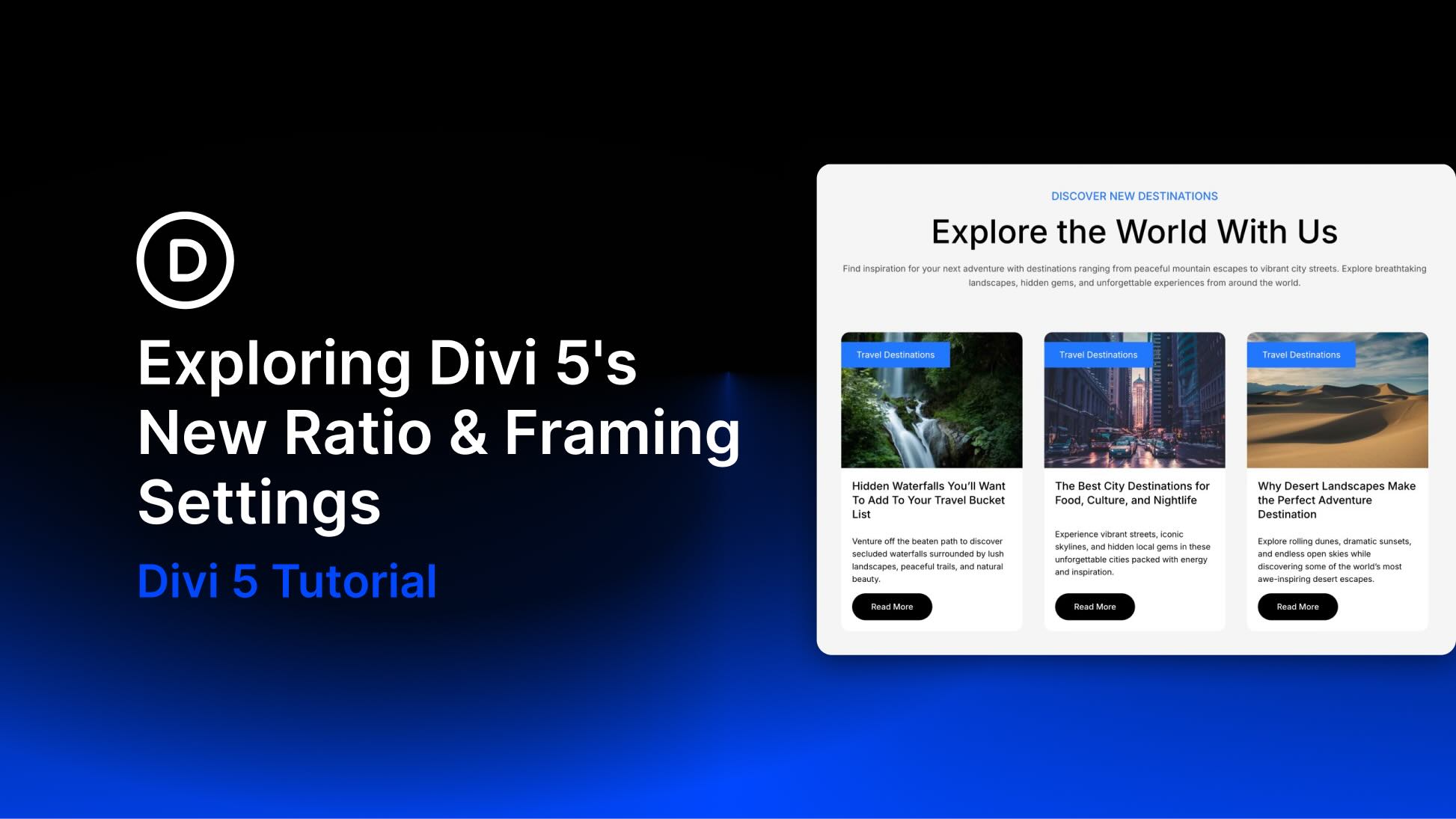
Inconsistent image sizes can make an otherwise polished layout feel unfinished. Blog grids lose alignment, galleries crop awkwardly, and responsive layouts can shift in ways that make images feel disconnected from the rest of the design.
Divi 5 gives you a better way to handle that with new Aspect Ratio, Image Framing, and Image Preset tools. Aspect Ratio helps you keep elements proportional. Image Framing controls how images fit and sit inside those proportions. Image Presets let you reuse image styling across modules that display images.
In this post, we’ll walk through what each setting does, where to find it, and how to combine these tools for cleaner grids, better crops, and more consistent image styling across your site.
What Changed In Divi 5?
Divi 5’s new image workflow is built around three related updates.
- Aspect Ratio: A setting in the Sizing option group that keeps an element’s width and height in a defined proportion as it scales.
- Image Framing: Fit and position controls that decide how an image fills its frame and which part of the image stays visible.
- Image Presets: Preset support for the Image option group, making it easier to reuse image styles such as borders, shadows, filters, and framing.
These features are most useful when they work together. Aspect Ratio creates the frame. Image Framing controls how the image behaves inside that frame. Presets help you reuse the same image treatment across modules and pages.


