
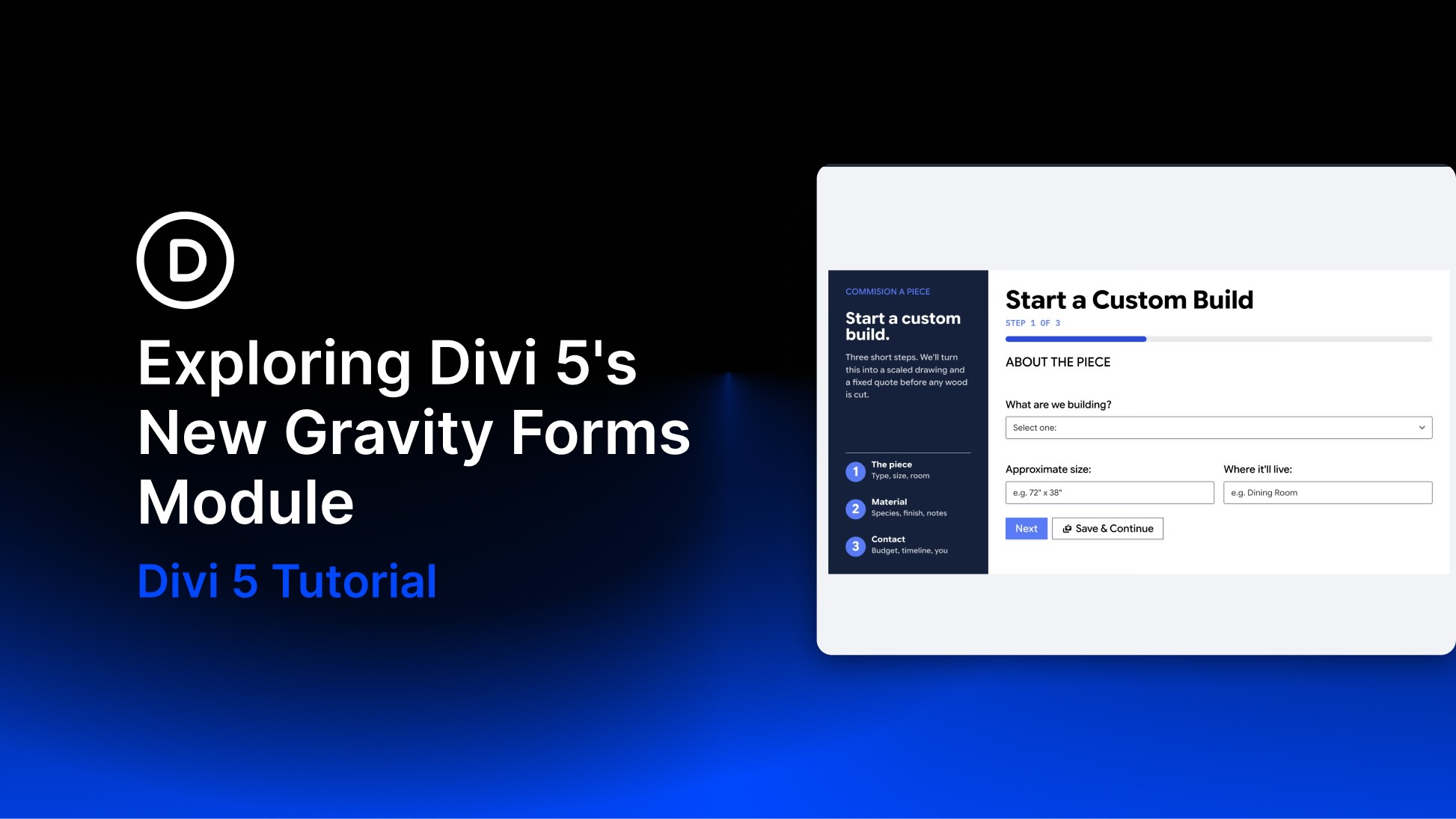
Gravity Forms is one of the most popular tools for building contact forms, multi-page applications, and lead forms in WordPress. Previously, adding one to a Divi page relied on a shortcode, while matching its fields, buttons, and validation states to the surrounding design often required custom CSS. Divi 5 adds a native Gravity Forms Module to the Visual Builder, allowing you to select an existing form, preview it, and style its output with Divi’s design settings.
In this post, we’ll explore what the module does and show you how to add, configure, style, and test a Gravity Form across breakpoints. We’ll also explain how to import the downloadable example layouts.


